
What is an IPv4 Address and Why is it Important?
This post introduces IPv4 addresses to networking beginners, explaining what they are, how they are formatted in dotted-decimal notation, and why they are essential for identifying and locating devices on a network. It includes a real-world analogy, CLI examples, and an introduction to public versu

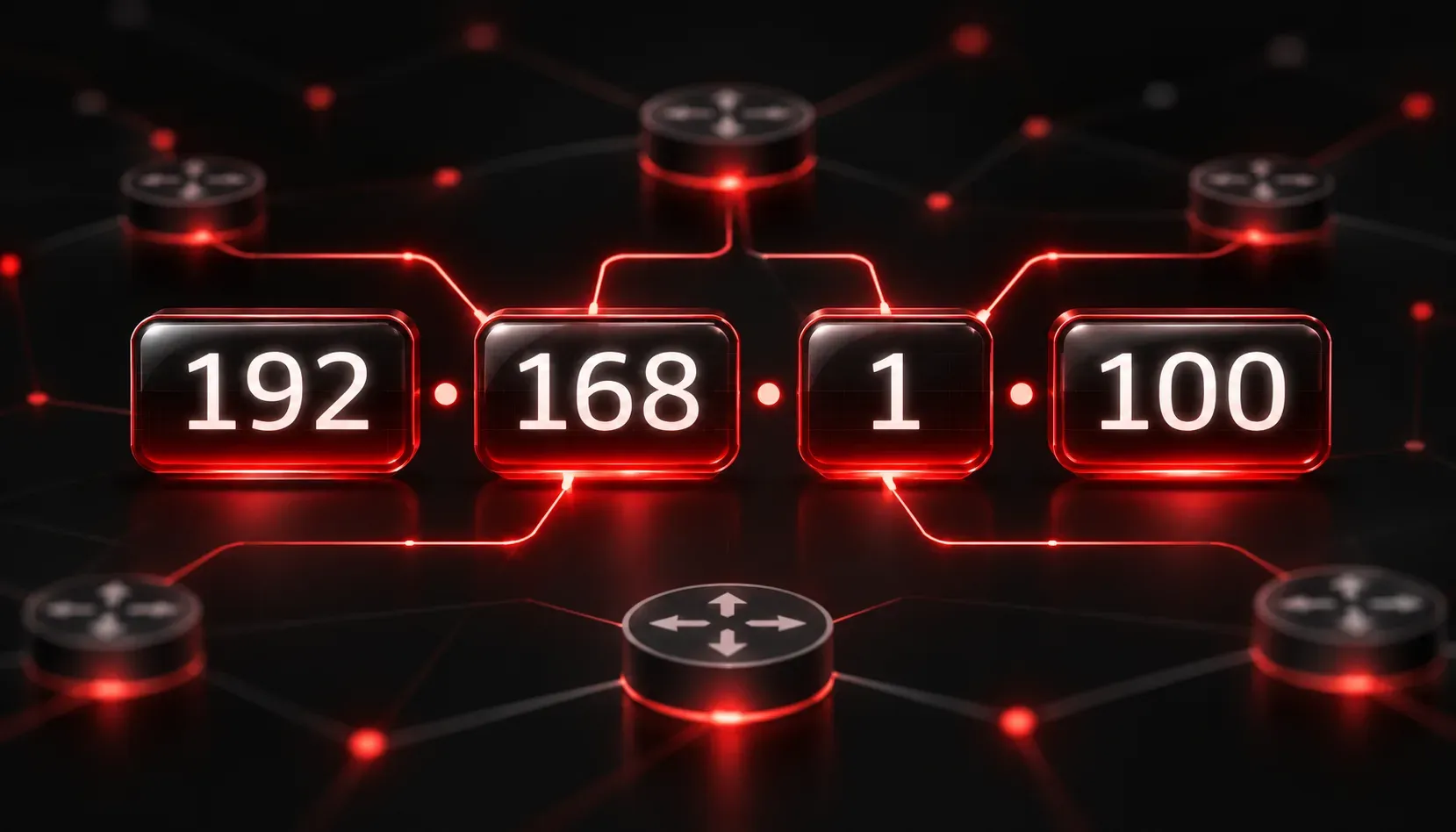
Every device that communicates on a network needs an address. Just like your home has a street address so the postal service can deliver mail to the right location, every computer, phone, printer, and router needs an address so data can be delivered to the right destination. That address is called an IP address, and understanding it is one of the most foundational skills in networking.
What is an IPv4 Address?
IPv4 stands for Internet Protocol version 4. It is the fourth version of the Internet Protocol and the one most widely used to identify devices on networks today. An IPv4 address is a 32-bit numerical label assigned to each device participating in a network that uses the Internet Protocol for communication.
In plain language: it is a number that uniquely identifies a device on a network, whether that network is your home Wi-Fi, your company's office network, or the global internet.
An IPv4 address looks like this:
192.168.1.10That format is called dotted-decimal notation. The address is divided into four groups of numbers separated by dots. Each group is called an octet, because it represents 8 bits of the full 32-bit address. Each octet can hold a value between 0 and 255.
Breaking Down the Format
Here is a simple example to visualize the structure:
IP Address:   192  .  168  .  1  .  10
              ----    ----    -    --
Octet:          1       2    3     4
Bits:           8       8    8     8   = 32 bits total
Because each octet is 8 bits and there are 4 octets, the total address size is 32 bits. That gives us a theoretical maximum of about 4.3 billion unique addresses (2 to the power of 32). That sounds like a lot, but as the internet grew, the world started running out of IPv4 addresses, which is part of why IPv6 was developed. We will cover that in a future post.
Why Does IPv4 Matter?
Understanding IP address basics is essential because IP addresses serve two critical functions in a network:
- Identification: An IP address identifies which specific device is sending or receiving data.
- Location: It tells the network where that device is located so routers can forward data to the right destination.
Think of it this way: if you want to send a letter, you need two things on the envelope: the recipient's name (identification) and their street address (location). An IPv4 address handles both of those jobs in a network.
A Real-World Example
When you open a browser and visit a website, your computer sends a request to a web server. That request includes your device's IP address as the source and the web server's IP address as the destination. Routers along the path read those addresses and forward the data until it arrives at the correct server, which then sends the webpage back to your device.
You can see your own device's IP address by running a simple command. On Windows:
C:\> ipconfig

Ethernet adapter Local Area Connection:
   IPv4 Address. . . . . . . . . . . : 192.168.1.100
   Subnet Mask . . . . . . . . . . . : 255.255.255.0
   Default Gateway . . . . . . . . . : 192.168.1.1
On Linux or macOS:
$ ip addr show
inet 192.168.1.100/24 brd 192.168.1.255 scope global eth0
That number next to inet or IPv4 Address is your device's current IP address on the local network.
Public vs. Private IPv4 Addresses
Not all IPv4 addresses work the same way. There are two main categories:
- Public addresses: Unique across the entire internet, used to communicate with devices outside your local network.
- Private addresses: Reserved for use inside local networks (like your home or office), not routable on the public internet. Common examples include
192.168.x.x,10.x.x.x, and172.16.x.xthrough172.31.x.x.
We will dig much deeper into public and private addressing, along with subnetting, in upcoming posts in this series.
What's Next?
Now that you understand what an IPv4 address is and why it is critical to network communication, the next step is learning how those addresses are structured at the binary level. In the next post, we will explore how IPv4 addresses are represented in binary, which is the foundation you need to fully understand subnetting and network address calculations.