
DNS Deep Dive: How Name Resolution Actually Works
A comprehensive walkthrough of DNS name resolution, covering the journey from stub resolver to authoritative servers, DNS record types, and practical tools like dig and nslookup. Includes DNS caching and TTL concepts for complete understanding.

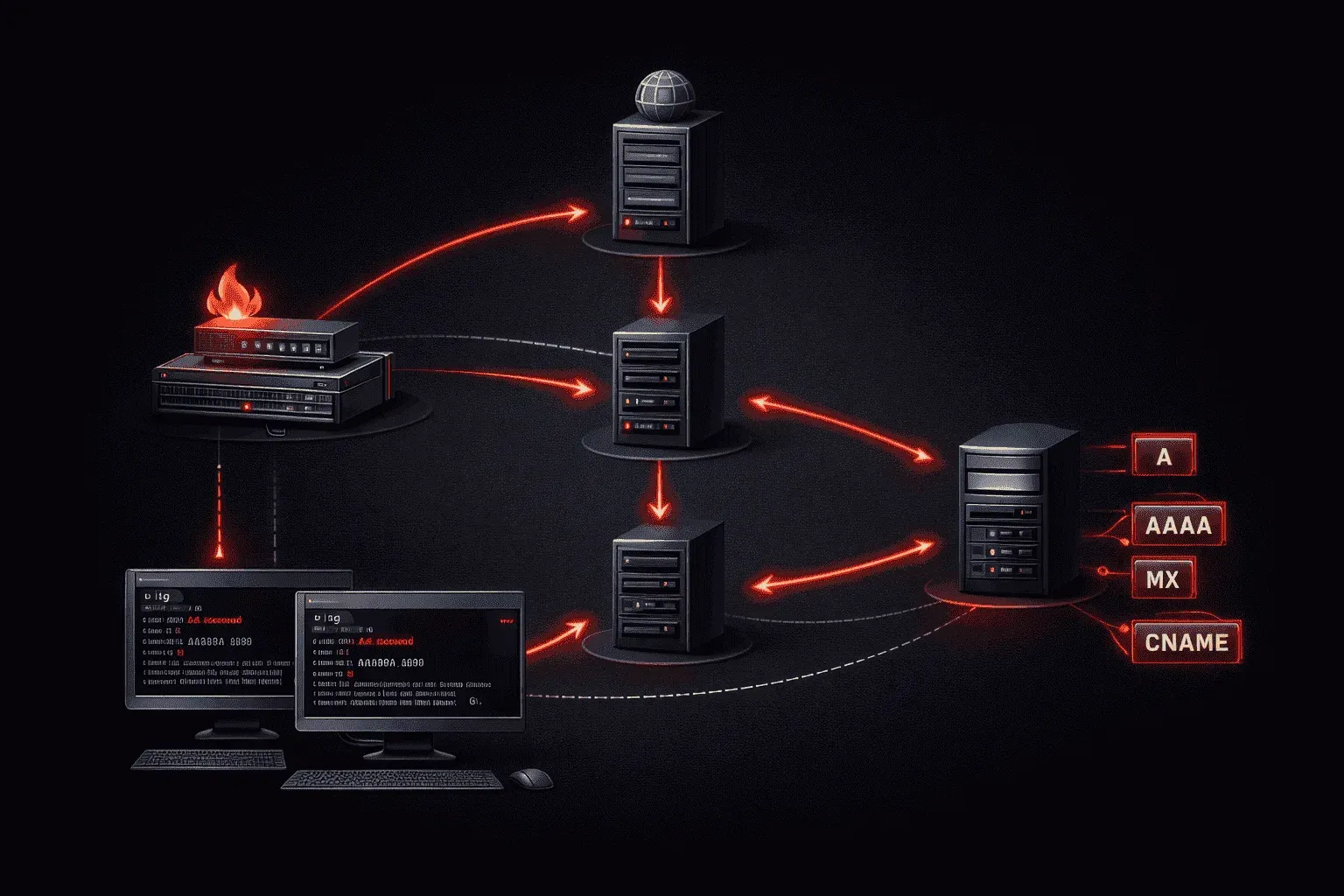
When you type www.google.com into your browser, an intricate dance of DNS queries happens behind the scenes in milliseconds. Understanding this DNS deep dive reveals one of the internet's most critical yet invisible systems, the process that transforms human-readable domain names into IP addresses that computers actually use.
The DNS Resolution Journey
Name resolution follows a hierarchical path involving multiple server types, each with a specific role in the process.
1. Stub Resolver
Your computer's stub resolver is the first component in the chain. It's a simple DNS client that knows how to ask questions but not how to chase down complex answers. When an application needs to resolve a domain name, it hands the request to the stub resolver.
2. Recursive Resolver
The recursive resolver (typically your ISP's DNS server or public resolvers like 8.8.8.8) does the heavy lifting. It receives your query and promises to find the complete answer, no matter how many other DNS servers it needs to contact.
3. Root Servers
The 13 logical root servers worldwide are the starting point for all DNS queries. They don't know where www.google.com lives, but they know which servers handle the .com top-level domain.
4. TLD Servers
Top-Level Domain servers manage domains like .com, .org, and .net. They direct queries to the authoritative name servers for specific domains.
5. Authoritative Servers
These servers contain the actual DNS records for a domain. Google's authoritative servers know exactly where www.google.com points.
DNS Record Types Explained
DNS records store different types of information about a domain:
- A Record: Maps a domain to an IPv4 address (192.168.1.1)
- AAAA Record: Maps a domain to an IPv6 address
- CNAME Record: Creates an alias pointing to another domain name
- MX Record: Specifies mail servers for email delivery
- NS Record: Identifies the authoritative name servers for a domain
- PTR Record: Enables reverse DNS lookups (IP to domain name)
- TXT Record: Stores arbitrary text data, often used for verification
DNS Tools in Action
The dig command provides detailed DNS query information. Let's trace a complete DNS lookup:
dig +trace www.google.com

; <<>> DiG 9.10.6 <<>> +trace www.google.com
;; RECEIVED 525 BYTES FROM 8.8.8.8#53
;; Received 239 bytes from 198.41.0.4#53(a.root-servers.net)
;; Received 1173 bytes from 192.12.94.30#53(e.gtld-servers.net)
;; Received 111 bytes from 216.239.32.10#53(ns1.google.com)

www.google.com.		300	IN	A	142.250.191.68
For simpler queries, nslookup works well:
nslookup www.google.com
Server:		8.8.8.8
Address:	8.8.8.8#53

Non-authoritative answer:
Name:	www.google.com
Address: 142.250.191.68
To query specific DNS records:
dig MX google.com
dig TXT google.com
dig NS google.com
DNS Caching and TTL
DNS caching dramatically improves performance by storing query results temporarily. Each DNS record includes a Time To Live (TTL) value specifying how long resolvers should cache the answer.
In the Google example above, the TTL of 300 seconds means resolvers will cache this A record for 5 minutes before querying again. Shorter TTLs enable faster updates but increase DNS traffic, while longer TTLs reduce queries but delay propagation of changes.
Your operating system also maintains a DNS cache. On Linux, you can flush it with:
sudo systemctl restart systemd-resolvedUnderstanding DNS caching explains why DNS changes don't appear instantly across the internet; cached records must expire first.
What's Next
Now that you understand how DNS resolution works, our next post will explore DNS security concerns, including DNS poisoning, DNSSEC, and DNS over HTTPS (DoH). We'll also cover practical DNS troubleshooting techniques for network engineers.