
Understanding EIGRP Loop-Free Path Selection and Troubleshooting
Deep dive into EIGRP's loop-free path selection using RD, FD, and FC relationships, plus comprehensive troubleshooting techniques for Stuck in Active scenarios that commonly challenge network engineers.

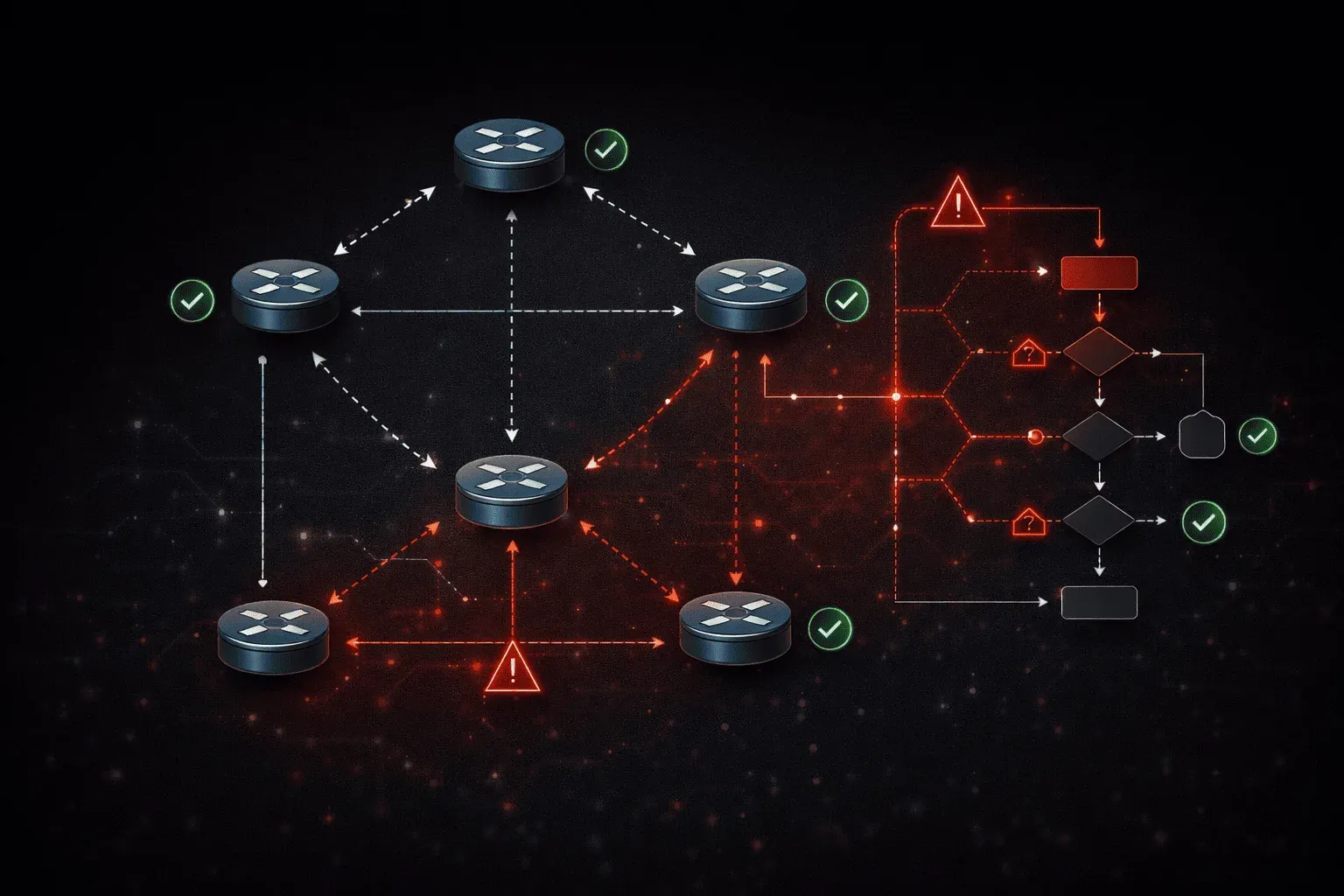
EIGRP's loop-free path selection mechanism is one of the most sophisticated aspects of the protocol, yet it's frequently misunderstood during troubleshooting scenarios. When network engineers encounter convergence issues or the dreaded "Stuck in Active" (SIA) condition, understanding the intricate relationship between Reported Distance (RD), Feasible Distance (FD), and Feasibility Condition (FC) becomes critical for rapid resolution.
EIGRP Loop Prevention Fundamentals
EIGRP prevents loops through the Diffusing Update Algorithm (DUAL), which relies on three key metrics and conditions. The Feasible Distance (FD) represents the lowest calculated distance to a destination since the last time the route went active. The Reported Distance (RD) is the distance to the destination as advertised by an upstream neighbor. The Feasibility Condition (FC) states that for a path to be considered loop-free, the RD must be less than the current FD.
Let's examine a practical scenario where these concepts interact:
Router1# show ip eigrp topology 192.168.100.0/24
EIGRP-IPv4 Topology Entry for AS(100)/ID(1.1.1.1) for 192.168.100.0/24
  State is Passive, Query origin flag is 1, 1 Successor(s), FD is 2816
  Descriptor Blocks:
  10.1.12.2 (GigabitEthernet0/1), from 10.1.12.2, Send flag is 0x0
      Composite metric is (2816/256), route is Internal
      Vector metric:
        Minimum bandwidth is 1000000 Kbit
        Total delay is 5110 microseconds
  10.1.13.3 (GigabitEthernet0/2), from 10.1.13.3, Send flag is 0x0
      Composite metric is (3072/512), route is Internal
      Vector metric:
        Minimum bandwidth is 1000000 Kbit
        Total delay is 5120 microseconds
In this output, Router1 has a successor via 10.1.12.2 with FD of 2816. The path via 10.1.13.3 has an RD of 512, which is less than the FD of 2816, satisfying the feasibility condition and making it a feasible successor.
Successor Types and Path Selection
EIGRP maintains different types of successors based on path viability. The successor is the best path currently installed in the routing table. Feasible successors are backup paths that satisfy the feasibility condition and can be immediately used if the successor fails. Non-feasible successors are paths that don't meet the FC and would require a query process if considered.
When troubleshooting EIGRP loop-free path issues, verify successor relationships using detailed topology commands:
Router1# show ip eigrp topology all-links 192.168.100.0/24
EIGRP-IPv4 Topology Entry for AS(100)/ID(1.1.1.1) for 192.168.100.0/24
  State is Passive, Query origin flag is 1, 1 Successor(s), FD is 2816
  Descriptor Blocks:
  10.1.12.2 (GigabitEthernet0/1), from 10.1.12.2, Send flag is 0x0
      Composite metric is (2816/256), route is Internal
      Vector metric:
        Minimum bandwidth is 1000000 Kbit
        Total delay is 5110 microseconds
        Reliability is 255/255
        Load is 1/255
        Minimum MTU is 1500
        Hop count is 1
        Originating router is 2.2.2.2
  10.1.13.3 (GigabitEthernet0/2), from 10.1.13.3, Send flag is 0x0
      Composite metric is (3072/512), route is Internal
      Vector metric:
        Minimum bandwidth is 1000000 Kbit
        Total delay is 5120 microseconds
        Reliability is 255/255
        Load is 1/255
        Minimum MTU is 1500
        Hop count is 1
        Originating router is 2.2.2.2
Troubleshooting Feasibility Condition Violations
When the feasibility condition is violated, EIGRP must send queries to find alternative paths. This process can lead to the most challenging EIGRP troubleshooting scenario: Stuck in Active conditions. Monitor for FC violations using:
Router1# debug eigrp fsm
EIGRP-IPv4(100): Start FS for 192.168.100.0/24. RD=256, FD=2816, RDB=1
EIGRP-IPv4(100): Find FS for 192.168.100.0/24. RD=4096, FD=2816, RDB=1
EIGRP-IPv4(100): 192.168.100.0/24 - doesn't meet FC
EIGRP-IPv4(100): RT installed 192.168.100.0/24 via 10.1.12.2
Diagnosing Stuck in Active Conditions
Stuck in Active scenarios occur when EIGRP queries propagate through the network, but replies don't return within the Active Timer period (default 180 seconds). This typically happens due to query scoping issues, unidirectional links, or neighbors that have failed but haven't been detected by the hello mechanism.
When troubleshooting EIGRP stuck in active conditions, start with these diagnostic commands:
Router1# show ip eigrp topology active
EIGRP-IPv4 Topology Table for AS(100)/ID(1.1.1.1)
Codes: P - Passive, A - Active, U - Update, Q - Query, R - Reply

A 192.168.200.0/24, 0 successors, FD is Inaccessible
    via 10.1.12.2 (Infinity/Infinity), GigabitEthernet0/1, serno 45
    via 10.1.13.3 (Infinity/Infinity), GigabitEthernet0/2, serno 46
The route shows as Active with Infinity metrics, indicating queries are outstanding. Check query status and outstanding replies:
Router1# show ip eigrp topology 192.168.200.0/24
EIGRP-IPv4 Topology Entry for AS(100)/ID(1.1.1.1) for 192.168.200.0/24
  State is Active, Query origin flag is 1, 0 Successor(s), FD is Inaccessible
  Queries outstanding: 2
  Descriptor Blocks:
  10.1.12.2 (GigabitEthernet0/1), from 10.1.12.2, Send flag is 0x2
      Composite metric is (4294967295/4294967295), route is Internal
  10.1.13.3 (GigabitEthernet0/2), from 10.1.13.3, Send flag is 0x2
      Composite metric is (4294967295/4294967295), route is Internal
Advanced SIA Troubleshooting Techniques
For persistent SIA conditions, examine neighbor relationships and query propagation patterns. Use the SIA-Query and SIA-Reply mechanisms to identify where queries are getting stuck:
Router1# debug eigrp packets query reply
EIGRP-IPv4(100): Sending QUERY on GigabitEthernet0/1 - paklen 45
EIGRP-IPv4(100): Sending QUERY on GigabitEthernet0/2 - paklen 45
EIGRP-IPv4(100): Received SIA-QUERY on GigabitEthernet0/1 nbr 10.1.12.2
EIGRP-IPv4(100): Sending SIA-REPLY on GigabitEthernet0/1 nbr 10.1.12.2
SIA-Queries help maintain neighbor relationships during extended convergence periods. If SIA replies aren't received, EIGRP will reset the neighbor relationship to prevent indefinite Active states.
Preventive Measures and Best Practices
Implement query boundary techniques, such as route summarization and stub configurations, to limit the query scope. Configure EIGRP stub routing on access layer devices:
Router(config)# router eigrp 100
Router(config-router)# eigrp stub connected summary
This configuration prevents the router from participating in query processes beyond its directly connected and summary routes, significantly reducing SIA potential in hierarchical designs.
Monitor Active Timer values and adjust if necessary for networks with high latency or processing delays:
Router(config)# router eigrp 100
Router(config-router)# timers active-time 120
What's Next
With EIGRP loop-free path selection and SIA troubleshooting covered, the next critical area involves understanding EIGRP route filtering and manipulation techniques. This includes implementing distribute-lists, prefix-lists, and route-maps to control EIGRP advertisement behavior and optimize convergence in complex enterprise environments.