
Explaining WAN: The Network Beyond Your Home
This post explains what a Wide Area Network (WAN) is, how it differs from a LAN, and provides real-world WAN examples. It covers the role of routers at the WAN edge and why this concept is important for the CCST Networking exam.

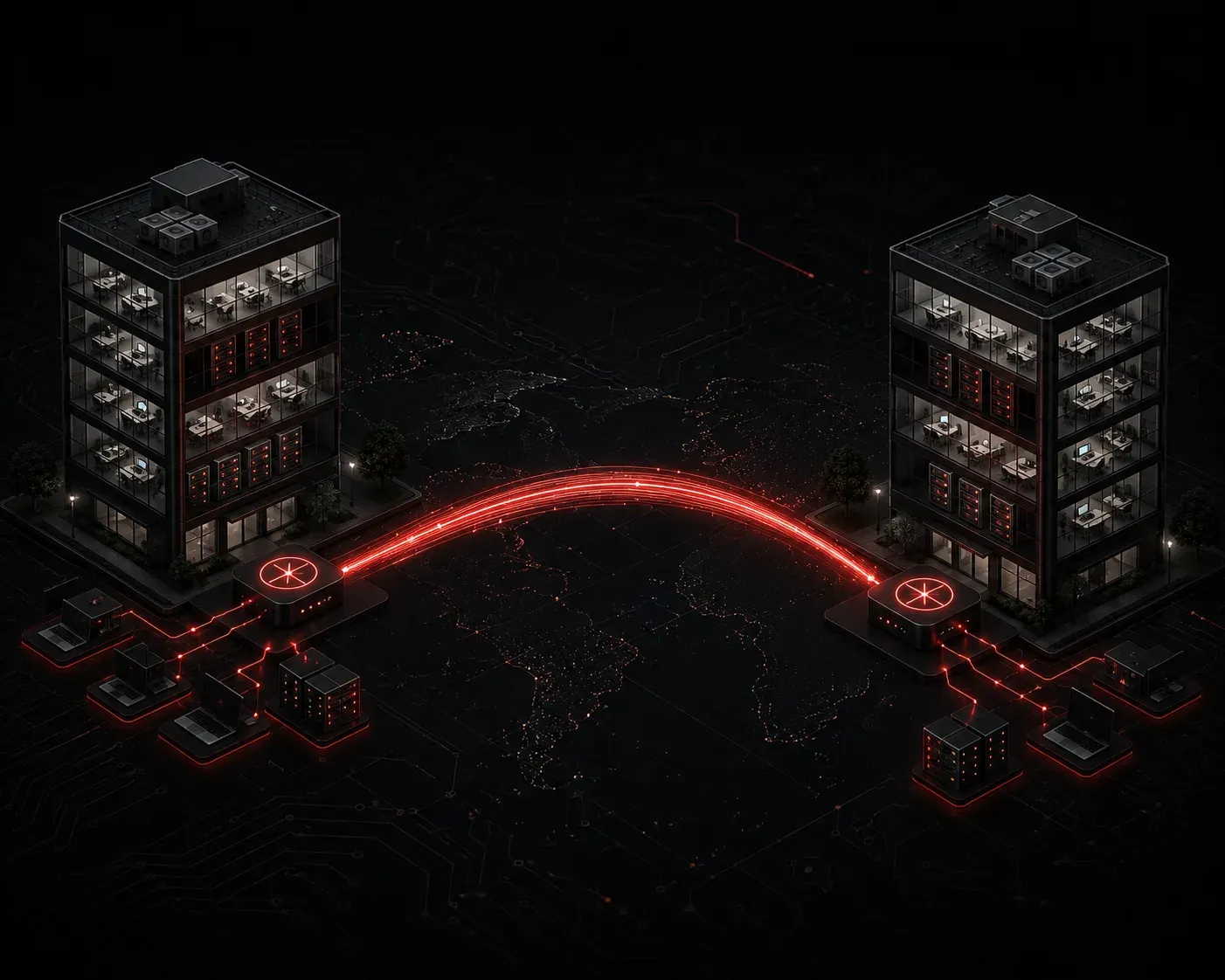
You've probably heard the term "WAN" thrown around when people talk about internet connections or corporate networks. But what exactly is a WAN, and why does it matter for networking? Let's break it down in a way that actually makes sense.
What Is a WAN?
A Wide Area Network (WAN) is a network that spans a large geographic area, connecting devices and smaller networks that are far apart from each other. When you ask "what is WAN," the simplest answer is this: it's the network that connects your local network to the rest of the world.
The internet itself is the largest WAN in existence. But WANs aren't just the public internet. A company with offices in New York, London, and Tokyo might use a private WAN to connect all three locations securely, as if they were all on the same internal network.
WAN vs LAN: What's the Difference?
To understand WANs, it helps to compare them to something more familiar: the Local Area Network, or LAN.
- LAN (Local Area Network): covers a small area, like a home, office, or school building. You own and manage the equipment yourself.
- WAN (Wide Area Network): covers large geographic distances, sometimes spanning countries or continents. You typically rely on a service provider to deliver the connection.
Here's a practical way to think about WAN vs LAN: the Wi-Fi in your house is your LAN. The cable or fiber line coming in from your Internet Service Provider (ISP) is your WAN connection. Everything behind your router is LAN territory. Everything beyond it is WAN territory.
One other key difference is ownership. With a LAN, you own the switches, routers, and cables. With a WAN, you're usually leasing bandwidth or a circuit from a telecom provider. That's why your ISP bill exists.
WAN Examples in the Real World
Let's look at some concrete WAN examples so this concept clicks:
- The public internet: the most obvious example. Millions of interconnected networks forming one massive global WAN.
- MPLS networks: large enterprises often use Multiprotocol Label Switching (MPLS) circuits leased from a carrier to connect branch offices privately and reliably.
- SD-WAN: a newer approach where software manages WAN connections intelligently, often combining multiple link types like broadband, LTE, and MPLS.
- Leased lines: dedicated point-to-point connections between two locations, commonly used when a company needs consistent, guaranteed bandwidth.
How Does Data Travel Across a WAN?
On a LAN, your data moves through switches using MAC addresses. On a WAN, the handoff happens at the router. Your router is the device that sits at the edge between your LAN and the WAN. It's responsible for forwarding packets out to the wider network using IP addresses.
When your laptop sends a request to a website, the data travels from your laptop to your home router (LAN), then out through your ISP's infrastructure (WAN), across potentially dozens of routers, until it reaches the destination server. The response comes back the same way in reverse.
A simple way to visualize the boundary looks like this:
[Your Laptop] --> [Home Router] --> [ISP Network] --> [Internet]
     LAN                LAN/WAN Edge        WAN              WAN
The router's interface facing your ISP is typically called the WAN interface. On many home routers, you'll literally see a port labeled "WAN" where the ISP cable plugs in.
Why WANs Matter for the CCST Exam
The CCST Networking exam expects you to understand the difference between network types and recognize where WANs fit in the bigger picture. You should be comfortable identifying whether a scenario describes a LAN, WAN, or something in between. Think about scope and ownership: local and self-managed means LAN; geographically distributed and carrier-delivered means WAN.
What's Next
Now that you understand what a WAN is and how it differs from a LAN, the next step is exploring the devices that sit at the WAN edge. In the next post, we'll take a closer look at routers: what they do, how they forward traffic, and why they're essential to both LAN and WAN communication. Understanding routers is the bridge between knowing what these networks are and understanding how they actually work.