
Flexible NetFlow Templates: Configuration and Use Cases
Flexible NetFlow templates let engineers define exactly which traffic fields are collected and exported, enabling purpose-built monitoring for security, QoS verification, and capacity planning. This post covers the full FNF architecture including flow records, exporters, and monitors with complete

What Makes Flexible NetFlow Different
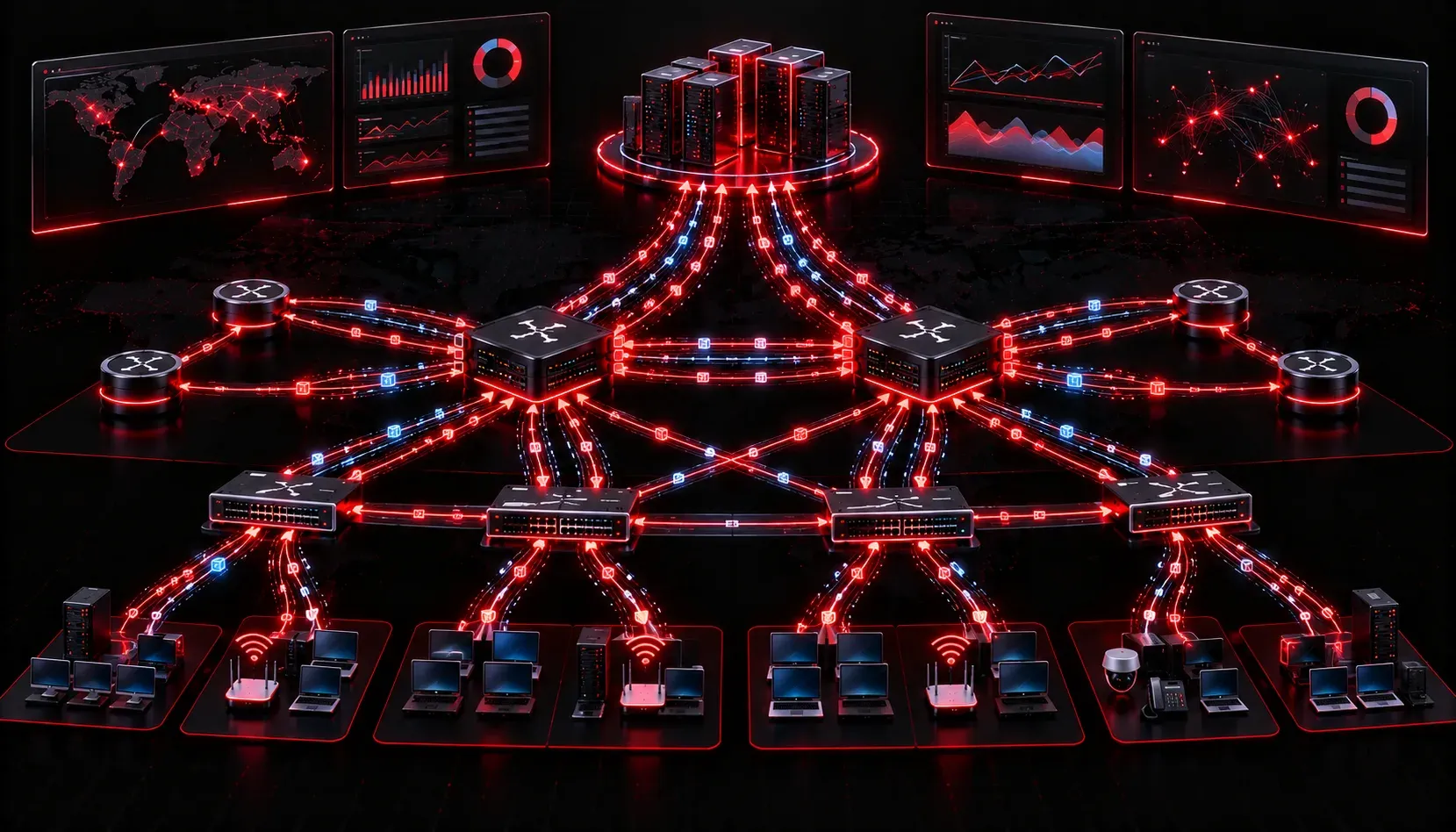
Traditional NetFlow (versions 5 and 9) gave you a fixed set of fields: source/destination IP, ports, protocol, interface, and a handful of others. You got what Cisco decided you needed. Flexible NetFlow (FNF) breaks that constraint by letting you define exactly which fields get collected, correlated, and exported. The result is a flow monitoring framework precise enough to answer specific operational questions rather than drowning your collector in fields you never query.
For the ENCOR exam and production deployments, understanding FNF means understanding three building blocks: flow records, flow exporters, and flow monitors. These map directly to what you collect, where you send it, and where you hold it before export.
The Three-Component Architecture
Flow Records
A flow record defines the key fields (what makes a flow unique) and non-key fields (what gets measured per flow). Keys are the match criteria; non-key fields use the collect keyword. If two packets share identical values across all key fields, they belong to the same flow entry.
ip flow record RECORD-SECURITY
 match ipv4 source address
 match ipv4 destination address
 match transport source-port
 match transport destination-port
 match ip protocol
 match ip tos
 match interface input
 collect counter bytes long
 collect counter packets long
 collect timestamp sys-uptime first
 collect timestamp sys-uptime last
 collect transport tcp flags
This record is purpose-built for security analysis. The TCP flags collection lets your SIEM or NetFlow analyzer detect SYN floods, port scans, and half-open connection abuse. The ip tos key is useful for verifying DSCP marking behavior across your environment.
Flow Exporters
The exporter defines the transport destination for flow data. Most enterprise environments use UDP with a collector like Kentik, SolarWinds NTA, ntopng, or Elastic with Logstash. IPFIX (NetFlow v10) is the modern standard and provides self-describing templates, which is important when using custom FNF records.
ip flow exporter EXPORTER-PRIMARY
 destination 10.10.10.50
 source Loopback0
 transport udp 2055
 export-protocol ipfix
 template data timeout 60
 option interface-table
 option application-table
Always source exports from a Loopback interface. If you source from a physical interface and that interface goes down, the export stream disappears from your collector even if alternate paths exist. The template data timeout forces periodic template retransmission so collectors that restart do not miss field definitions.
Flow Monitors
The monitor binds a record to an exporter and defines cache behavior. This is the object you apply to interfaces.
ip flow monitor MONITOR-SECURITY
 record RECORD-SECURITY
 exporter EXPORTER-PRIMARY
 cache timeout active 60
 cache timeout inactive 15
 cache entries 16384
Cache timeout active forces export of long-lived flows (like a continuous video stream) every 60 seconds. Cache timeout inactive purges entries with no new packets after 15 seconds. Sizing cache entries appropriately for high-throughput interfaces prevents cache overflow, which results in dropped flow records.
Applying the Monitor to an Interface
interface GigabitEthernet0/0/1
 ip flow monitor MONITOR-SECURITY input
 ip flow monitor MONITOR-SECURITY output
Apply both input and output if you need full bidirectional visibility. On high-traffic interfaces, sampled NetFlow (flow sampler) reduces CPU overhead at the cost of statistical accuracy. A 1-in-1000 sampler on a 10G interface is common in core deployments.
Real-World Use Cases and Matching Records
WAN Capacity Planning
For capacity planning, you care about application-level bandwidth consumption rather than individual connection details. A simplified record focusing on destination AS and prefix reduces cardinality while providing the aggregation your capacity team needs:
ip flow record RECORD-WAN-CAPACITY
 match ipv4 destination address
 match ipv4 source address
 match interface output
 collect counter bytes long
 collect counter packets long
 collect routing destination as
 collect routing next-hop address ipv4
QoS Verification
After deploying a QoS policy, FNF can confirm that remarking is occurring as expected. Match on ip tos as both a key and collect it post-policy by applying the monitor on the egress interface downstream of the policy-map:
ip flow record RECORD-QOS-VERIFY
 match ipv4 source address
 match ipv4 destination address
 match ip tos
 match transport source-port
 match transport destination-port
 collect counter bytes long
 collect counter packets long
Compare DSCP markings at ingress versus egress. Mismarked flows stand out immediately when you sort by DSCP value in your collector.
Security and Threat Detection
Adding TCP flags and ICMP fields builds a record useful for intrusion detection correlation. Your SOC can feed this directly into a SIEM to baseline normal behavior and alert on anomalies like internal hosts initiating connections to unusual destination port ranges.
Verification Commands
After applying monitors, confirm the configuration is working before assuming data is flowing to your collector:
show flow monitor MONITOR-SECURITY statistics
show flow monitor MONITOR-SECURITY cache
show flow exporter EXPORTER-PRIMARY statistics
show ip flow interface
The exporter statistics output is particularly valuable for troubleshooting. Look for incrementing exported flows counters and zero values in the export errors field. If packets are being sent but the collector sees nothing, verify UDP reachability from the router's Loopback to the collector IP and confirm no ACL is blocking UDP 2055 in transit.
ENCOR Exam Precision Points
- Key fields: defined with
match; they uniquely identify a flow entry - Non-key fields: defined with
collect; they accumulate values per flow - IPFIX vs. NetFlow v9: IPFIX is self-describing and preferred for custom FNF records
- Cache overflow behavior: when the cache is full, the oldest inactive entry is exported and replaced
- Sampled vs. full flow: full flow is accurate but CPU-intensive; sampled flow uses a
flow samplerobject
What's Next
With FNF exporting flow data, the next logical step is understanding how that data integrates into broader network assurance workflows. The next post covers IP SLA configuration and use cases, including how synthetic monitoring complements reactive flow data to give you a complete view of application performance across your enterprise infrastructure.
Tools and resources for this topic
- CCNP ENCOR 350-401 Official Cert Guide — The definitive ENCOR study resource by Brad Edgeworth. Covers enterprise infrastructure, virtualisation, and automation.