
IPv6 RA Guard: Blocking Rogue Router Advertisements
IPv6 RA Guard is a Layer 2 security feature on Cisco switches that blocks rogue Router Advertisement messages from reaching end hosts. This post explains how RAs can be weaponized for man-in-the-middle attacks and walks through a practical IOS configuration with verification commands. Covers CCNA e

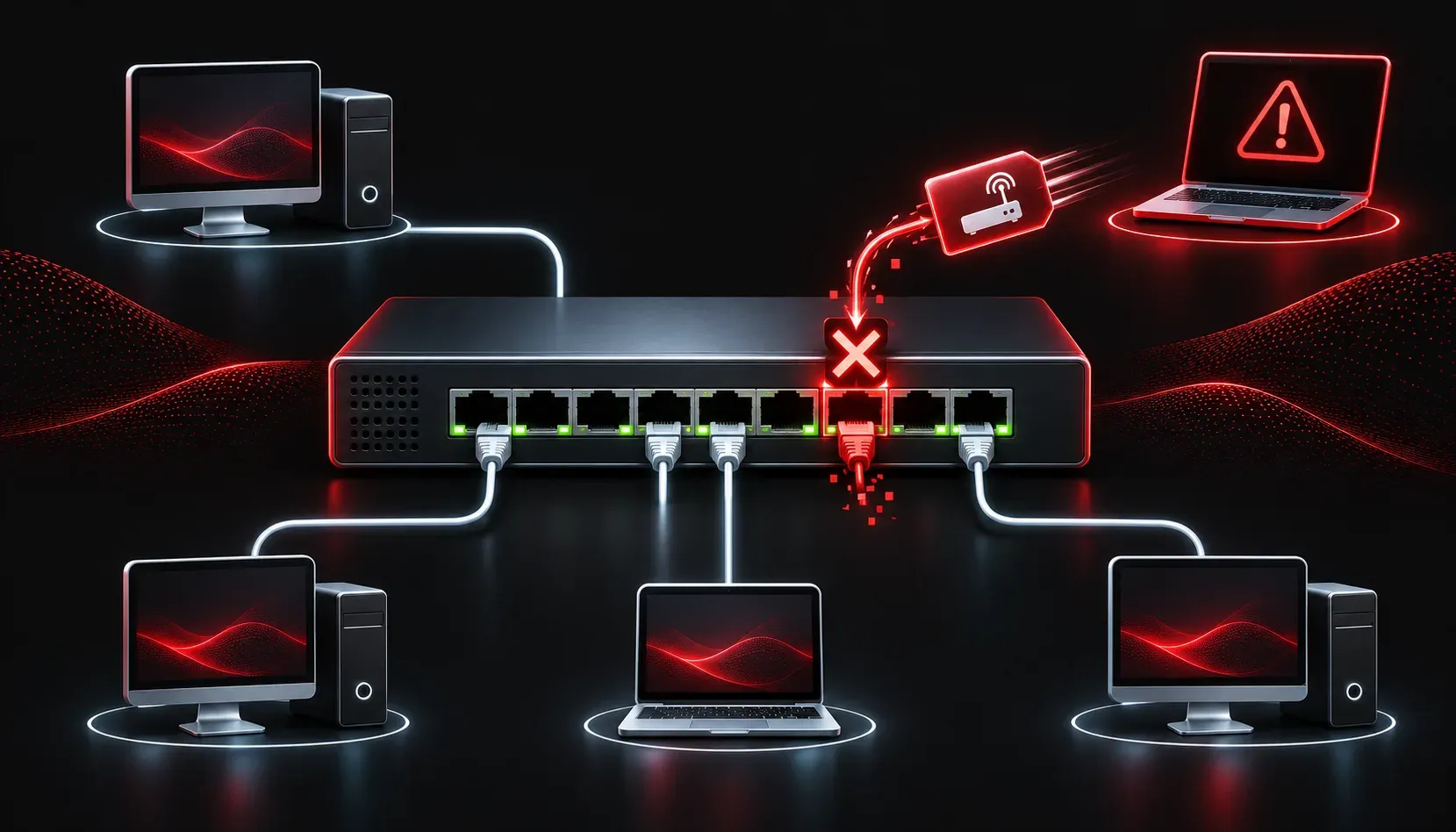
If you are studying for the CCNA and working through the security fundamentals section of the blueprint, you will eventually land on Layer 2 security features. One of the less talked about but genuinely useful ones is IPv6 RA Guard. This post breaks down what it does, why it matters, and how to configure it on a Cisco switch.
What Is an RA and Why Should You Care?
In IPv6, routers periodically send out Router Advertisement (RA) messages. These messages tell hosts on the segment important things like the default gateway address, the network prefix, and flags that determine how the host should configure its IP address. This process is part of SLAAC (Stateless Address Autoconfiguration), and it works automatically without DHCP.
The problem is that any device on the network can send an RA. If a rogue device (a misconfigured laptop, a compromised host, or an attacker) sends a crafted RA, every IPv6 host on that segment could point to the wrong gateway. This is a classic man-in-the-middle setup, and it is surprisingly easy to execute.
IPv6 RA Guard is the fix. It works at the switch level, dropping RA messages that arrive on ports where router advertisements should never come from.
How RA Guard Works
RA Guard operates on Layer 2, right at the switch. You define which ports are trusted (connected to actual routers) and which ports are untrusted (connected to end hosts). Any RA arriving on an untrusted port gets dropped before it ever reaches other hosts.
Think of it like DHCP Snooping, which you may have already studied. The logic is the same: define a trust boundary and enforce it at the port level.
Configuring IPv6 RA Guard on a Cisco Switch
The configuration uses RA Guard policies applied to switch ports. Here is a straightforward example:
Step 1: Enable IPv6 RA Guard Globally (if required)
On some platforms, you need to enable the Device Tracking policy first. On others, RA Guard works out of the box. Check your platform documentation, but here is the typical flow on IOS-based switches:
Step 2: Create an RA Guard Policy
Switch(config)# ipv6 nd raguard policy RAGUARD-HOST
Switch(config-nd-raguard)# device-role host
Switch(config-nd-raguard)# exit
The device-role host command tells IOS that ports using this policy should not be sending router advertisements. Any RA arriving on those ports will be dropped.
If you want a policy for a trusted router-facing port, you can create a separate policy with device-role router, which allows RAs to pass through.
Step 3: Apply the Policy to Access Ports
Switch(config)# interface GigabitEthernet0/1
Switch(config-if)# ipv6 nd raguard attach-policy RAGUARD-HOST
Switch(config-if)# exit
Repeat this for every port connected to end-user devices. You would typically leave your uplinks or router-facing ports either unconfigured or assigned the router-role policy.
Step 4: Verify the Configuration
Switch# show ipv6 nd raguard policy RAGUARD-HOST

Policy RAGUARD-HOST configuration:
  device-role host
Policy RAGUARD-HOST is applied on the following targets:
Target               Type  Policy               Feature        Target range
Gi0/1                PORT  RAGUARD-HOST         RA guard       vlan all
You can also run show ipv6 nd raguard policy without a name to list every RA Guard policy and the interfaces it is attached to.
Key Points to Remember for the CCNA
- Purpose: RA Guard prevents rogue IPv6 router advertisements from reaching hosts.
- Trust model: Ports are classified as host-role (untrusted, RAs dropped) or router-role (trusted, RAs allowed).
- Layer 2 enforcement: RA Guard operates at the switch, not the router or firewall.
- Related features: DHCP Snooping (for IPv4), Dynamic ARP Inspection, and IPv6 Source Guard all work alongside RA Guard as part of the Layer 2 security toolkit.
If you are preparing for the CCNA exam, the Cisco Press CCNA 200-301 Official Cert Guide by Wendell Odom is the go-to reference for all of these Layer 2 security topics. The exam typically tests conceptual understanding rather than exact syntax, so focus on knowing what RA Guard does, why it exists, and what problem it solves.
What's Next
Now that you understand RA Guard, the next logical step is exploring the broader family of Layer 2 security features on Cisco switches. In the next post, we will cover DHCP Snooping, another trust-based protection mechanism that prevents rogue DHCP servers from poisoning your network. It follows the same logic you just learned here, so you are already halfway there.
Tools and resources for this topic
- Wendell Odom CCNA Vol 1 — Covers networking fundamentals, switching, and routing basics.
- Wendell Odom CCNA Vol 2 — Covers wireless LANs, ACLs, security, IP services, network architecture and automation.