
Handling Structured Outputs in AI Agents
Structured outputs are essential for building reliable agentic AI pipelines where data must flow predictably between steps. This post covers common output formats, how to request structured JSON from LLM APIs, and how to map data cleanly between agent steps. Practical Python examples make the conce

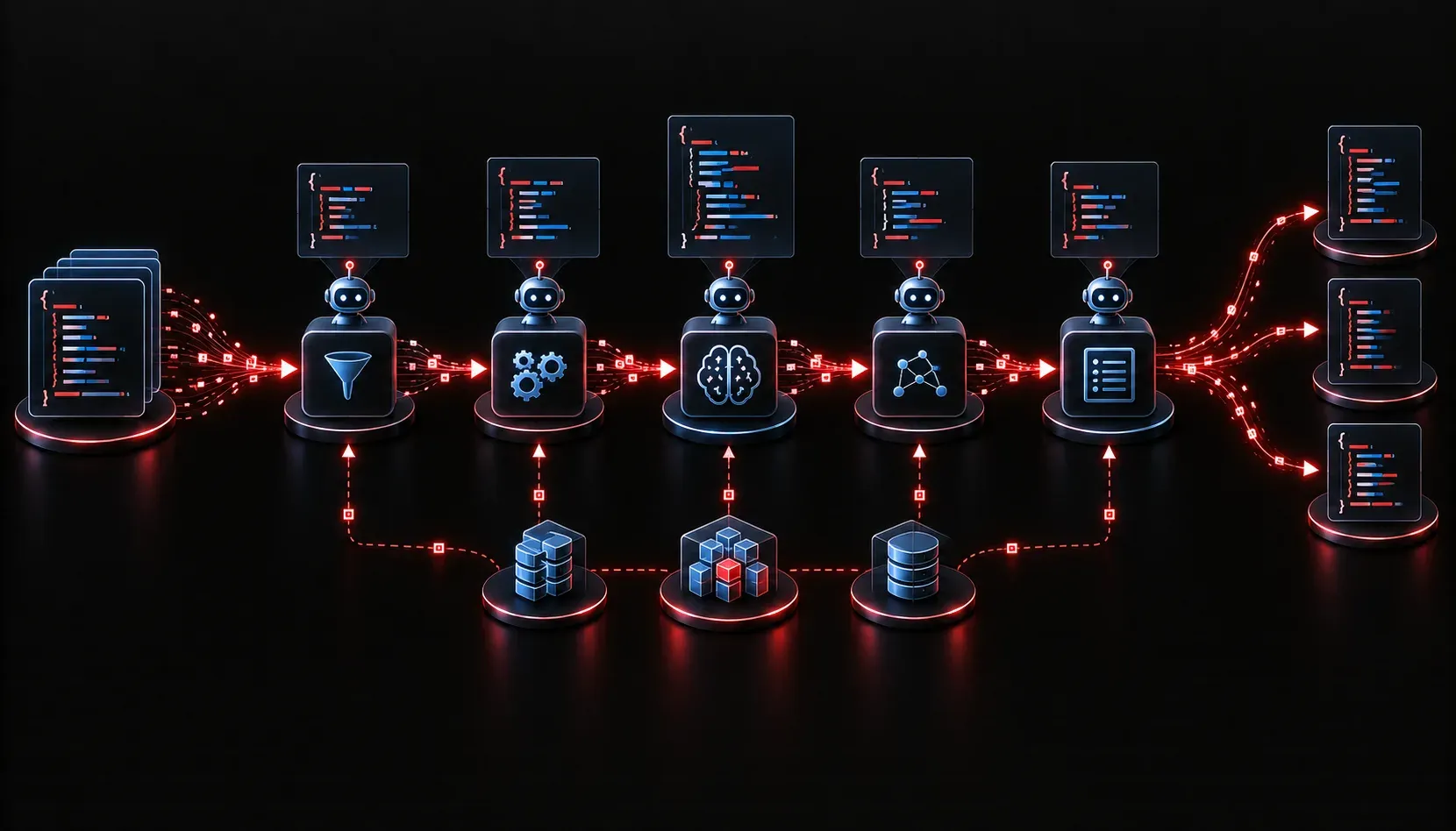
One of the most common stumbling blocks when building AI agents is figuring out what to do with the data they produce. A language model is great at generating text, but when your agent needs to pass results to a database, trigger another tool, or feed into a downstream workflow, you need more than a paragraph of prose. You need structured outputs: predictable, machine-readable data that your code can actually work with.
This post covers the fundamentals of structured output handling in agentic AI systems, and how to apply these techniques to real IT workflows.
Why Structured Outputs Matter in Agentic AI
In a single-step AI interaction, unstructured text is usually fine. You ask a question, you get an answer, and a human reads it. But agentic AI systems are different. They involve multiple steps, tools, and automated decisions. Each step produces output that the next step must consume. If that output is unpredictable or inconsistently formatted, your whole pipeline breaks.
Consider a simple network operations agent that detects anomalies and creates tickets. If the anomaly detection step returns a freeform string like "I noticed some high CPU on router-01 around 3pm," your ticketing step has no idea how to extract the device name, severity, or timestamp. Structured outputs solve this by enforcing a defined schema.
Common Structured Output Formats
Most agentic AI frameworks work with one of these formats for data processing in AI workflows:
- JSON: The most common choice. Widely supported, easy to parse, and natively understood by most APIs and automation tools.
- XML: Used in legacy enterprise environments, especially with SOAP APIs or network configuration systems like NETCONF.
- YAML: Human-readable and popular in configuration-heavy workflows, such as Ansible playbooks or Kubernetes manifests.
- Pydantic models (Python): A Python-specific approach that enforces type validation at runtime, widely used in frameworks like LangChain and CrewAI.
Requesting Structured Output from a Language Model
Modern LLM APIs give you several ways to enforce structured outputs. The OpenAI API, for example, supports a response_format parameter. Here is a practical Python example that asks a model to classify a network alert and return JSON:
import openai
import json

client = openai.OpenAI()

response = client.chat.completions.create(
    model="gpt-4o",
    response_format={"type": "json_object"},
    messages=[
        {
            "role": "system",
            "content": "You are a network operations assistant. Always respond with valid JSON."
        },
        {
            "role": "user",
            "content": (
                "Classify this alert: 'Interface GigabitEthernet0/1 on router-01 is down.' "
                "Return: device, interface, severity (low/medium/high/critical), and summary."
            )
        }
    ]
)

result = json.loads(response.choices[0].message.content)
print(result)
A well-formed response would look like this:
{
  "device": "router-01",
  "interface": "GigabitEthernet0/1",
  "severity": "critical",
  "summary": "Interface is down and may be causing service disruption."
}
Now your next agent step can directly access result["device"] or result["severity"] without any text parsing gymnastics.
Mapping Data Between Agent Steps
In a multi-step agentic workflow, the output of one step becomes the input of the next. This is called data mapping, and it is where structured outputs really pay off. Here is a simple pattern to follow:
- Define a schema upfront: Before building any agent step, decide exactly what fields that step should produce. Document this as a dictionary, a Pydantic model, or a JSON schema.
- Validate before passing forward: Use a library like
pydanticto validate the output before it reaches the next step. If validation fails, the agent should retry or escalate rather than pass bad data downstream. - Transform where needed: Sometimes two steps use different field names for the same data. A lightweight transformation layer between steps (just a Python dictionary remap) keeps your logic clean and each step self-contained.
A Quick Tip on Prompt Engineering for Structured Outputs
Even with response_format set to JSON, the model can still return unexpected fields or miss required ones. Improve reliability by including an example schema directly in your system prompt. Tell the model exactly which keys to include, what data types to use, and what to do when information is missing (for example, return null rather than omitting the field). This small habit dramatically improves consistency across agentic AI outputs in production workflows.
What's Next
Now that you understand how to produce and map structured outputs between agent steps, the logical next question is: what happens when an agent step fails or returns invalid data? In the next post, we will look at error handling and retry strategies in agentic AI pipelines, including how to build agents that recover gracefully rather than silently passing bad data downstream.