
Inside a Firewall: Stateful vs Next-Gen in Plain English
This post explains how firewalls actually work internally, covering stateful connection tracking, state tables, NAT integration, and how next-generation firewalls add application awareness and user-based policies.

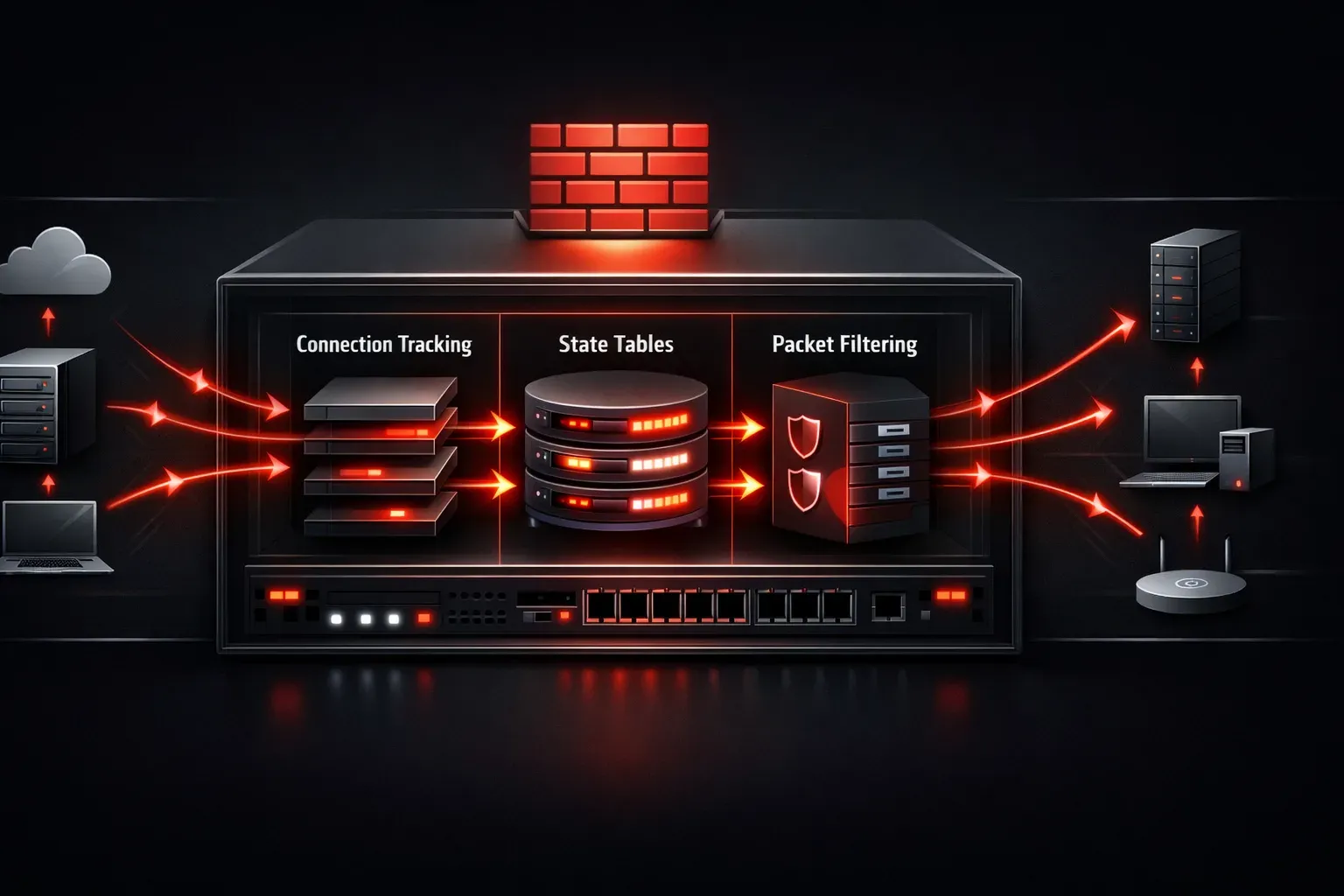
Ever wonder what's actually happening inside that firewall protecting your network? Let's pull back the curtain and see how these security workhorses operate, from traditional stateful firewalls to modern next-generation firewalls (NGFW).
The Firewall's Core Job
At its heart, a firewall is a traffic cop for network packets. But unlike a simple access control list that just looks at addresses and ports, a proper firewall maintains context about connections and applies sophisticated rules to determine what traffic gets through.
Think of it like a security guard at a building entrance. They don't just check if you're on a list; they remember who came in, track who's having conversations, and make decisions based on the full context of what's happening.
How Stateful Firewalls Work
A stateful firewall maintains a state table; essentially, a memory of active connections passing through it. Here's what happens when traffic flows:
The Connection Process
When you initiate a connection to a web server, the firewall doesn't just check a rule and forward the packet. Instead, it:
- Examines the outbound TCP SYN packet
- Checks its rules to see if this connection is allowed
- Creates an entry in its state table tracking this connection
- Allows the packet through
When the return traffic comes back from the server, the firewall doesn't need to check rules again. It simply looks up the connection in its state table and allows the response through because it's part of an established, legitimate connection.
State Table Entries
Each entry in the state table typically contains:
Source IP: 192.168.1.100
Destination IP: 198.51.100.10
Source Port: 49152
Destination Port: 443
Protocol: TCP
State: ESTABLISHED
Timeout: 3600 seconds
This stateful behavior is what makes modern firewalls so much more secure than simple packet filters. They understand the difference between legitimate return traffic and malicious packets trying to sneak in.
NAT Integration
Most firewalls also perform Network Address Translation (NAT), which adds another layer to their operation. When your internal device at 192.168.1.100 connects to the internet, the firewall:
- Translates the source IP to its public IP address
- May change the source port to avoid conflicts
- Updates its NAT table to remember this translation
- Maintains both state and NAT information for return traffic
This dual role of security enforcement and address translation is why firewalls often become network bottlenecks; they're doing a lot more work than simple routers.
Next-Generation Firewalls: Adding Intelligence
Traditional stateful firewalls make decisions based on Layer 3 and 4 information—IP addresses, ports, and protocols. But what if traffic on port 80 isn't actually HTTP? What if someone's tunneling prohibited applications through allowed ports?
This is where Next-Generation Firewalls (NGFW) shine. They add application awareness by performing deep packet inspection (DPI). An NGFW can:
Application Identification
Instead of just seeing "traffic on port 443," an NGFW identifies "Netflix streaming over HTTPS" or "Dropbox file sync." This application awareness allows for much more granular policies:
Rule 1: Allow Facebook browsing during lunch hours
Rule 2: Block peer-to-peer applications always
Rule 3: Allow Office 365 but throttle bandwidth to 10Mbps
User Integration
NGFWs can integrate with Active Directory or other identity systems, creating policies based on users rather than just IP addresses. This means the same device might have different access rights depending on who's logged in.
Common Misconceptions
Let's clear up some confusion about how firewalls actually work:
Misconception 1: "Firewalls block all incoming traffic by default."
Reality: Firewalls block unsolicited inbound connections, but they allow return traffic for connections you initiated.
Misconception 2: "Opening port 80 allows all web traffic."
Reality: Traditional firewalls just see port 80 traffic, but applications can use any port. NGFWs identify applications regardless of port.
Misconception 3: "Firewalls provide complete security."
Reality: Firewalls are one layer in a defense strategy. They can't protect against threats in allowed traffic or insider threats.
Performance Considerations
All this stateful processing and application inspection comes at a cost. Firewalls must:
- Maintain potentially millions of state table entries
- Perform rule matching for each new connection
- Conduct deep packet inspection on application traffic
- Log security events for compliance and monitoring
This is why firewall sizing and placement matter so much in network design.
What's Next
Now that you understand what's happening inside firewalls, we'll explore how to configure firewall rules effectively and troubleshoot common connectivity issues. Understanding the internal mechanics makes rule design much more logical and debugging much easier.