
Advanced Troubleshooting of IPv4 ACLs in Cisco Routers
Advanced troubleshooting guide for IPv4 ACLs covering standard, extended, and time-based access lists with systematic methodologies and real-world debugging techniques. Focuses on complex issues like protocol-specific behaviors, time synchronization problems, and bidirectional traffic patterns.

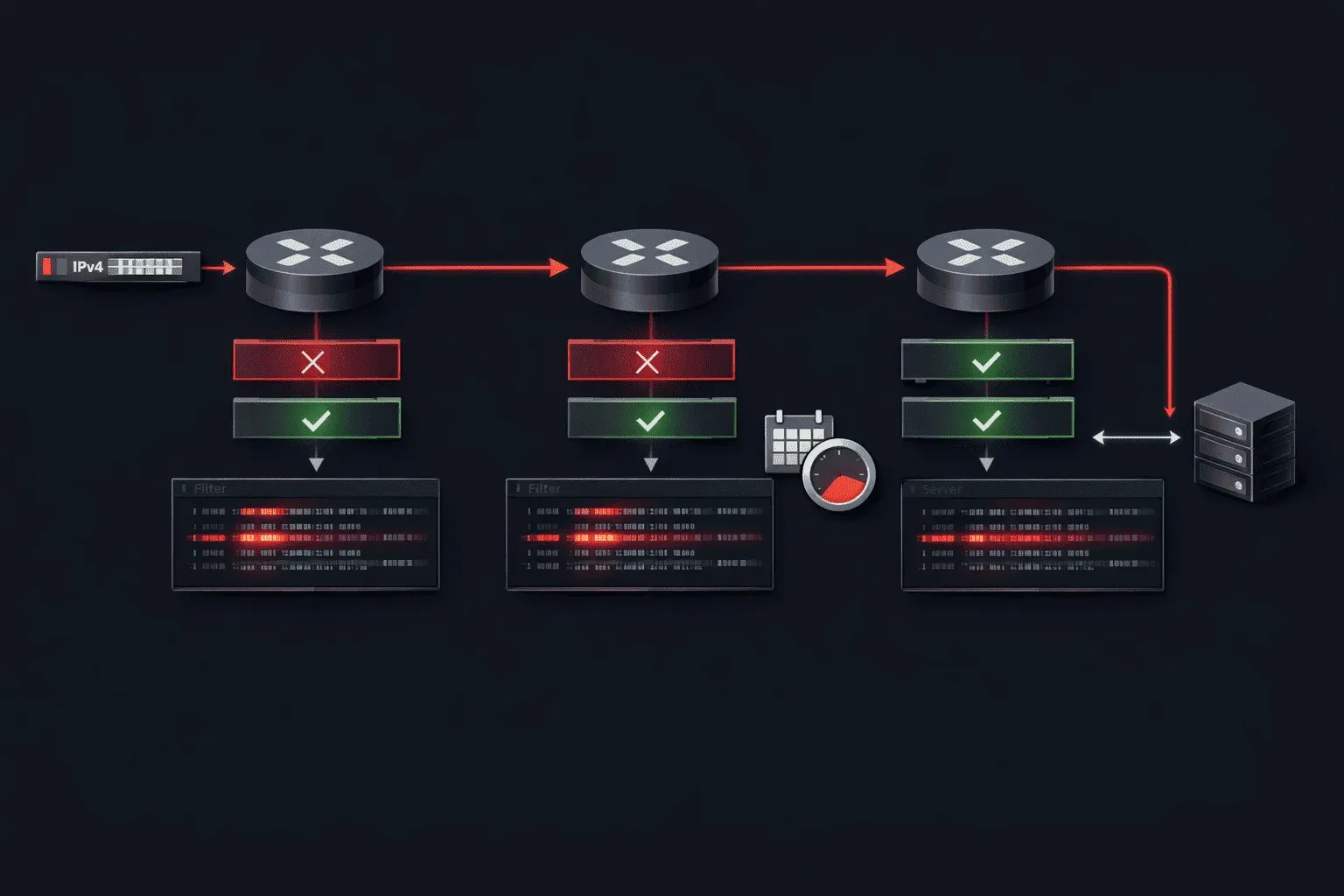
When IPv4 ACLs stop working as expected, the troubleshooting process requires a methodical approach that goes beyond basic syntax verification. Advanced ACL troubleshooting involves understanding packet flow, sequence processing, and the subtle interactions between different ACL types that can create unexpected behaviors in production networks.
Systematic Troubleshooting Methodology
Effective IPv4 ACL troubleshooting starts with establishing a baseline understanding of the intended traffic flow and then systematically eliminating variables. Begin by identifying whether the issue affects inbound or outbound traffic, and determine the exact interface where the ACL is applied.
Router# show access-lists
Router# show ip interface brief
Router# show ip interface [interface-name]
The show ip interface command reveals both inbound and outbound ACLs applied to each interface, which is crucial for understanding the complete filtering path. Remember that packets traverse multiple ACLs in sequence: inbound ACL on ingress interface, routing decision, then outbound ACL on egress interface.
Standard ACL Issues and Resolution
Standard ACL issues often stem from placement problems and overly broad or restrictive source address specifications. The most common issue is placing standard ACLs too close to the source, which blocks legitimate traffic to other destinations.
Router(config)# access-list 10 deny 192.168.1.100 0.0.0.0
Router(config)# access-list 10 permit any
Router(config)# interface fastethernet0/0
Router(config-if)# ip access-group 10 in
When troubleshooting standard ACL issues, verify the wildcard mask calculation carefully. A wildcard mask of 0.0.0.0 matches exactly one host, while 0.0.0.255 matches an entire /24 subnet. Incorrect wildcard masks are a frequent source of unexpected ACL behavior.
Use show access-lists to examine hit counters. If a deny statement shows zero hits while traffic is being blocked, the issue likely lies in ACL placement or a different ACL entirely.
Router# show access-lists 10
Standard IP access list 10
    10 deny   192.168.1.100 (47 matches)
    20 permit any (1523 matches)
Extended ACL Troubleshooting Complexity
Extended ACL troubleshooting requires understanding the five-tuple matching process: source IP, destination IP, protocol, source port, and destination port. The most challenging issues arise from protocol-specific behaviors and port range misconfigurations.
TCP connection establishment creates bidirectional traffic patterns that extended ACLs must accommodate. A common mistake is forgetting the return traffic path:
Router(config)# access-list 101 permit tcp 192.168.1.0 0.0.0.255 any eq 80
Router(config)# access-list 101 permit tcp any 192.168.1.0 0.0.0.255 established
Router(config)# access-list 101 deny ip any any
The established keyword matches TCP packets with ACK or RST bits set, allowing return traffic for connections initiated from the inside network. However, this approach has limitations with modern applications that use dynamic port ranges.
For complex extended ACL troubleshooting, enable ACL logging to capture detailed information about denied packets:
Router(config)# access-list 101 deny ip any any log
Router# show logging | include SEC-6-IPACCESSLOGDP
Protocol-Specific Troubleshooting
Different protocols require specific considerations. ICMP troubleshooting involves understanding message types and codes. For example, allowing ping requires both echo-request (type 8) and echo-reply (type 0):
Router(config)# access-list 102 permit icmp any 192.168.1.0 0.0.0.255 echo
Router(config)# access-list 102 permit icmp 192.168.1.0 0.0.0.255 any echo-reply
UDP troubleshooting focuses on the stateless nature of the protocol. Since UDP has no connection state, return traffic must be explicitly permitted, often requiring careful consideration of ephemeral port ranges.
Time-Based ACL Problems
Time-based ACL problems introduce temporal complexity to troubleshooting. The most common issues involve clock synchronization, time zone configuration, and daylight saving time transitions.
Verify the router's time configuration before troubleshooting time-based ACL problems:
Router# show clock detail
Router# show ntp status
Router# show time-range [range-name]
Time-based ACLs depend on accurate system time. If NTP is not configured or synchronized, time-based rules may not activate as expected. The show time-range command displays whether a time range is currently active:
Router# show time-range BUSINESS_HOURS
time-range entry: BUSINESS_HOURS (active)
   periodic weekdays 8:00 to 17:00
   used in: IP ACL entry
Time zone misconfigurations create subtle issues where ACLs activate at unexpected times. Ensure the router's time zone matches the intended schedule:
Router(config)# clock timezone EST -5
Router(config)# clock summer-time EDT recurring
Advanced Debugging Techniques
For persistent ACL issues, packet capture and debugging provide detailed insight into packet processing. Use debug selectively in production environments:
Router# debug ip packet 101 detail
Router# debug ip access-list
The debug ip packet command with an ACL number filters debug output to specific traffic patterns, reducing the impact on router performance while providing targeted information.
Sequence number verification is crucial for understanding ACL processing order. Remember that ACLs process in sequence, and the first matching entry determines the action:
Router# show access-lists 101
Extended IP access list 101
    10 permit tcp 192.168.1.0 0.0.0.255 any eq 22
    20 deny tcp 192.168.1.0 0.0.0.255 any
    30 permit ip any any
What's Next
With a solid foundation in IPv4 ACL troubleshooting, the next logical step is exploring IPv6 ACLs and their unique characteristics. IPv6 introduces new address formats, extension headers, and ICMPv6 neighbor discovery processes that require different troubleshooting approaches and considerations for network security implementation.
CCNP ENARSI study resources
- CCNP Enterprise Core ENCOR 350-401 and Advanced Routing ENARSI 300-410 Official Cert Guide Library — Both ENCOR and ENARSI books bundled together. The best value for CCNP Enterprise candidates.
- CCNP Enterprise Advanced Routing ENARSI 300-410 Official Cert Guide — The only Cisco-approved study guide for the ENARSI 300-410 exam. Covers advanced routing, VPNs, and infrastructure security.