
Exploring IPv6 Multicast Addresses
IPv6 multicast addresses enable efficient one-to-many communication by sending packets to specific device groups rather than broadcasting to all devices. They begin with FF and include scope information to control how far the traffic travels.

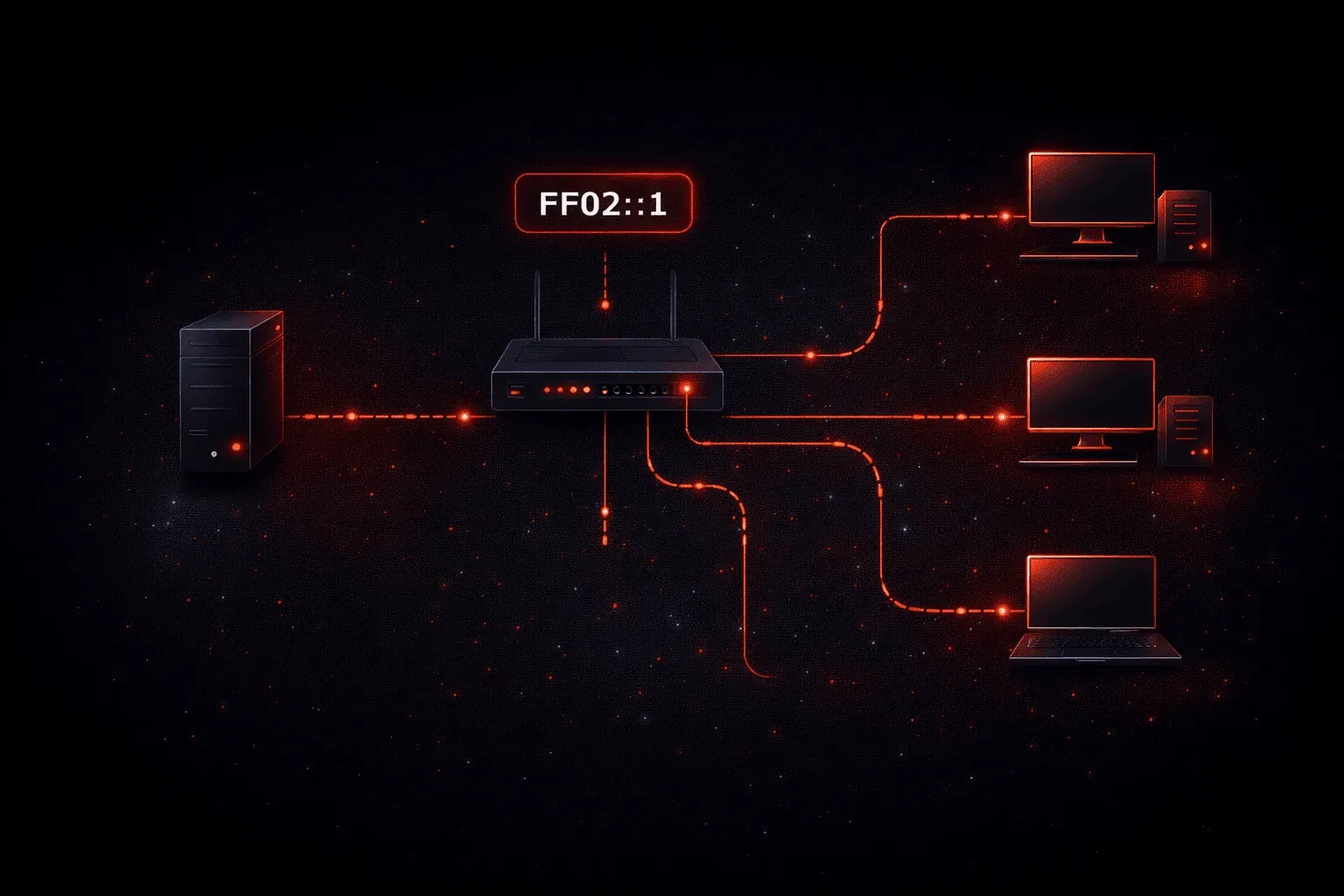
IPv6 multicast addresses are a fundamental communication mechanism that allows efficient one-to-many data transmission across networks. Unlike IPv4's reliance on broadcast traffic, IPv6 uses multicast addresses to send data to specific groups of devices, making network communication more efficient and scalable.
What Are IPv6 Multicast Addresses?
An IPv6 multicast address identifies a group of network interfaces, typically on different devices. When a packet is sent to a multicast address, it's delivered to all interfaces that belong to that multicast group. Think of it like a radio station broadcasting to all listeners tuned to that frequency.
IPv6 multicast addresses always begin with FF as the first octet (first 8 bits). The format looks like this:
FF0X::multicast-group-idFor example, FF02::1 is the "all nodes" multicast address, which reaches every IPv6-enabled device on the local network segment.
Multicast vs Broadcast vs Unicast
Understanding the differences between these communication types is crucial for network design:
Unicast Communication
Unicast delivers packets to a single, specific destination. It's like sending a letter to one person's home address. Most web browsing and file transfers use unicast communication.
Broadcast Communication
Broadcast sends packets to every device on a network segment. IPv4 uses broadcast addresses like 192.168.1.255 for this purpose. However, IPv6 eliminated broadcast entirely, replacing it with multicast for better efficiency.
Multicast Communication
Multicast delivers packets only to devices that have joined a specific multicast group. This is more efficient than broadcast because it doesn't flood the network with unnecessary traffic to uninterested devices.
Common IPv6 Multicast Address Types
IPv6 defines several well-known multicast addresses that serve specific network functions:
FF02::1- All Nodes Address: Reaches all IPv6-enabled devices on the local linkFF02::2- All Routers Address: Reaches all IPv6 routers on the local linkFF02::1:FF00:0/104- Solicited-Node Multicast: Used for Neighbor Discovery Protocol (NDP)
You can verify multicast group memberships on a Cisco router using:
Router# show ipv6 mld interface gigabit0/0Multicast Scope in IPv6
The second nibble (4 bits) in an IPv6 multicast address defines its scope, how far the multicast traffic should travel:
- 1 - Interface-local (loopback)
- 2 - Link-local (local network segment)
- 4 - Admin-local (administrative boundary)
- 5 - Site-local (single site)
- 8 - Organization-local (single organization)
- E - Global scope (Internet-wide)
For example, FF02::1 has a scope of "2", meaning it only reaches devices on the local link.
Practical Benefits of IPv6 Multicast
IPv6 multicast addresses provide several advantages over IPv4 broadcast:
- Reduced Network Congestion: Only interested devices process multicast traffic
- Better Scalability: Networks can support more efficient group communication
- Enhanced Security: Devices must explicitly join multicast groups
- Improved Performance: Less CPU overhead on devices not interested in the traffic
Understanding IPv6 multicast addresses is essential for modern network design, especially as organizations transition from IPv4 to IPv6. These addresses enable efficient group communication while reducing unnecessary network traffic.
What's Next
Now that you understand IPv6 multicast addresses, the next step is exploring IPv6 anycast addresses and how they provide redundancy and load balancing in network communications. We'll also dive deeper into the Neighbor Discovery Protocol and how it uses these multicast mechanisms.
CCNA study resources
- CCNA Official Cert Guide Library (Wendell Odom) — Both volumes covering the full 200-301 exam blueprint. The definitive CCNA study resource.
- Wendell Odom CCNA Vol 1 — Networking fundamentals, switching, VLANs, STP, and IPv4 routing.