
Understanding IPv6 Unicast Addresses
IPv6 unicast addresses come in three types: global unicast for internet routing, unique local for private networks, and link-local for local segment communication. Each serves specific networking purposes in modern dual-stack environments.

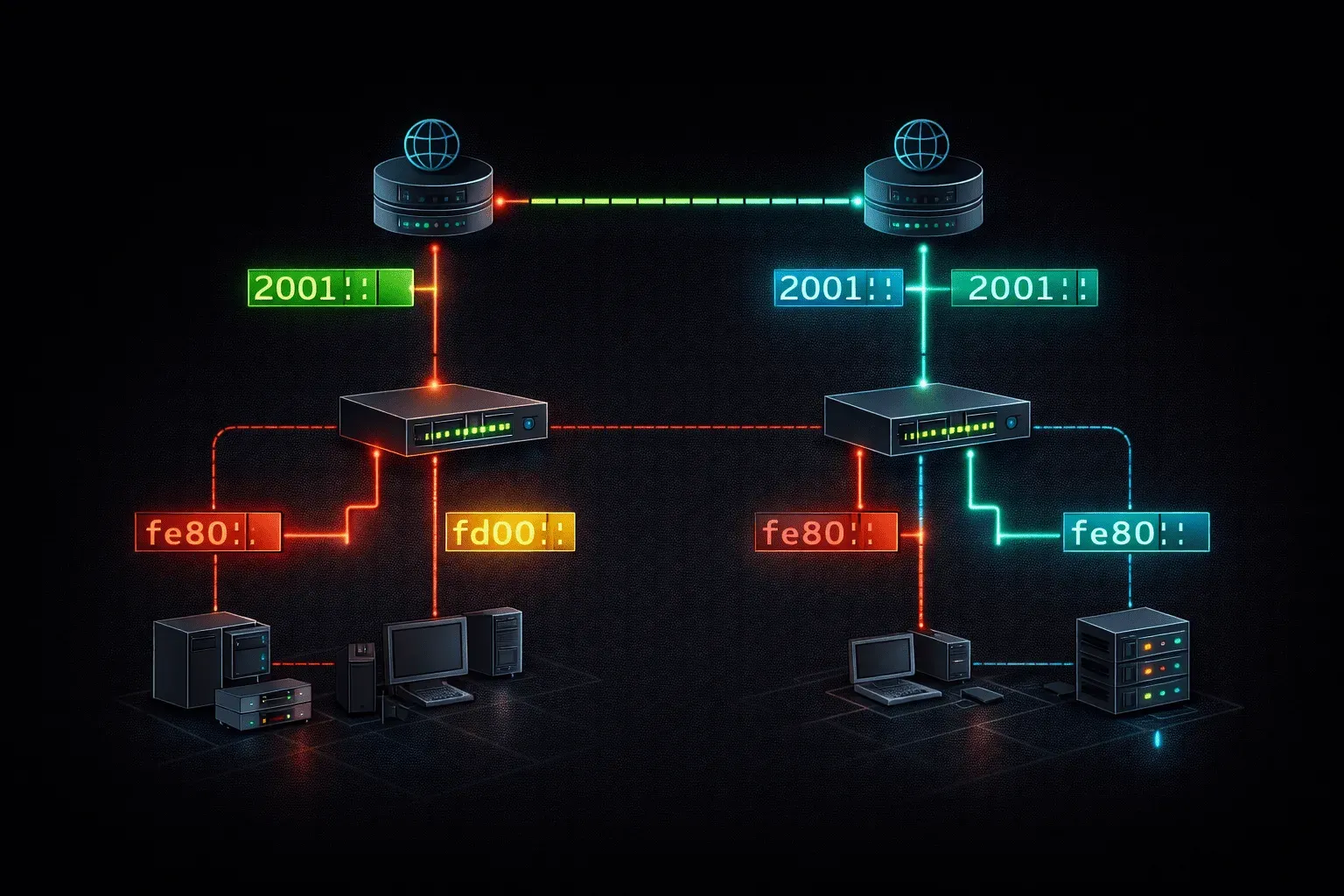
IPv6 unicast addresses are the backbone of modern IP networking, representing a single interface on a network device. Unlike their IPv4 counterparts, IPv6 unicast addresses come in three distinct flavors, each serving specific networking purposes. Understanding these address types is crucial for network engineers working in today's dual-stack environments.
Think of unicast addresses as the postal addresses of the networking world; each one uniquely identifies a specific destination where packets should be delivered. In IPv6, these addresses are 128 bits long and provide an enormous address space, eliminating the need for Network Address Translation (NAT) in most scenarios.
Global Unicast Addresses
Global unicast addresses are the IPv6 equivalent of public IPv4 addresses. These addresses are globally routable across the Internet and must be unique worldwide. They're assigned by Internet Service Providers (ISPs) and regional internet registries.
Global unicast addresses typically begin with 2001::/3 or 2000::/3, though the current allocation focuses on the 2000::/3 range. Here's what a typical global unicast address looks like:
2001:0db8:85a3:0000:0000:8a2e:0370:7334These addresses consist of several components:
- Global routing prefix: Usually /48, assigned by your ISP
- Subnet ID: 16 bits for creating subnets within your network
- Interface ID: 64 bits identifying the specific interface
You can verify global unicast addresses on a Cisco router using the show ipv6 interface brief command, which displays all IPv6 addresses configured on each interface.
Unique Local Addresses (ULA)
Unique local addresses serve as the IPv6 equivalent of RFC 1918 private addresses in IPv4. These addresses are designed for local communications within a site and are not routable on the global internet. ULA addresses begin with fc00::/7, but in practice, you'll typically see fd00::/8 addresses.
The structure of a ULA address includes:
- Prefix:
fd00::/8 - Global ID: 40 bits (randomly generated)
- Subnet ID: 16 bits
- Interface ID: 64 bits
An example ULA address might look like:
fd12:3456:789a:0001::1ULA addresses provide several advantages over link-local addresses for internal networking. They remain constant even when your ISP changes, they can be used across multiple subnets within your organization, and they don't conflict with global addresses.
Link-Local Addresses
Link-local addresses are automatically configured on every IPv6-enabled interface and are valid only on the local network segment (link). These addresses always begin with fe80::/10 and are essential for IPv6 operation, even when other address types are configured.
A typical link-local address looks like this:
fe80::1234:5678:9abc:def0Link-local addresses serve critical functions:
- Neighbor Discovery: Used for finding other devices on the same link
- Router Discovery: Hosts use these to find local routers
- Automatic configuration: Enable basic connectivity without manual configuration
On Cisco devices, you can configure a specific link-local address using:
Router(config-if)# ipv6 address fe80::1 link-localWithout this configuration, the device will automatically generate a link-local address using the EUI-64 process or a random identifier.
Practical Implementation
In real networks, you'll typically see all three address types configured simultaneously. A typical interface might have:
- One or more global unicast addresses for internet connectivity
- A unique local address for internal communication
- A link-local address for local network functions
Understanding these IPv6 unicast address types is fundamental for network design and troubleshooting. Each type serves specific purposes and understanding when and how to use them will make you more effective in managing modern networks.
What's Next
Now that you understand the different types of IPv6 unicast addresses, the next step is learning about IPv6 multicast and anycast addresses. These address types enable efficient one-to-many and one-to-nearest communications, expanding your IPv6 knowledge beyond the basics of unicast addressing.
CCNA study resources
- CCNA Official Cert Guide Library (Wendell Odom) — Both volumes covering the full 200-301 exam blueprint. The definitive CCNA study resource.
- Wendell Odom CCNA Vol 1 — Networking fundamentals, switching, VLANs, STP, and IPv4 routing.