
JavaScript Objects: Key-Value Data
JavaScript objects allow you to group related data as key-value pairs, making them one of the most essential structures in the language. This post covers creating objects, accessing and updating properties using dot and bracket notation, nested objects, and looping through object data. It is writte

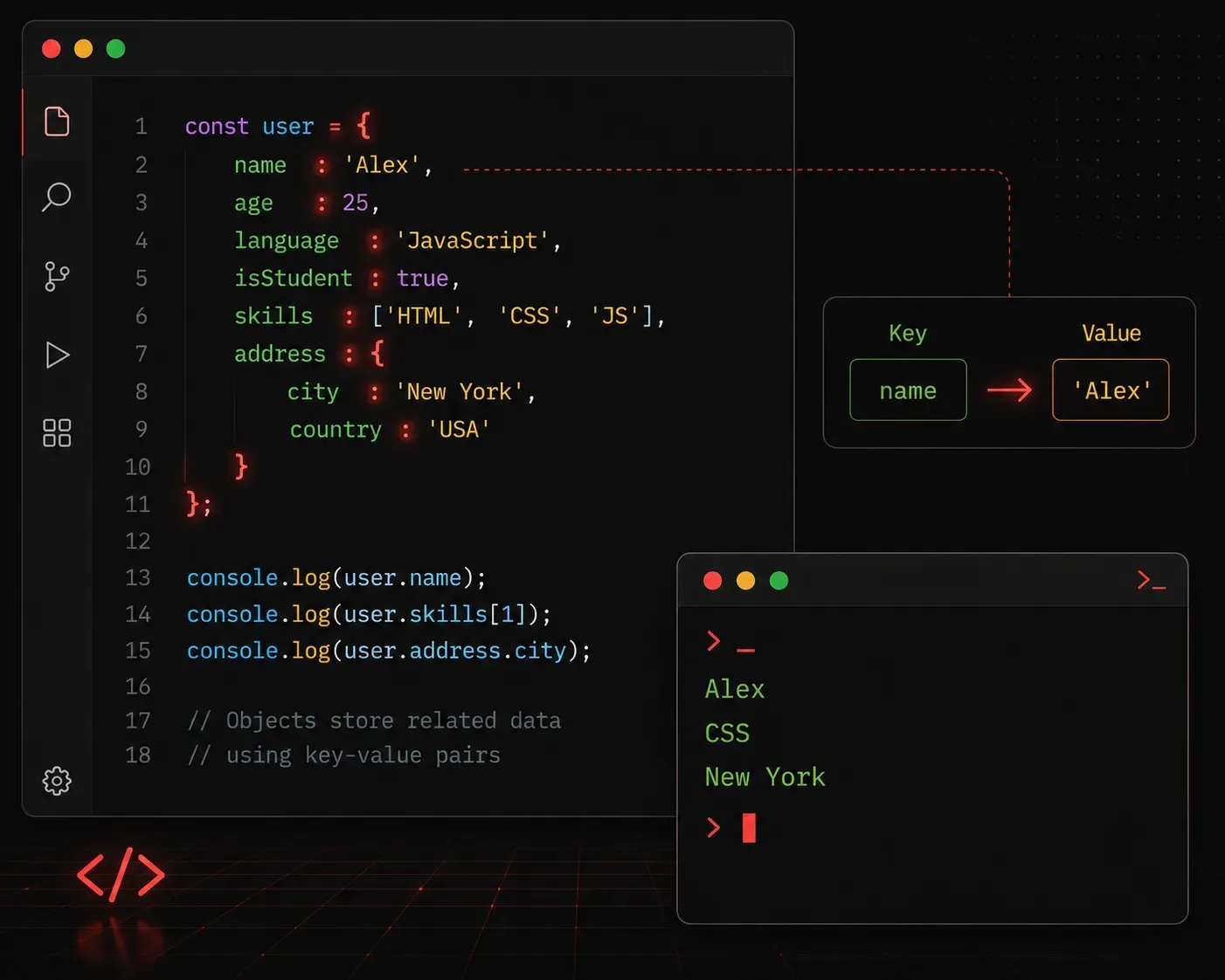
When you start building real applications with JavaScript, you quickly realize that storing single values in variables is not enough. You need a way to group related information together. That is where objects come in, and they are one of the most important concepts in JavaScript.
What Is a JavaScript Object?
A JavaScript object is a collection of related data stored as key-value pairs. Think of it like a real-world object: a person has a name, an age, and a job title. Instead of creating three separate variables, you can bundle all of that information into one object.
Here is the basic syntax for creating an object:
const person = {
  name: "Alex",
  age: 30,
  jobTitle: "Network Engineer"
};
Each entry inside the curly braces is a property. The part on the left of the colon is the key, and the part on the right is the value. Keys are typically strings (or symbols), while values can be any data type: strings, numbers, booleans, arrays, or even other objects.
Accessing Object Properties
There are two ways to read the values stored inside an object: dot notation and bracket notation.
Dot Notation
Dot notation is the most common and readable approach:
console.log(person.name);     // Output: Alex
console.log(person.age);      // Output: 30
console.log(person.jobTitle); // Output: Network Engineer
Bracket Notation
Bracket notation is useful when the key name is stored in a variable, or when the key contains spaces or special characters:
const key = "name";
console.log(person[key]); // Output: Alex

const config = {
  "ip-address": "192.168.1.1",
  "subnet-mask": "255.255.255.0"
};

console.log(config["ip-address"]); // Output: 192.168.1.1
Adding and Updating Properties
Objects are not static. You can add new properties or update existing ones after the object is created:
// Update an existing property
person.age = 31;

// Add a new property
person.location = "London";

console.log(person.age);      // Output: 31
console.log(person.location); // Output: London
Deleting Properties
You can remove a property from an object using the delete keyword:
delete person.location;
console.log(person.location); // Output: undefined
Nested Objects
Objects can contain other objects, which lets you model more complex data structures:
const router = {
  hostname: "R1",
  interface: {
    name: "GigabitEthernet0/0",
    ipAddress: "10.0.0.1",
    status: "up"
  }
};

console.log(router.interface.ipAddress); // Output: 10.0.0.1
console.log(router.interface.status);    // Output: up
To access nested properties, you simply chain dot notation. Each dot takes you one level deeper into the structure.
Looping Through an Object
When you need to inspect all the properties in an object, the for...in loop is a handy tool:
for (const key in person) {
  console.log(key + ": " + person[key]);
}

// Output:
// name: Alex
// age: 31
// jobTitle: Network Engineer
You can also use Object.keys(), Object.values(), and Object.entries() to work with object data in array form, which pairs nicely with array methods like .forEach() and .map().
A Quick Note on const and Objects
Declaring an object with const does not make it immutable. It means you cannot reassign the variable to a completely different object. The properties inside can still be changed freely. This trips up a lot of beginners, so it is worth keeping in mind.
What's Next
Now that you understand how to store and access structured data using objects, the next step is learning about arrays of objects. This is the pattern you will see constantly in real applications: a list of users, a collection of devices, a set of configuration records. Being comfortable with both objects and arrays together will unlock a huge amount of JavaScript's practical power.