
Understanding Linux Network Configuration Files
Essential guide to Linux network configuration files including /etc/hosts for local name resolution, /etc/resolv.conf for DNS configuration, and /etc/nsswitch.conf for controlling resolution order. Includes practical examples and testing commands.

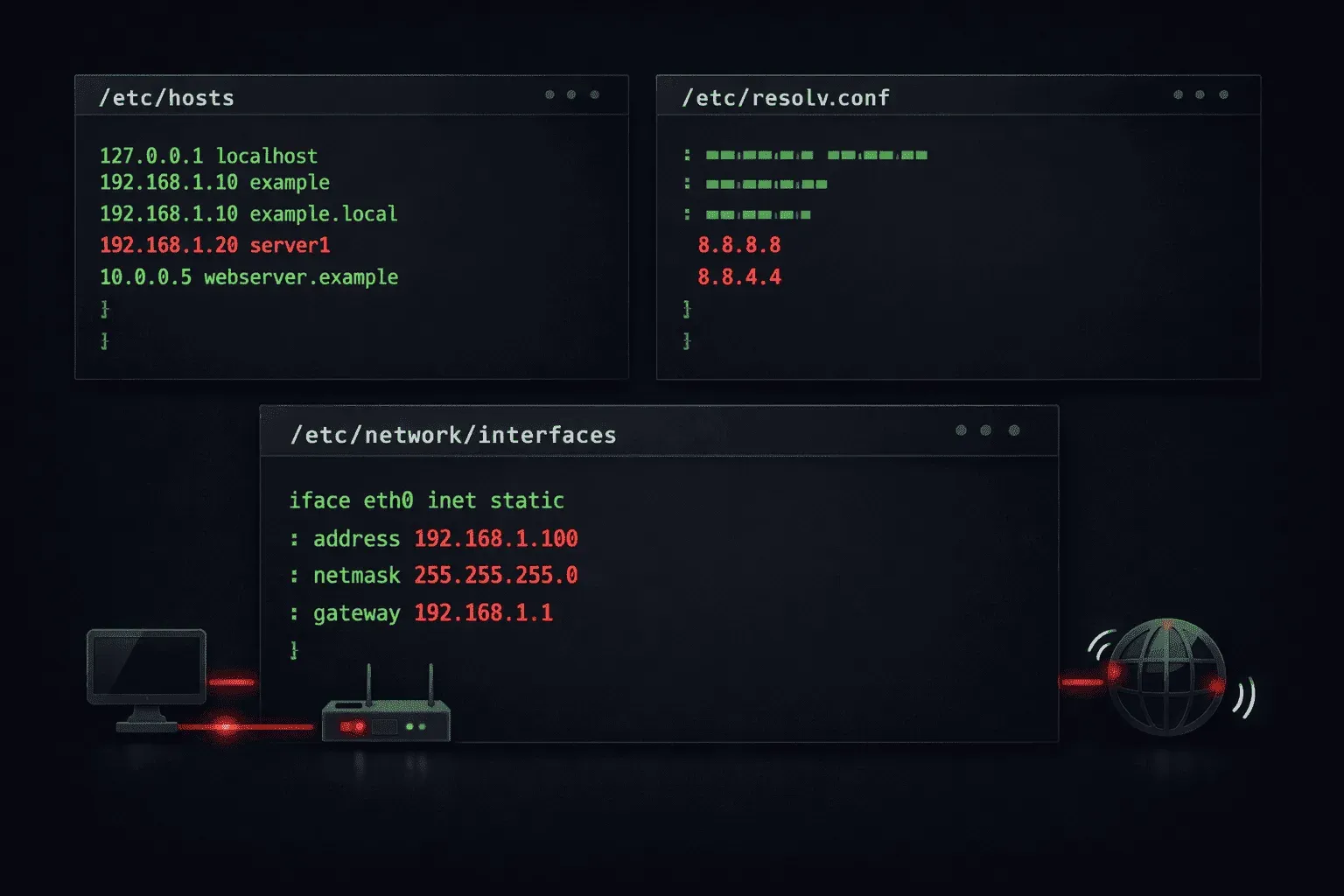
Linux network configuration relies on several essential text files that control how your system resolves hostnames, configures DNS, and determines where to look for network information. Understanding these files is crucial for any Linux administrator, whether you're troubleshooting connectivity issues or setting up network services.
Let's explore the three most important Linux network configuration files that every administrator should understand.
The /etc/hosts File: Local Name Resolution
The /etc/hosts file provides a simple way to map hostnames to IP addresses locally on your system. This file is consulted before DNS queries are made, making it useful for testing, local development, or overriding DNS entries.
Here's what a typical /etc/hosts file looks like:
127.0.0.1       localhost
127.0.1.1       myserver.example.com myserver
::1             localhost ip6-localhost ip6-loopback
192.168.1.10    webserver.local webserver
192.168.1.20    database.local db
Each line follows the format: IP_address hostname [aliases]. The local system will use these mappings to resolve hostnames without querying external DNS servers. This is particularly useful for:
- Testing applications before DNS changes propagate
- Blocking unwanted websites by pointing them to localhost
- Creating shortcuts for frequently accessed internal servers
You can test your hosts file entries using the ping or nslookup commands:
ping webserver.local
nslookup database.local
The /etc/resolv.conf File: DNS Configuration
The /etc/resolv.conf file controls how your system performs DNS lookups. This file specifies which DNS servers to query and provides additional DNS resolution options.
A typical /etc/resolv.conf file contains:
nameserver 8.8.8.8
nameserver 8.8.4.4
search example.com local.domain
domain example.com
options timeout:2 attempts:3
Key directives include:
- nameserver: Specifies DNS servers to query (up to 3 are typically supported)
- search: Defines domain suffixes to append when resolving short hostnames
- domain: Sets the local domain name
- options: Controls DNS query behavior like timeout values
When you type ping webserver instead of a fully qualified domain name, the system will try webserver.example.com and webserver.local.domain based on the search directive.
The /etc/nsswitch.conf File: Name Service Resolution Order
The /etc/nsswitch.conf file determines the order in which your system consults different name resolution sources. This configuration file controls where the system looks for information about hosts, users, groups, and other system databases.
Here's the relevant section for network resolution:
hosts:      files dns myhostname
networks:   files dns
protocols:  files dns
services:   files dns
For the hosts entry, this configuration means:
- files: Check
/etc/hostsfirst - dns: Query DNS servers from
/etc/resolv.conf - myhostname: Fall back to the system's hostname
You can modify this order based on your needs. For example, if you want DNS to be checked before the hosts file, you would change it to:
hosts: dns files myhostname
Testing Network Configuration
To verify your network configuration files are working correctly, use these commands:
# Test hostname resolution order
getent hosts example.com

# Check DNS resolution specifically
nslookup example.com

# Verify which configuration files are being read
strace -e trace=openat ping -c1 example.com 2>&1 | grep -E "(hosts|resolv|nsswitch)"
The getent command is particularly useful because it follows the exact resolution order specified in /etc/nsswitch.conf, showing you what your applications will see.
What's Next
Now that you understand these fundamental Linux network configuration files, the next step is learning how to configure network interfaces themselves. We'll cover network interface configuration files and commands like ip and nmcli in the next post, building on this foundation of name resolution to complete your network configuration knowledge.
Linux+ study resources
- CompTIA Linux+ Study Guide: Exam XK0-006 — Comprehensive coverage of the XK0-006 exam objectives including Linux administration, security, scripting, and troubleshooting.