
Common Mistakes When Parsing Data Formats in Python
Learn to avoid common mistakes when parsing JSON, XML, and YAML data in Python for network automation. Covers error handling, namespace issues, and type validation pitfalls.

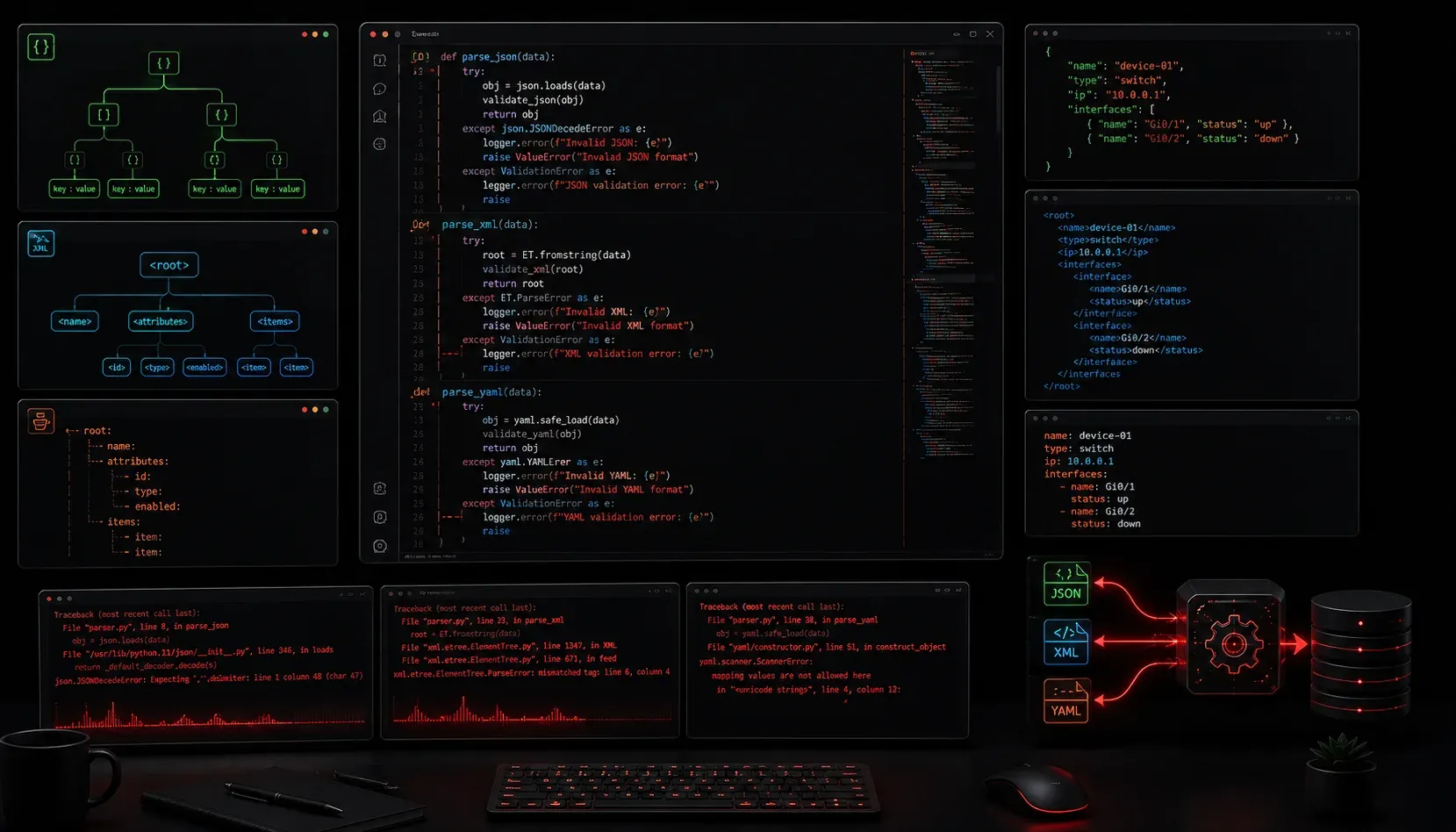
When working with network automation, you'll constantly parse data from APIs, configuration files, and device responses. While Python makes this relatively straightforward, several common mistakes can turn a simple parsing task into hours of debugging frustration. Let's explore the most frequent errors and how to avoid them.
JSON Parsing Pitfalls
JSON is everywhere in network automation, from REST API responses to configuration templates. The most common mistake is assuming the data structure without validation:
import json

# Bad: No error handling
response = '{"interfaces": [{"name": "GigE0/1", "status": "up"}]}'
data = json.loads(response)
interface_name = data['interfaces'][0]['name']  # What if interfaces is empty?
This code breaks if the interfaces list is empty or doesn't exist. Always validate your data structure:
import json

try:
    data = json.loads(response)
    if 'interfaces' in data and data['interfaces']:
        interface_name = data['interfaces'][0]['name']
        print(f"Interface: {interface_name}")
    else:
        print("No interfaces found")
except json.JSONDecodeError as e:
    print(f"Invalid JSON: {e}")
except KeyError as e:
    print(f"Missing key: {e}")
Another frequent issue is mixing up json.loads() and json.load(). Use loads() for strings and load() for file objects.
XML Parsing Challenges
XML parsing often trips up newcomers because they forget about namespaces. Consider this NETCONF response:
xml_data = '''
<rpc-reply xmlns="urn:ietf:params:xml:ns:netconf:base:1.0">
    <interfaces xmlns="http://openconfig.net/yang/interfaces">
        <interface>
            <name>GigabitEthernet0/1</name>
        </interface>
    </interfaces>
</rpc-reply>
'''
This common approach fails:
import xml.etree.ElementTree as ET

root = ET.fromstring(xml_data)
# This won't find anything due to namespaces!
interface = root.find('.//interface')
print(interface)  # Returns None
You must handle namespaces properly:
namespaces = {
    'netconf': 'urn:ietf:params:xml:ns:netconf:base:1.0',
    'oc-if': 'http://openconfig.net/yang/interfaces'
}

interface = root.find('.//oc-if:interface', namespaces)
if interface is not None:
    name = interface.find('oc-if:name', namespaces).text
    print(f"Interface: {name}")
Watch Out for Text Content
Another XML gotcha is forgetting that .text only returns the immediate text content, not text from child elements. Use itertext() for complete text extraction when needed.
YAML Parsing Troubles
YAML seems deceptively simple, but indentation and data type issues cause problems. The biggest mistake is not using safe_load():
import yaml

# Dangerous - can execute arbitrary code!
data = yaml.load(config_string)

# Safe approach
data = yaml.safe_load(config_string)
YAML's flexible typing can also surprise you. Consider this Ansible inventory:
switches:
  - hostname: switch01
    mgmt_ip: 192.168.1.10
  - hostname: switch02
    mgmt_ip: 192.168.1.011  # Leading zero makes this octal!
That leading zero in the IP address makes YAML interpret it as octal (base 8), resulting in 192.168.1.9 instead of 192.168.1.11. Always quote IP addresses and other strings that might be misinterpreted.
Universal Best Practices
Regardless of the format, follow these practices to avoid parsing headaches:
- Validate early: Check data types and required fields immediately after parsing
- Handle exceptions: Wrap parsing code in try-except blocks
- Log failures: Don't fail silently - log what went wrong and why
- Test with edge cases: Empty arrays, missing keys, malformed data
- Use type hints: They help catch issues during development
from typing import Dict, List, Optional

def parse_device_config(config_str: str) -> Optional[Dict]:
    """Parse device configuration with proper error handling."""
    try:
        config = json.loads(config_str)
        if not isinstance(config, dict):
            raise ValueError("Config must be a JSON object")
        return config
    except (json.JSONDecodeError, ValueError) as e:
        print(f"Config parsing failed: {e}")
        return None
What's Next
Now that you understand common parsing mistakes, the next step is learning how to structure your parsed data effectively using Python data structures and classes. This foundation will make your network automation scripts more reliable and maintainable.