
Understanding Modified EUI 64 in IPv6
Modified EUI-64 automatically generates IPv6 interface identifiers from MAC addresses by inserting FF-FE, flipping the universal/local bit, and formatting the result. This process creates unique 64-bit identifiers for the interface portion of IPv6 addresses.

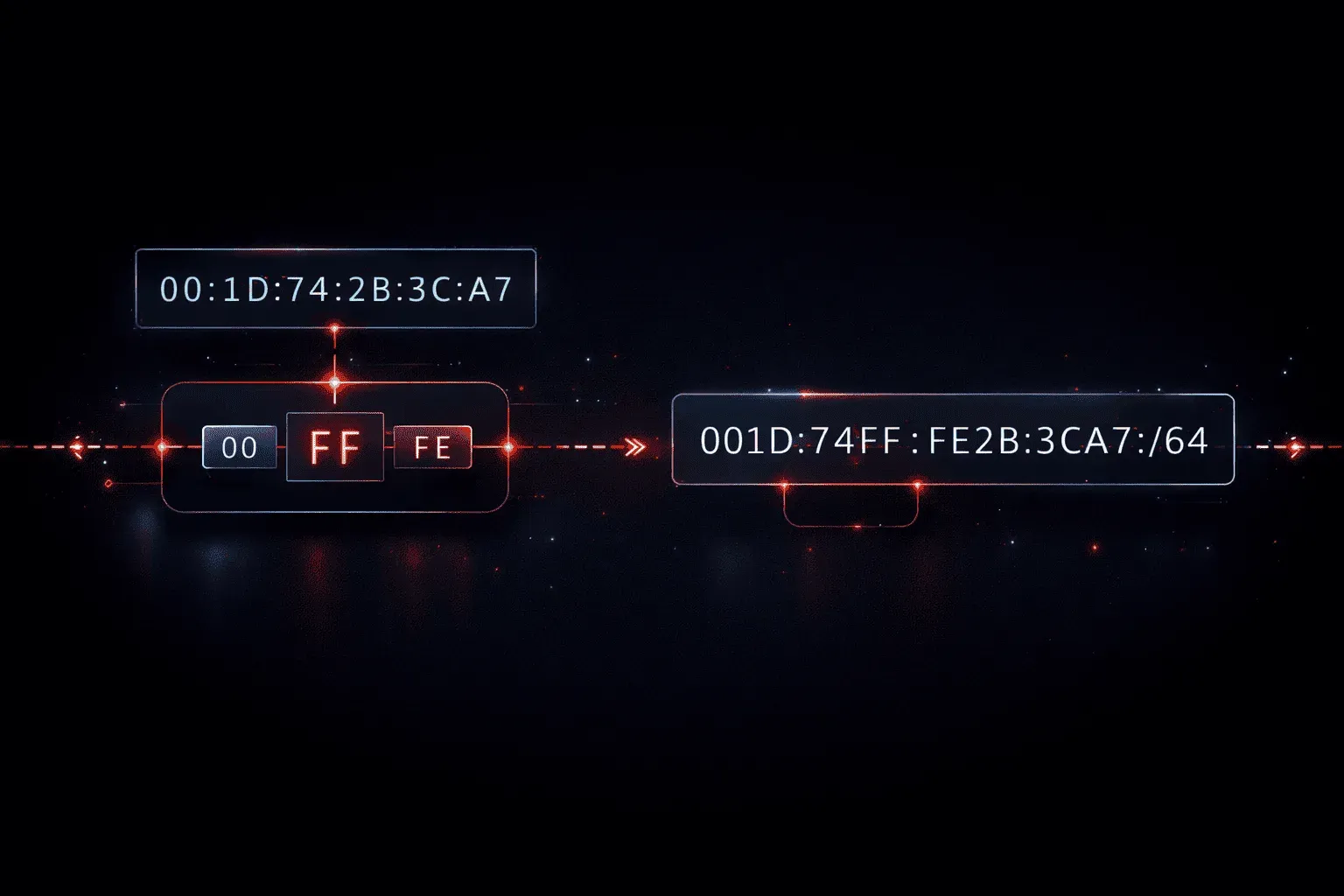
When learning IPv6, you'll encounter various methods for creating the 64-bit interface identifier portion of an IPv6 address. One of the most important automatic methods is Modified EUI-64, which transforms a device's MAC address into a unique IPv6 interface identifier.
What is Modified EUI-64?
Modified EUI-64 (Extended Unique Identifier) is a process that automatically generates the interface identifier portion of an IPv6 address using the device's MAC address. This 64-bit interface identifier fills the rightmost 64 bits of a 128-bit IPv6 address, while the leftmost 64 bits contain the network prefix.
The process takes a 48-bit MAC address and expands it to create a 64-bit identifier through a specific set of rules. This automation eliminates the need for manual interface configuration in many scenarios.
How Modified EUI-64 Works
The transformation follows three key steps:
Step 1: Insert FF-FE
Split the MAC address in half and insert FF-FE in the middle. For example, if your MAC address is 00-1B-63-84-45-E6, it becomes 00-1B-63-FF-FE-84-45-E6.
Step 2: Flip the Universal/Local Bit
Invert the 7th bit (Universal/Local bit) of the first byte. In our example, 00 in binary is 00000000. Flipping the 7th bit gives us 00000010, which equals 02 in hexadecimal.
Step 3: Format as IPv6
Group the result into four 16-bit blocks: 021B:63FF:FE84:45E6.
Let's see this in action with a complete example:
Original MAC:     00-1B-63-84-45-E6
Step 1 (Insert):  00-1B-63-FF-FE-84-45-E6
Step 2 (Flip):    02-1B-63-FF-FE-84-45-E6
Step 3 (Format):  021B:63FF:FE84:45E6

Complete IPv6:    2001:DB8:1:1:021B:63FF:FE84:45E6
Configuring Modified EUI-64 on Cisco Devices
On Cisco routers and switches, you can enable Modified EUI-64 using the ipv6 address command with the eui-64 keyword:
Router(config)# interface gigabitethernet0/0
Router(config-if)# ipv6 address 2001:db8:1:1::/64 eui-64
Router(config-if)# no shutdown
You can verify the configuration with:
Router# show ipv6 interface gigabitethernet0/0
GigabitEthernet0/0 is up, line protocol is up
  IPv6 is enabled, link-local address is FE80::21B:63FF:FE84:45E6
  No Virtual link-local address(es):
  Global unicast address(es):
    2001:DB8:1:1:21B:63FF:FE84:45E6, subnet is 2001:DB8:1:1::/64 [EUI]
Benefits and Considerations
Modified EUI-64 offers several advantages for network administrators:
- Automatic Configuration: No manual interface identifier assignment needed
- Uniqueness: MAC addresses are globally unique, ensuring unique IPv6 addresses
- Consistency: The same MAC always produces the same interface identifier
However, there are privacy concerns since the MAC address becomes visible in the IPv6 address, potentially allowing device tracking across networks. Modern operating systems often use privacy extensions or randomized identifiers instead.
Link-Local Addresses
Modified EUI-64 is also used automatically for link-local addresses. When IPv6 is enabled on an interface, the device automatically creates a link-local address using FE80:: as the prefix and the Modified EUI-64 format for the interface identifier.
What's Next
Now that you understand how Modified EUI-64 creates interface identifiers, the next step is exploring other IPv6 address types including anycast addresses and how they differ from unicast addressing. We'll also cover IPv6 privacy extensions and how modern devices handle interface identifier generation.
CCNA study resources
- CCNA Official Cert Guide Library (Wendell Odom) — Both volumes covering the full 200-301 exam blueprint. The definitive CCNA study resource.
- Wendell Odom CCNA Vol 1 — Networking fundamentals, switching, VLANs, STP, and IPv4 routing.
- Wendell Odom CCNA Vol 2 — Advanced routing, WAN, security, automation, and network management.