
Parsing XML in JavaScript
This post explains how to parse XML in JavaScript using the built-in DOMParser API. It covers navigating the parsed document with DOM methods, reading attributes, checking for parse errors, and briefly touches on Node.js alternatives for server-side environments.

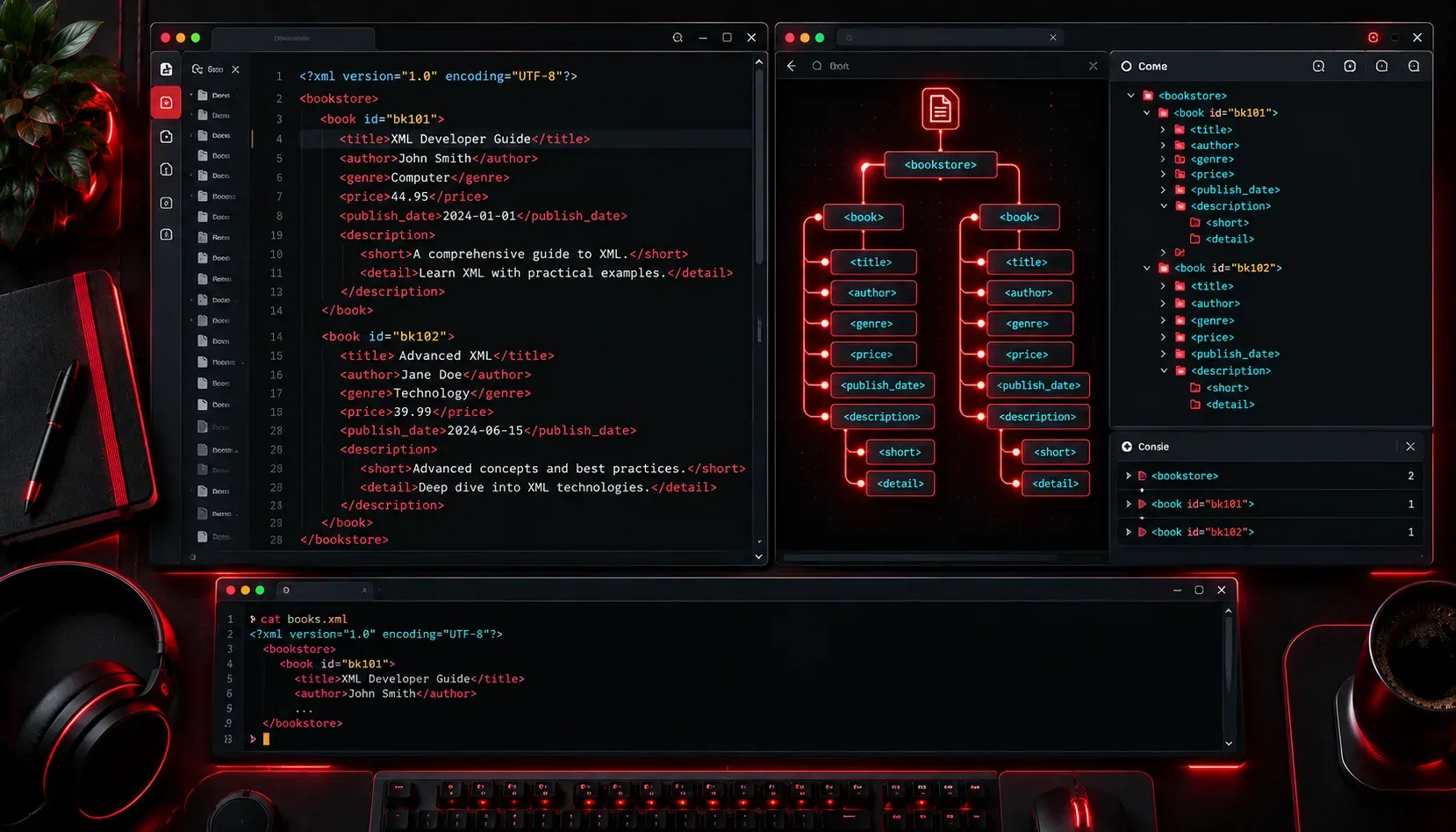
XML (eXtensible Markup Language) is a format for storing and transporting data in a structured, human-readable way. It uses nested tags, similar to HTML, to describe the meaning of the data it contains. XML is still widely used in web services, configuration files, and data exchange between systems. If you are building a web application or working with an API that returns XML, you will need to know how to parse it in JavaScript. The good news is that browsers come with a built-in tool that makes this straightforward.
What Does "Parsing" Mean?
Parsing means taking a string of text and converting it into a structured object your code can work with. When you receive XML data, it arrives as plain text. Parsing that text turns it into a document tree where you can navigate elements, read attributes, and extract values.
The DOMParser API
Modern browsers include the DOMParser API specifically for this purpose. It takes an XML string and returns a document object, similar to the document object you already use to interact with an HTML page.
Important: DOMParser is a browser API and is not available in Node.js by default. If you are working in Node.js, skip ahead to the Node.js section below for your options.
Here is a simple working example:
const xmlString = `<?xml version="1.0" encoding="UTF-8"?>
<library>
  <book id="1">
    <title>Learning JavaScript</title>
    <author>Ethan Brown</author>
    <year>2023</year>
  </book>
  <book id="2">
    <title>Eloquent JavaScript</title>
    <author>Marijn Haverbeke</author>
    <year>2018</year>
  </book>
</library>`;

const parser = new DOMParser();
const xmlDoc = parser.parseFromString(xmlString, "application/xml");

console.log(xmlDoc); // XMLDocument object
The second argument to parseFromString() is the MIME type. For XML, the recommended MIME type is "application/xml". You may also see "text/xml" used, but "application/xml" is the more appropriate choice and is preferred in modern usage. For HTML, you would use "text/html".
Navigating the Parsed Document
Once you have the XMLDocument object, you can use familiar DOM methods to pull out data.
Getting elements by tag name
const books = xmlDoc.getElementsByTagName("book");

for (let i = 0; i < books.length; i++) {
  const title = books[i].getElementsByTagName("title")[0].textContent;
  const author = books[i].getElementsByTagName("author")[0].textContent;
  console.log(`${title} by ${author}`);
}

// Output:
// Learning JavaScript by Ethan Brown
// Eloquent JavaScript by Marijn Haverbeke
Reading attributes
Attributes on XML elements are accessed with getAttribute(), the same as with HTML:
const firstBook = xmlDoc.getElementsByTagName("book")[0];
const bookId = firstBook.getAttribute("id");
console.log(bookId); // "1"
Using querySelector
You can also use querySelector() and querySelectorAll() on an XML document, which you may find more readable:
const titles = xmlDoc.querySelectorAll("title");
titles.forEach(title => console.log(title.textContent));

// Output:
// Learning JavaScript
// Eloquent JavaScript
Checking for Parse Errors
If the XML string is malformed, DOMParser does not throw an exception. Instead, it returns a document containing a <parsererror> element. You should always check for this in production code:
const badXml = "<root><unclosed></root>";
const result = parser.parseFromString(badXml, "application/xml");
const error = result.querySelector("parsererror");

if (error) {
  console.error("XML parsing failed:", error.textContent);
} else {
  console.log("XML parsed successfully.");
}
This simple check can save you from frustrating silent failures later in your code.
Parsing XML in Node.js
If you are working in a Node.js environment, the DOMParser API is not available by default. You have a couple of options:
- Use the
@xmldom/xmldompackage: This provides a standards-compatibleDOMParserfor Node.js, so your browser-style code transfers directly. - Use the
fast-xml-parserpackage: This is a popular, high-performance alternative that converts XML to a plain JavaScript object rather than a DOM tree, which many developers find easier to work with.
Install fast-xml-parser like this:
npm install fast-xml-parser
What's Next
Now that you can parse XML and navigate its structure, a natural next step is learning how to fetch XML from a remote API using the fetch() function and then parse the response dynamically. We will cover that in an upcoming post on working with APIs in JavaScript. It brings together everything you have learned here and adds real-world network requests to the mix.