
What Are Network Collisions and How to Identify Them
Learn what network collisions are, how they occur in half-duplex Ethernet networks, and how to identify collision issues through symptoms and interface statistics. Covers CSMA/CD process and modern collision prevention.

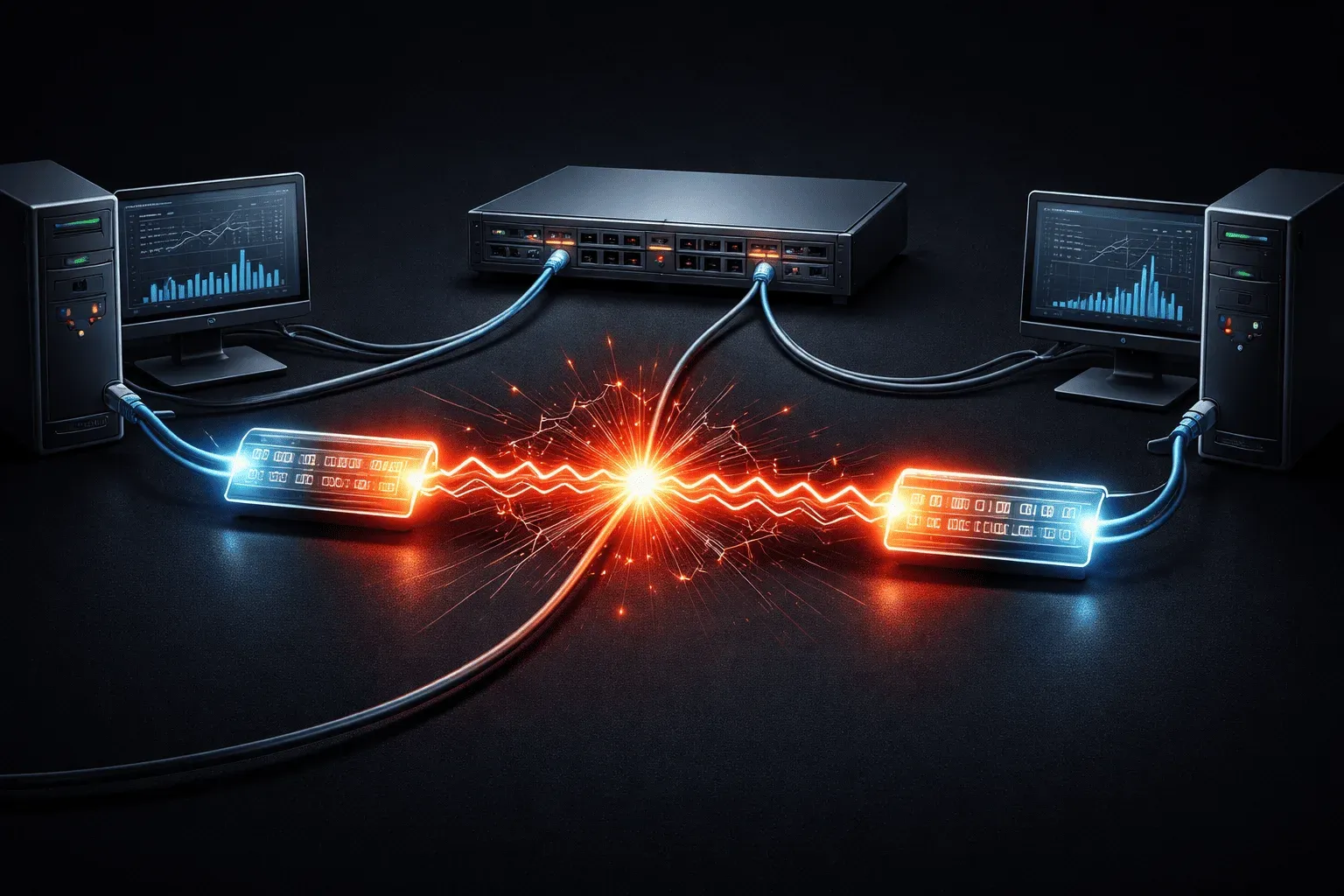
Network collisions are one of those fundamental networking concepts that every network engineer should understand, especially when working with older Ethernet technologies. While modern switched networks have largely eliminated collisions, understanding them helps you troubleshoot legacy networks and grasp how network traffic flows.
What Are Network Collisions?
A network collision occurs when two or more devices on the same network segment attempt to transmit data simultaneously. Think of it like two people trying to talk at the same time in a conversation; the messages get jumbled and neither can be understood clearly.
In traditional Ethernet networks using hubs (not switches), all devices share the same collision domain. When Device A sends a frame at the exact same time as Device B, their electrical signals interfere with each other on the wire, corrupting both transmissions. This forces both devices to stop, wait a random amount of time, and retransmit their data.
How Collisions Occur
Collisions happen in half-duplex environments where devices must share the transmission medium. Here's the typical sequence:
- Carrier Sense: Device listens to see if the line is clear
- Transmission: If clear, the device begins sending data
- Collision Detection: If another device transmits simultaneously, signals collide
- Jam Signal: Devices detect the collision and send a jam signal
- Backoff: Each device waits a random time before retrying
This process is called CSMA/CD (Carrier Sense Multiple Access with Collision Detection), which was the foundation of early Ethernet networks.
Signs of Network Collision Issues
When troubleshooting network traffic issues, several symptoms point to collision problems:
Performance Symptoms
- Slow network performance: Frequent retransmissions reduce effective bandwidth
- Intermittent connectivity: Applications timeout due to delayed or lost packets
- High latency: Packets take longer to reach their destination
Statistical Indicators
You can identify collisions using network monitoring tools and device statistics:
Router# show interfaces FastEthernet0/1
FastEthernet0/1 is up, line protocol is up
  Hardware is Lance, address is 0060.837c.7986
  MTU 1500 bytes, BW 10000 Kbit, DLY 1000 usec,
     reliability 255/255, txload 1/255, rxload 1/255
  Encapsulation ARPA, loopback not set
  Keepalive set (10 sec)
  Half-duplex, 10Mb/s
     0 packets input, 0 bytes, 0 no buffer
     Received 0 broadcasts, 0 runts, 0 giants, 0 throttles
     0 input errors, 0 CRC, 0 frame, 0 overrun, 0 ignored
     0 input packets with dribble condition detected
     2 packets output, 120 bytes, 0 underruns
     0 output errors, 15 collisions, 1 interface resets
Key statistics to watch:
- Collisions: Shows the number of detected collisions
- Late collisions: Collisions detected after the minimum frame time
- CRC errors: Often increase with collision-damaged frames
Modern Networks and Collisions
Today's switched networks have largely eliminated collisions through two key changes. First, switches create a separate collision domain for each port, so devices no longer compete for a shared medium. Second, modern Ethernet links operate in full-duplex mode, meaning a device can transmit and receive simultaneously on dedicated wire pairs. With no shared medium and no need to take turns, CSMA/CD is not used at all on full-duplex links and collisions simply cannot occur. This is why you will rarely see collision counters incrementing on a properly configured modern switch port.
However, you might still encounter collisions in:
- Legacy networks using hubs, where all ports share a single collision domain
- Misconfigured switch ports that have been forced to half-duplex, often through a duplex mismatch between the switch and the connected device
- Wireless networks, which handle the problem differently using CSMA/CA rather than CSMA/CD
Wireless networks cannot detect collisions in the same way wired networks do because a device transmitting on a wireless medium cannot simultaneously listen for collisions on that same medium. Instead, Wi-Fi uses CSMA/CA (Carrier Sense Multiple Access with Collision Avoidance), which tries to prevent collisions before they happen rather than detecting them after the fact. Devices wait for the medium to be idle, then add a random backoff period before transmitting. They may also use an optional RTS/CTS (Request to Send / Clear to Send) handshake to reserve the medium before sending larger frames. The result is a similar outcome to CSMA/CD but through avoidance rather than detection.
Prevention and Troubleshooting
To prevent collision issues:
- Use switches instead of hubs
- Configure ports for full-duplex when possible
- Use the
duplex fullcommand on Cisco interfaces - Monitor interface statistics regularly
When troubleshooting, use commands like show interfaces to check collision counters and duplex settings. High collision rates typically indicate duplex mismatches or overloaded network segments.
What's Next
Now that you understand network collisions, the next logical step is learning about collision domains and broadcast domains. These concepts build directly on collision knowledge and are crucial for understanding how switches and routers segment networks to improve performance.
CCNA study resources
- CCNA Official Cert Guide Library (Wendell Odom) - Both volumes covering the full 200-301 exam blueprint. The definitive CCNA study resource.
- Wendell Odom CCNA Vol 1 - Networking fundamentals, switching, VLANs, STP, and IPv4 routing.