
Understanding Network Configuration on Mac OS
A beginner's guide to verifying and understanding network configuration on Mac OS, covering both GUI and command-line methods for checking IP settings, DNS, and connectivity. Essential knowledge for CCNA students setting up lab environments and troubleshooting network issues.

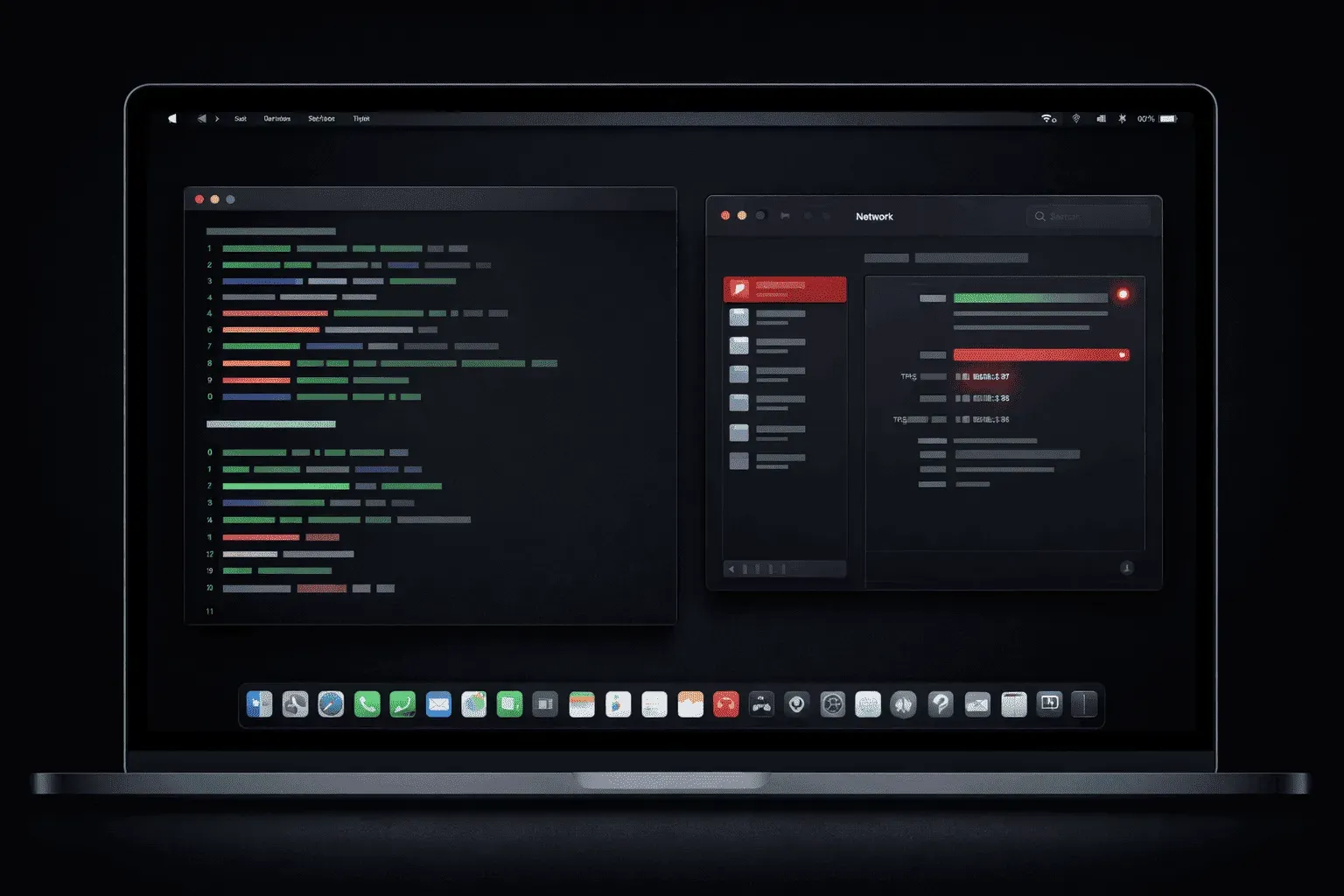
When studying for the CCNA exam, you'll need to understand how to verify network settings across different operating systems. Mac OS provides several ways to check your network configuration, and knowing these methods will help you troubleshoot connectivity issues and understand how devices connect to networks.
Why Network Configuration Matters for CCNA Students
Understanding how to verify IP Mac settings is crucial because your computer acts as an end device in network topologies you'll encounter on the CCNA exam. Whether you're setting up a lab environment or troubleshooting real-world scenarios, knowing how to check your local network settings helps you understand the complete path from your device to the network infrastructure.
Using System Preferences for Basic Network Information
The most user-friendly way to check your Mac network settings is through System Preferences. Navigate to System Preferences > Network, and you'll see a clean interface showing your active network connections.
Here, you can view:
- Your current IP address
- Subnet mask
- Default gateway (router)
- DNS servers
- Connection status for each network interface
Click on your active connection (Wi-Fi or Ethernet) and select "Advanced" to see more detailed configuration options, including TCP/IP settings and hardware information like your MAC address.
Command Line Tools for Detailed Network Analysis
For more comprehensive network configuration Mac OS information, Terminal provides powerful command-line tools that mirror what you'll use in Cisco networking.
The ifconfig command shows detailed interface information:
ifconfig
This displays all network interfaces, their IP addresses, subnet masks, and status. Look for en0 (typically Ethernet) or en1 (typically Wi-Fi) for your primary connections.
To check your routing table and default gateway, use:
netstat -rn
The route get default command specifically shows your default gateway:
route get default
Modern Alternatives
Mac OS also supports the newer ip command syntax found in Linux systems. You can use:
ip addr show
ip route show
These commands provide similar information with a more modern interface that aligns with current networking practices.
DNS Configuration and Testing
To Mac OS IP check your DNS settings, examine the /etc/resolv.conf file:
cat /etc/resolv.conf
Test DNS resolution using:
nslookup google.com
dig google.com
These tools help you verify that your Mac can properly resolve domain names to IP addresses, which is essential for internet connectivity.
Network Connectivity Testing
The ping command tests basic connectivity to other devices:
ping 8.8.8.8
ping google.com
Use traceroute to see the path packets take through the network:
traceroute google.com
This command reveals each router (hop) between your Mac and the destination, helping you understand network topology concepts covered in CCNA studies.
Practical Application for CCNA Labs
When setting up CCNA lab environments, you'll often need to verify that your Mac can communicate with routers and switches. Use these verification steps to ensure your host computer is properly configured before troubleshooting network device issues.
Understanding your local network configuration also helps when studying NAT, DHCP, and routing concepts, as you can observe how these protocols affect your actual device settings.
What's Next
Now that you understand Mac OS network verification, the next step is learning how to perform similar checks on Windows systems. Each operating system has its own tools and methods, and CCNA candidates should be comfortable with both platforms for comprehensive network troubleshooting.
CCNA study resources
- CCNA Official Cert Guide Library (Wendell Odom) — Both volumes covering the full 200-301 exam blueprint. The definitive CCNA study resource.
- Wendell Odom CCNA Vol 1 — Networking fundamentals, switching, VLANs, STP, and IPv4 routing.