
What Are Switching Technologies in Networking
This post explains the fundamentals of switching technologies in networking, covering how network switches operate at Layer 2, their role in connecting devices within LANs, and key differences between switches and routers. It includes practical examples of MAC address tables and switching methods.

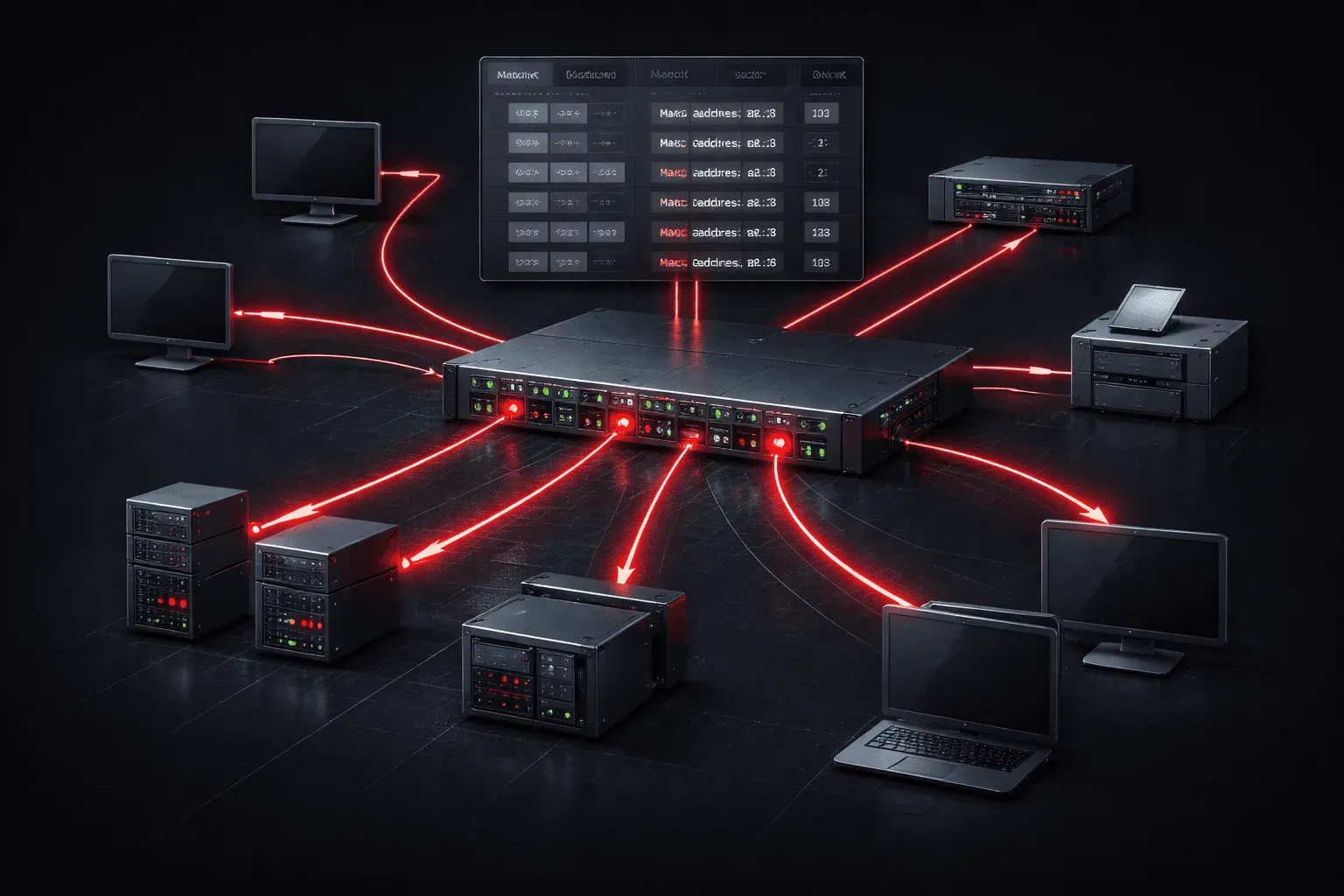
When you're diving into network basics, understanding switching technologies is crucial. Think of network switches as the traffic managers of your local network. They're responsible for efficiently moving data between devices within the same network segment.
What Are Network Switches?
Network switches are Layer 2 devices that connect multiple devices within a local area network (LAN). Unlike hubs, which simply repeat data to all connected devices, switches are intelligent devices that learn and remember the MAC addresses of connected devices, creating a MAC address table for efficient data forwarding.
Here's what makes switches special:
- MAC Address Learning: Switches automatically build a table of MAC addresses and their corresponding ports
- Collision Domain Separation: Each switch port creates its own collision domain
- Full-Duplex Communication: Devices can send and receive data simultaneously
- Intelligent Forwarding: Data is sent only to the intended recipient
How Switching Technologies Work
When a switch receives a frame, it follows a simple but effective process:
- Learning: The switch examines the source MAC address and associates it with the incoming port
- Flooding: If the destination MAC address is unknown, the switch floods the frame to all ports except the source
- Forwarding: If the destination MAC is known, the switch forwards the frame only to the appropriate port
- Filtering: If the destination is on the same port as the source, the frame is dropped
MAC Address Table in Action
Let's look at what a MAC address table might contain:
Switch# show mac address-table
          Mac Address Table
-------------------------------------------
Vlan    Mac Address       Type        Ports
----    -----------       --------    -----
   1    0050.7966.6800    DYNAMIC     Fa0/1
   1    0050.7966.6801    DYNAMIC     Fa0/2
   1    0050.7966.6802    DYNAMIC     Fa0/3
Total Mac Addresses for this criterion: 3
Switch vs Router: Key Differences
Understanding the switch vs router distinction is fundamental to network basics:
Network Switches (Layer 2)
- Operate at the Data Link Layer
- Use MAC addresses for forwarding decisions
- Connect devices within the same network
- Create one large broadcast domain (unless VLANs are used)
- Faster forwarding due to hardware-based switching
Routers (Layer 3)
- Operate at the Network Layer
- Use IP addresses for routing decisions
- Connect different networks together
- Each interface creates a separate broadcast domain
- More complex processing for routing decisions
Types of Switching Methods
Modern switches use different methods to process frames:
Store-and-Forward
The switch receives the entire frame, checks it for errors using the Frame Check Sequence (FCS), and then forwards it. This method ensures data integrity but introduces slight delay.
Cut-Through
The switch begins forwarding the frame as soon as it reads the destination MAC address. This reduces latency but doesn't perform error checking.
Fragment-Free
A hybrid approach that reads the first 64 bytes (where most errors occur) before forwarding. This balances speed and error detection.
Benefits of Modern Switching Technologies
Today's network switches provide several advantages:
- Scalability: Easy to add more devices by connecting additional switches
- Performance: Dedicated bandwidth per port eliminates collisions
- Security: VLANs and port security features enhance network protection
- Management: Advanced switches offer extensive monitoring and configuration options
What's Next
Now that you understand the fundamentals of switching technologies, the next step is exploring VLANs (Virtual Local Area Networks). VLANs allow you to logically segment your switched network, creating multiple broadcast domains on a single switch, a powerful feature that enhances both security and network organization.
Network+ study resources
- CompTIA Network+ Study Guide — Full N10-009 exam coverage across all five domains. Essential exam preparation.