
How Does Network Infrastructure Support Cybersecurity
This post explains how network infrastructure supports cybersecurity by covering segmentation, firewalls, access control, monitoring, and physical security. Written for CCST Cybersecurity learners, it connects foundational networking concepts to real-world data protection practices. Includes a prac

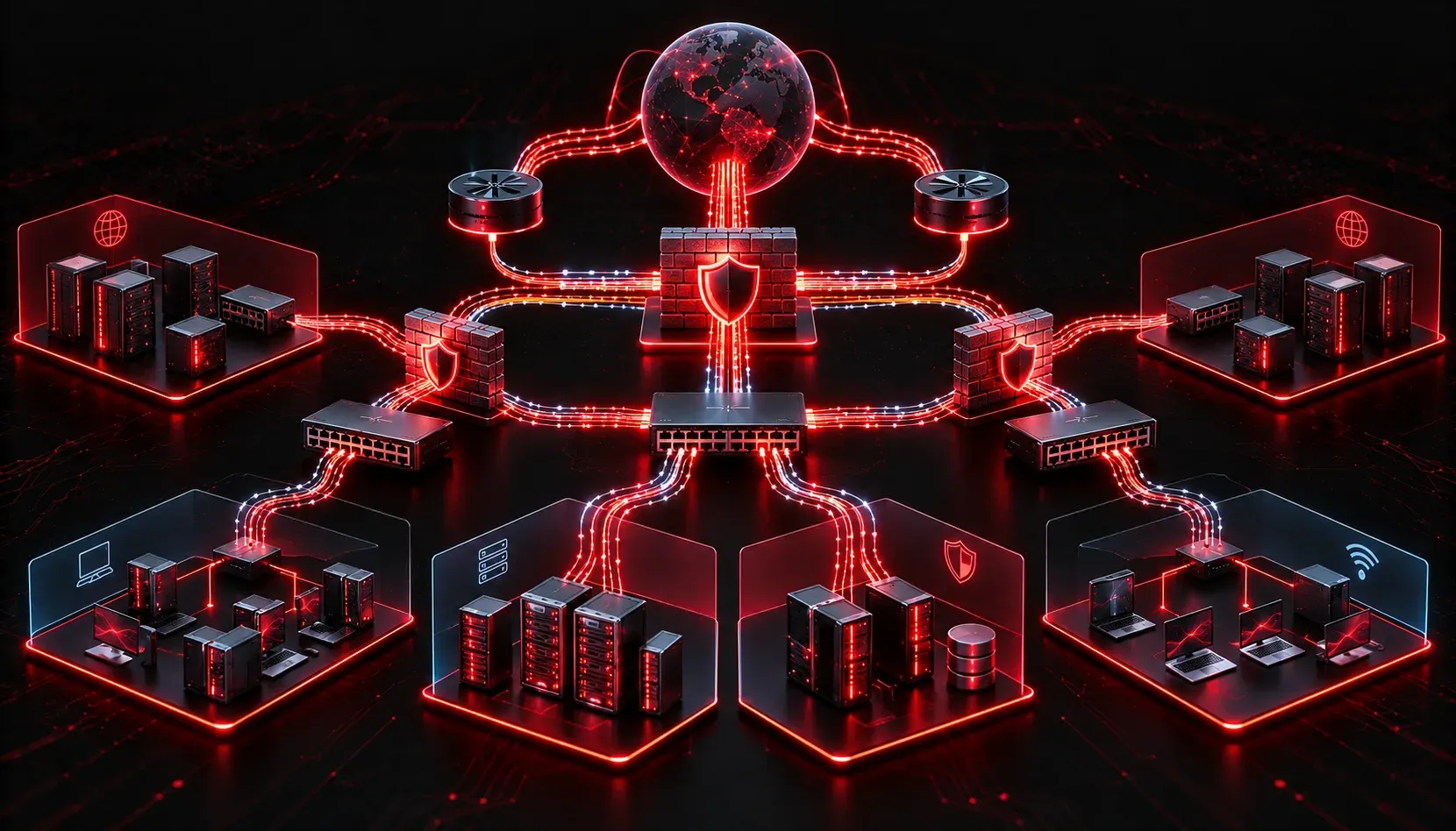
When most people think about cybersecurity, they picture passwords, antivirus software, or maybe a hacker hunched over a glowing keyboard. But the real foundation of protecting data in any organization starts much earlier, at the network infrastructure level. Understanding how network infrastructure supports cybersecurity is one of the core ideas tested in the CCST Cybersecurity exam, and it is a concept that pays dividends throughout your entire career in IT.
What Is Network Infrastructure?
Network infrastructure refers to the physical and logical components that make communication between devices possible. This includes:
- Routers: Direct traffic between networks, including the internet and internal systems.
- Switches: Connect devices within a local network (LAN) and control which devices can communicate.
- Firewalls: Filter traffic based on security rules, blocking unauthorized access.
- Access Points: Provide wireless connectivity to the network.
- Cables and physical media: The actual wires and fiber that carry data between devices.
Each of these components plays a direct role in cybersecurity basics. If any one of them is misconfigured or compromised, attackers can exploit that gap to access sensitive data.
How Network Infrastructure Supports Cybersecurity
Segmentation and Isolation
One of the most powerful cybersecurity tools built into network infrastructure is segmentation. By dividing a network into separate zones or VLANs (Virtual Local Area Networks), you limit how far an attacker can move if they get inside your network. For example, your guest Wi-Fi should never be on the same network segment as your internal file servers. If a visitor's laptop is infected with malware, segmentation prevents that malware from reaching critical internal systems.
Think of it like compartments on a submarine. If one section floods, watertight doors keep the rest of the vessel afloat.
Traffic Filtering and Firewalls
Firewalls are perhaps the most well-known network security device. They sit at the boundary between trusted and untrusted networks and apply rules to allow or deny traffic. A basic firewall rule might look like this:
! Allow HTTP and HTTPS traffic inbound from the internet
permit tcp any host 203.0.113.10 eq 80
permit tcp any host 203.0.113.10 eq 443

! Deny all other inbound traffic
deny ip any any
This rule set allows web traffic to a public server while blocking everything else. Without this filtering layer, any device on the internet could attempt to connect directly to internal systems.
Access Control
Switches and routers enforce access control lists (ACLs) that define which users or devices are permitted to access specific parts of the network. This is a direct data protection mechanism. For example, only the accounting team's devices should be able to reach the payroll server. ACLs enforce that policy at the network layer, even before a user ever sees a login screen.
Monitoring and Visibility
Network infrastructure also provides the visibility needed to detect threats. Tools like NetFlow (built into many Cisco routers and switches) collect metadata about traffic flows, such as which IP addresses are talking to each other and how much data is being transferred. Security teams analyze this data to spot unusual patterns, like a workstation suddenly sending large amounts of data to an external IP at 3 AM.
Physical Security
It is easy to overlook, but physical access to network equipment is a cybersecurity concern too. If an attacker can physically reach a switch or router, they may be able to reset it, plug in a rogue device, or capture traffic directly. Locking network equipment in secure cabinets or data closets is a basic but important control.
Why This Matters for CCST Cybersecurity
The CCST Cybersecurity exam (objective 2.3) expects you to understand that cybersecurity is not just about software tools. The network infrastructure itself is a layer of defense. Every router, switch, and firewall is either a security asset or a potential vulnerability, depending on how well it is configured and maintained.
When you start thinking about network infrastructure cybersecurity as an interconnected system rather than isolated devices, you begin to see the network the way a security professional does.
What's Next
Now that you understand how network infrastructure forms the backbone of cybersecurity, the next logical step is diving into specific security controls and protocols that protect data in transit. In an upcoming post, we will look at encryption basics and how protocols like TLS and IPsec keep data safe as it moves across networks. Stay tuned!