
Private vs Public IPv4 Addresses: Key Differences
This post explains the key differences between private and public IPv4 addresses, covering their characteristics, use cases, and how NAT enables them to work together in modern networks.

When you're learning networking basics, one of the most fundamental concepts to grasp is the difference between private and public IPv4 addresses. Understanding these IP address types is crucial for anyone pursuing their CCNA certification or working with network infrastructure.
What Are IPv4 Addresses?
IPv4 addresses are 32-bit numerical identifiers that uniquely identify devices on a network. They're written in dotted decimal notation, like 192.168.1.1 or 8.8.8.8. Think of them as postal addresses for your network devices, they tell data packets exactly where to go.
Public IPv4 Addresses: Your Internet Identity
Public IPv4 addresses are globally unique identifiers assigned by Internet Service Providers (ISPs) and managed by regional authorities. These addresses are routable across the internet, meaning any device worldwide can potentially reach them.
Key characteristics of public addresses:
- Globally unique, no two devices can have the same public IP
- Routable on the internet
- Assigned and managed by ISPs
- Limited in quantity (IPv4 exhaustion is a real problem)
- Examples:
8.8.8.8,1.1.1.1,208.67.222.222
When you visit a website, your router uses its public IP address to communicate with the web server. This is how the server knows where to send the requested webpage back to you.
Private IPv4 Addresses: Your Local Network Heroes
Private IPv4 addresses are reserved ranges that can be used within local networks without coordination with any global authority. These addresses aren't routable on the public internet, which is actually a feature, not a bug.
The three private IPv4 ranges defined in RFC 1918:
10.0.0.0to10.255.255.255(Class A: /8 network)172.16.0.0to172.31.255.255(Class B: /12 network)192.168.0.0to192.168.255.255(Class C: /16 network)
Key characteristics of private addresses:
- Not routable on the internet
- Can be reused in different networks
- Free to use, no registration required
- Provide security through isolation
- Conserve public IPv4 address space
How They Work Together: NAT Makes It Happen
You might wonder: "If private addresses can't reach the internet, how does my laptop with IP 192.168.1.100 browse the web?" The answer is Network Address Translation (NAT).
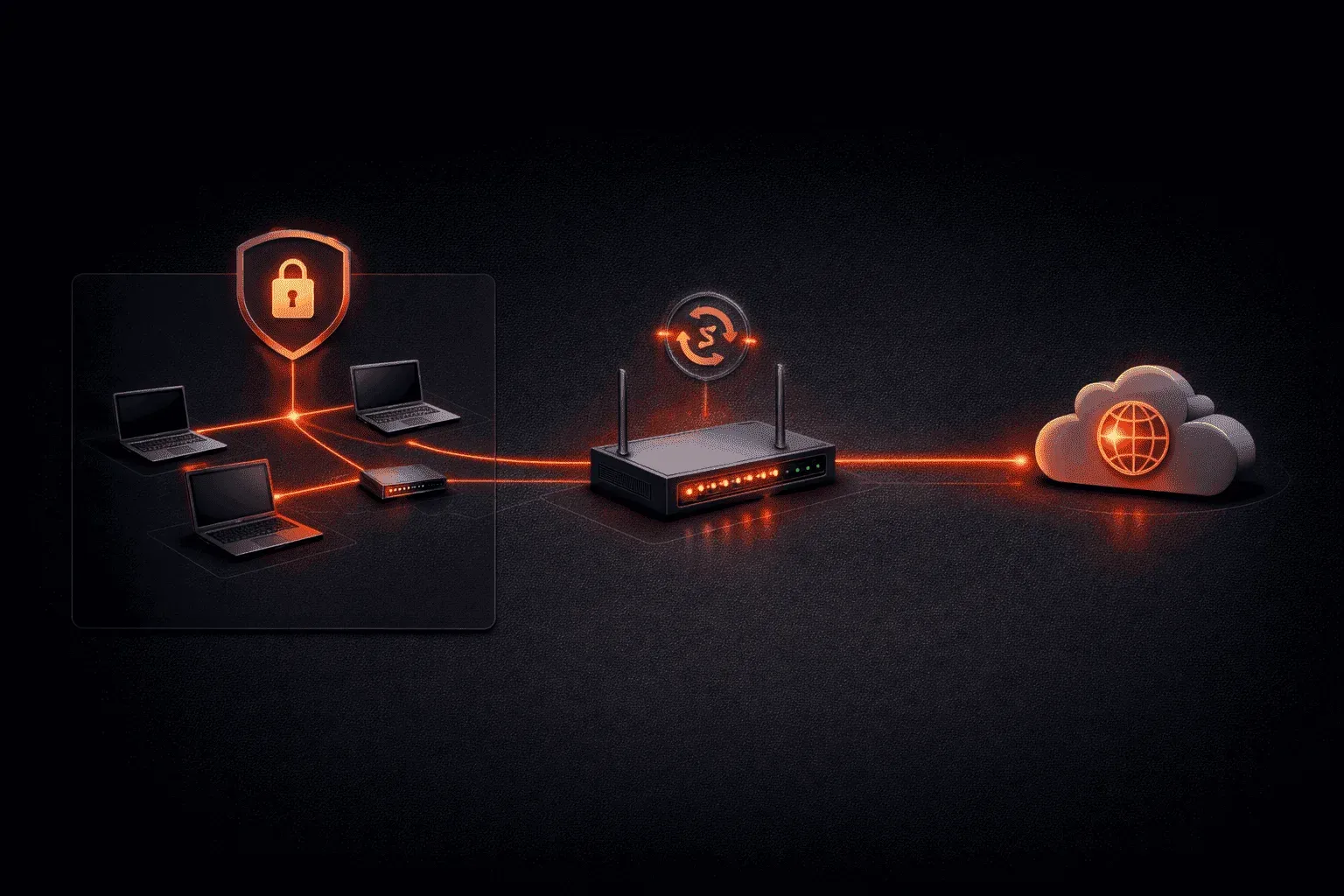
Your router acts as a translator, converting your private IP address to its public IP when sending traffic to the internet. When responses come back, it translates the public address back to your private one. This allows multiple devices with private IPs to share a single public IP address.
Internal Device: 192.168.1.100 → Router NAT → Public IP: 203.0.113.5 → InternetPractical Examples in Your Home Network
Let's look at a typical home setup:
- Your ISP assigns your router a public IP:
203.0.113.5 - Your router's internal interface:
192.168.1.1(private) - Your laptop:
192.168.1.100(private) - Your phone:
192.168.1.101(private) - Your smart TV:
192.168.1.102(private)
All your internal devices use private addresses, but they all share the same public IP when accessing the internet.
Why This IP Address Comparison Matters
Understanding private vs public IPv4 addresses is essential because:
- Security: Private addresses provide an inherent security layer
- Scalability: Private addressing allows networks to grow without consuming public IPs
- Troubleshooting: Knowing which type you're dealing with helps diagnose connectivity issues
- Network Design: Proper addressing schemes are fundamental to network architecture
What's Next
Now that you understand the fundamental differences between private and public IPv4 addresses, the next logical step is learning about subnetting. We'll explore how to divide networks into smaller, manageable segments using subnet masks—a critical skill for any network professional.
CCNA study resources
- CCNA Official Cert Guide Library (Wendell Odom) — Both volumes covering the full 200-301 exam blueprint. The definitive CCNA study resource.
- Wendell Odom CCNA Vol 1 — Networking fundamentals, switching, VLANs, STP, and IPv4 routing.