
Understanding Transceivers in Networking: A Beginner's Guide
Network transceivers are critical components that convert signals between network equipment and transmission media. This guide covers SFP, SFP+, and QSFP types, explaining how they function and helping you choose the right transceiver for your network needs.

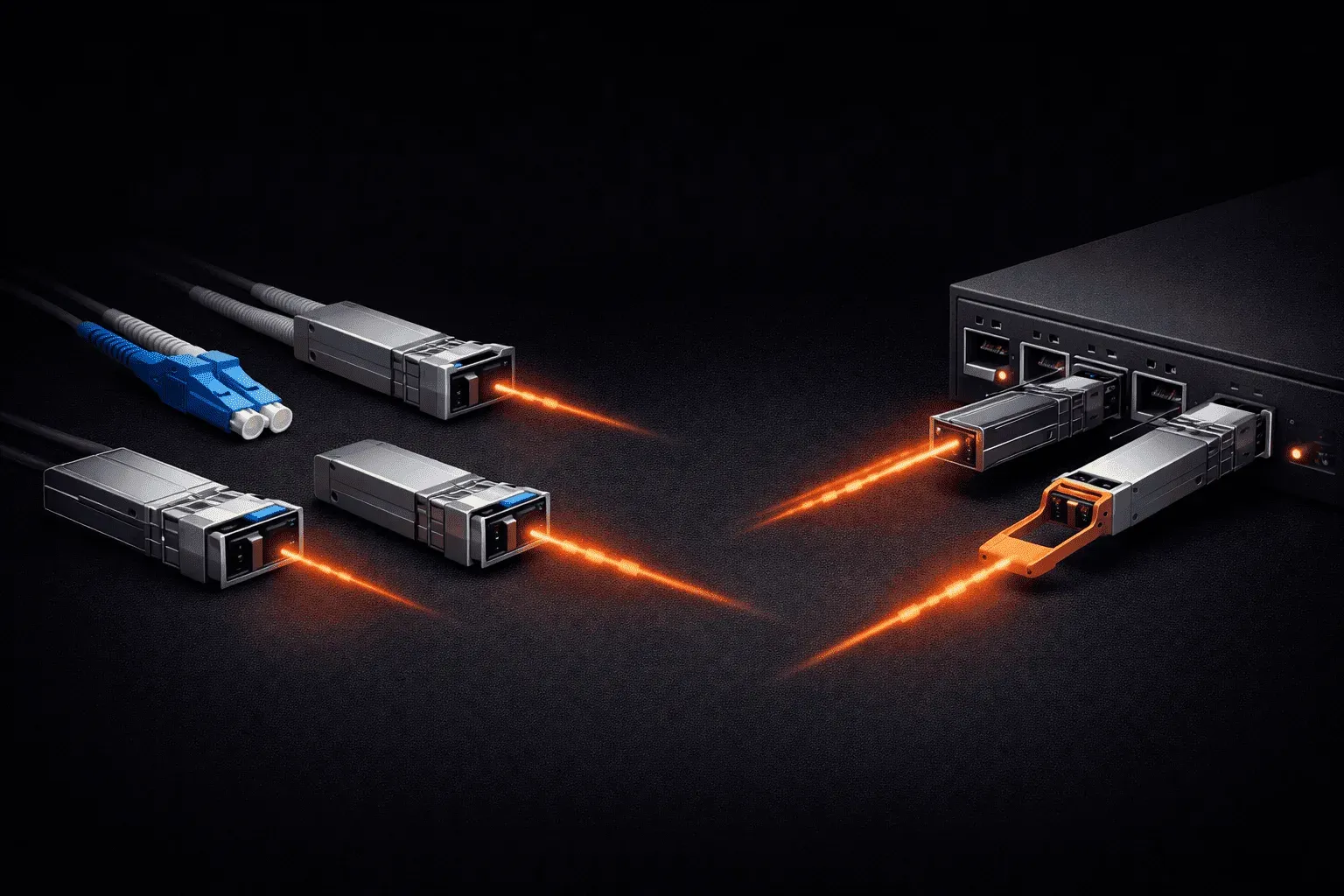
If you've ever wondered how data travels across fiber optic cables or how network switches connect to different types of media, transceivers are the unsung heroes making it all possible. These small but critical components bridge the gap between your network equipment and the physical transmission medium.
What is a Network Transceiver?
A transceiver is a device that both transmits and receives data signals. The name itself comes from combining "transmitter" and "receiver." In networking, transceivers convert electrical signals from your network equipment into optical or electrical signals suitable for transmission over cables, and then convert incoming signals back for your equipment to process.
Think of a transceiver as a translator. Your switch speaks in electrical signals, but your fiber optic cable only understands light pulses. The transceiver handles this translation in both directions, ensuring seamless communication.
Common Transceiver Types
SFP (Small Form-factor Pluggable)
SFP modules are among the most popular transceiver types in modern networks. These hot-swappable devices plug directly into SFP ports on switches, routers, and other network devices. SFP transceivers support speeds up to 1 Gbps and come in various types:
- SFP-SX: Multimode fiber, short-range (up to 550 meters)
- SFP-LX: Single-mode fiber, long-range (up to 10 kilometers)
- SFP-T: Copper twisted pair using RJ45 connectors
SFP+ (Enhanced Small Form-factor Pluggable)
SFP+ modules look identical to SFP but support 10 Gbps speeds. They're backward compatible with SFP ports but will only operate at 1 Gbps speeds when used in standard SFP slots. Common variants include:
- SFP+-SR: Short-range multimode fiber
- SFP+-LR: Long-range single-mode fiber
- SFP+-CR: Direct attach copper cables
QSFP (Quad Small Form-factor Pluggable)
QSFP transceivers support higher speeds by using four channels in parallel. QSFP+ supports 40 Gbps, while QSFP28 handles 100 Gbps. These are typically used in data center environments and high-performance computing applications.
How Transceivers Work in Your Network
When you insert an SFP module into a switch port, the switch automatically detects the transceiver type and configures itself accordingly. Here's what happens during data transmission:
- The switch sends electrical data signals to the transceiver
- The transceiver converts these signals to light pulses (for fiber) or electrical signals (for copper)
- Signals travel across the cable medium to the destination
- The receiving transceiver converts the signals back to electrical form
- The destination device processes the data
Choosing the Right Transceiver
Selecting the appropriate transceiver depends on several factors:
- Distance: Short-range multimode for distances under 550m, single-mode for longer runs
- Speed requirements: Match the transceiver speed to your network needs
- Budget: Multimode fiber and transceivers cost less than single-mode
- Future growth: Consider higher-speed transceivers for scalability
You can verify transceiver information on Cisco devices using commands like show interface transceiver or show inventory. These commands display transceiver type, serial numbers, and operational status.
Practical Considerations
When working with transceivers, remember that they're sensitive components. Always handle them carefully, avoid touching the optical connectors, and use dust caps when transceivers aren't connected. Mixing different transceiver types on the same link will cause connectivity issues, so ensure both ends use compatible modules.
Most enterprise switches support third-party transceivers, but some vendors like Cisco may display compatibility warnings. These warnings don't usually affect functionality, but check your support agreements if using non-vendor transceivers in production environments.
What's Next
Now that you understand transceivers and their role in network connectivity, the next step is exploring the physical layer components they connect to. In our next post, we'll dive into fiber optic cables, understanding single-mode versus multimode fiber, connector types, and how to plan fiber installations for optimal performance.
Network+ study resources
- CompTIA Network+ Study Guide — Full N10-009 exam coverage across all five domains. Essential exam preparation.