
Python Arithmetic Operators Explained
This post explains all seven Python arithmetic operators with clear examples and practical use cases. It covers addition, subtraction, multiplication, division, floor division, modulo, and exponentiation, along with operator precedence rules. A real-world subnet calculator example ties the concepts

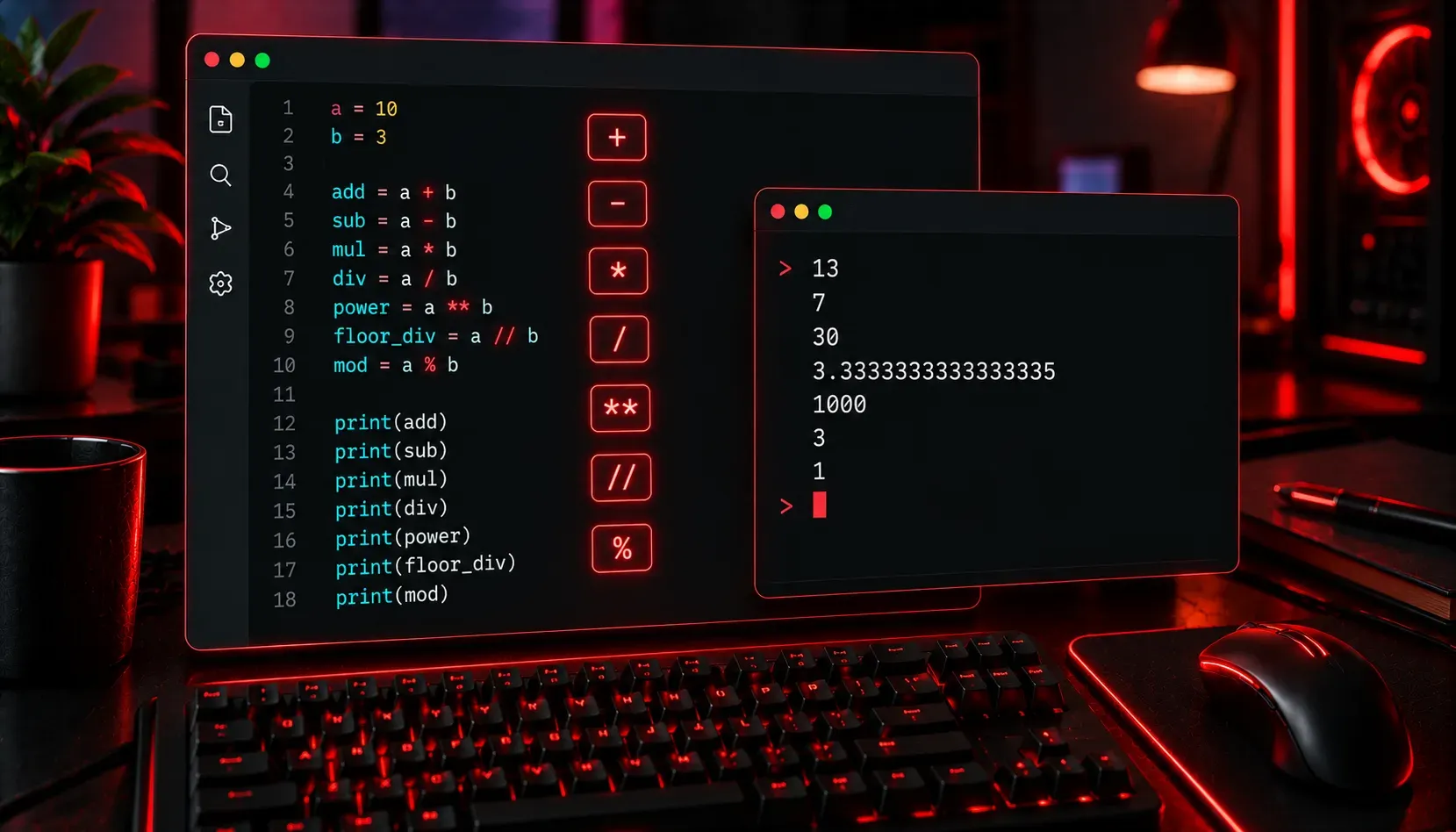
When you write a Python program, one of the first things you will need to do is perform calculations. Whether you are adding numbers together, splitting a value evenly, or figuring out a remainder, Python gives you a clean and simple set of tools to do it: arithmetic operators. These are the building blocks of almost every program you will ever write, so it is worth understanding each one clearly.
The Seven Arithmetic Operators
Python has seven arithmetic operators. You will likely recognise most of them from basic mathematics, but a couple of them might be new to you.
Addition and Subtraction
The + and - operators work exactly as you would expect from school maths.
x = 10 + 3   # Result: 13
y = 10 - 3   # Result: 7
Multiplication and Division
Multiplication uses the * symbol (not the x you might write on paper), and standard division uses /. One important thing to note: in Python 3, the / operator always returns a float, even if the result is a whole number.
x = 10 * 3   # Result: 30
y = 10 / 2   # Result: 5.0  (not 5)
Floor Division
If you want the result of a division as a whole number (with the decimal part discarded), use the // floor division operator. It rounds down to the nearest integer.
x = 10 // 3   # Result: 3
y = 7 // 2    # Result: 3
Notice that 10 // 3 gives you 3, not 4. Floor division always rounds toward the lowest whole number, it does not round to the nearest one.
Modulo
The modulo operator % returns the remainder after division. This is incredibly useful in programming. A common use case is checking whether a number is odd or even.
x = 10 % 3   # Result: 1  (10 divided by 3 is 3, remainder 1)
y = 10 % 2   # Result: 0  (10 divides evenly by 2)
number = 7
if number % 2 == 0:
    print("Even")
else:
    print("Odd")

# Output: Odd
Exponentiation
To raise a number to a power, use the ** operator. This replaces the need for a separate function in most basic cases.
x = 2 ** 8   # Result: 256
y = 3 ** 3   # Result: 27
This is particularly handy in networking calculations, such as figuring out how many hosts a subnet can hold (for example, 2 ** 8 gives you 256 addresses in a /24 network).
Operator Precedence
When you combine multiple operators in a single expression, Python follows the standard mathematical order of operations. A helpful memory aid is PEMDAS (Parentheses, Exponents, Multiplication/Division, Addition/Subtraction).
result = 2 + 3 * 4       # Result: 14  (not 20)
result = (2 + 3) * 4     # Result: 20
result = 2 ** 3 + 1      # Result: 9
When in doubt, use parentheses. They make your code more readable and eliminate any ambiguity about what you intended.
Practical Example: Network Subnet Calculator
Here is a short, practical example that pulls several of these operators together. It calculates the number of usable host addresses in a subnet given the prefix length.
prefix_length = 24
host_bits = 32 - prefix_length
total_addresses = 2 ** host_bits
usable_hosts = total_addresses - 2  # Subtract network and broadcast addresses

print(f"Total addresses: {total_addresses}")
print(f"Usable hosts: {usable_hosts}")

# Output:
# Total addresses: 256
# Usable hosts: 254
This small script uses subtraction, exponentiation, and formatted strings to produce a genuinely useful result. That is the power of understanding your fundamentals.
Quick Reference Summary
+: Addition-: Subtraction*: Multiplication/: Division (always returns a float)//: Floor division (returns an integer, rounds down)%: Modulo (returns the remainder)**: Exponentiation (raises to a power)
What's Next
Now that you are comfortable with arithmetic operators, the next step is understanding comparison operators: tools like ==, !=, >, and < that let your programs make decisions. Comparison operators are the foundation of conditional logic, and once you combine them with if statements, your programs will start to feel genuinely intelligent.