
What is CAN and How It's Used in Campuses
This post introduces Campus Area Networks (CANs), explaining how they connect multiple buildings within a single site and why they matter in university, corporate, and hospital environments. It covers CAN structure using the three-tier campus model and differentiates CANs from LANs and WANs. The po

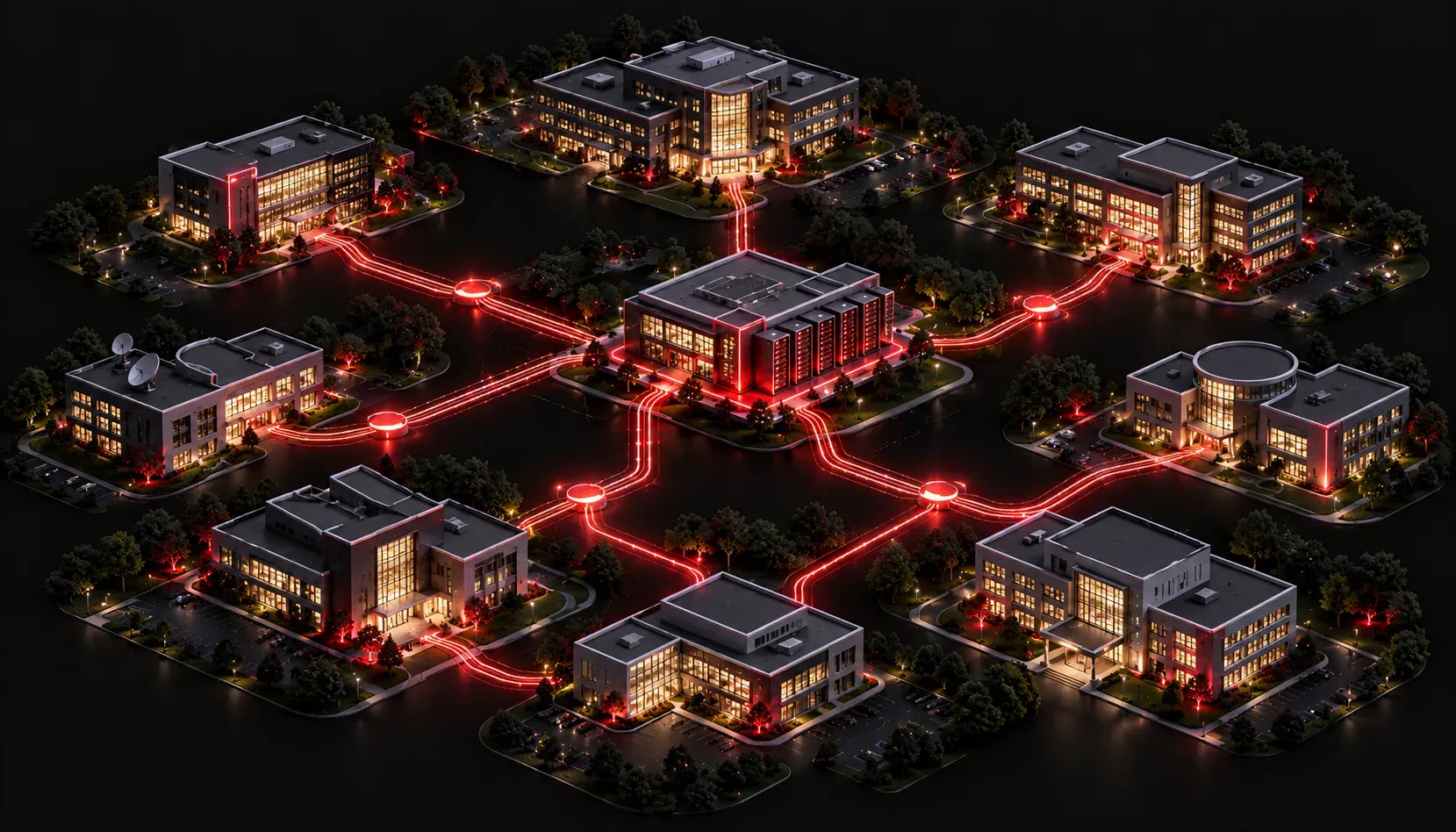
When you walk across a university campus or a large corporate headquarters, you might notice that every building seems to be connected, whether it's the library sharing resources with the student center or the finance department syncing data with HR across the parking lot. That seamless connectivity is often powered by a Campus Area Network, or CAN.
Defining the Campus Area Network
A Campus Area Network (CAN) is a type of network that connects multiple buildings within a limited geographic area, typically owned or leased by a single organization. Think of it as a middle ground between a Local Area Network (LAN) and a Wide Area Network (WAN).
- LAN: covers a single floor or building
- CAN: covers multiple buildings within a campus or site
- WAN: covers geographically dispersed locations across cities, countries, or continents
A CAN is privately managed by the organization that owns it. This is an important distinction from a WAN, where you typically pay a service provider to carry your traffic across public infrastructure. With a CAN, the organization controls the cabling, switches, routers, and wireless access points connecting every building on site.
How a CAN Is Structured
Most campus area networks follow a hierarchical design with three layers: the access layer, the distribution layer, and the core layer. This structure is sometimes called the three-tier campus model.
- Access layer: the edge of the network where end devices like laptops, phones, and printers connect
- Distribution layer: aggregates traffic from multiple access switches and enforces policy, such as VLANs and routing between them
- Core layer: the high-speed backbone that moves traffic between distribution switches across the campus quickly and reliably
Buildings are typically connected using fiber optic cabling, which handles the long distances between structures without signal loss. Within a building, you will commonly see copper Ethernet cabling running to each wall port or access point.
CAN Examples in the Real World
Once you know what to look for, campus area network examples are everywhere.
- Universities: a college campus connects dormitories, classrooms, labs, administrative offices, and sports facilities under one network
- Corporate campuses: large tech companies like Apple or Google connect dozens of buildings at their headquarters using CAN infrastructure
- Hospital systems: a medical campus links the main hospital, outpatient clinics, a research center, and a pharmacy under one managed network
- Government facilities: military bases or government office complexes often use CANs to maintain secure, internally managed communications
Why CAN Matters for CCST Networking
Understanding CAN uses is foundational because it sets the context for so many other networking concepts you will study. When exam questions reference a "campus environment," they are describing exactly this type of setup: multiple buildings, internal routing, VLANs, and managed infrastructure.
A few key characteristics to remember about campus area networks:
- They span a limited geographic area, usually less than a few miles
- They are privately owned and managed by the organization
- They use high-speed backbone connections, often fiber optic, between buildings
- They support thousands of users and devices simultaneously
- They often integrate both wired and wireless connectivity
When you see a network diagram showing multiple buildings connected by a central switch block or a fiber ring, that is a visual representation of a CAN in action.
What's Next
Now that you understand where a CAN fits in the network hierarchy, the next step is zooming out to look at Wide Area Networks (WANs). WANs are what connect your campus to branch offices in other cities, cloud services, and the internet itself. Understanding how CAN and WAN work together gives you a complete picture of how enterprise networks are built from the ground up.