
Python Variables: Storing and Using Data
This post introduces Python variables for beginners, covering assignment, common data types, naming conventions, and reassignment. Practical networking-flavoured examples show how variables form the foundation of any Python script. By the end, readers can confidently create and use variables in the

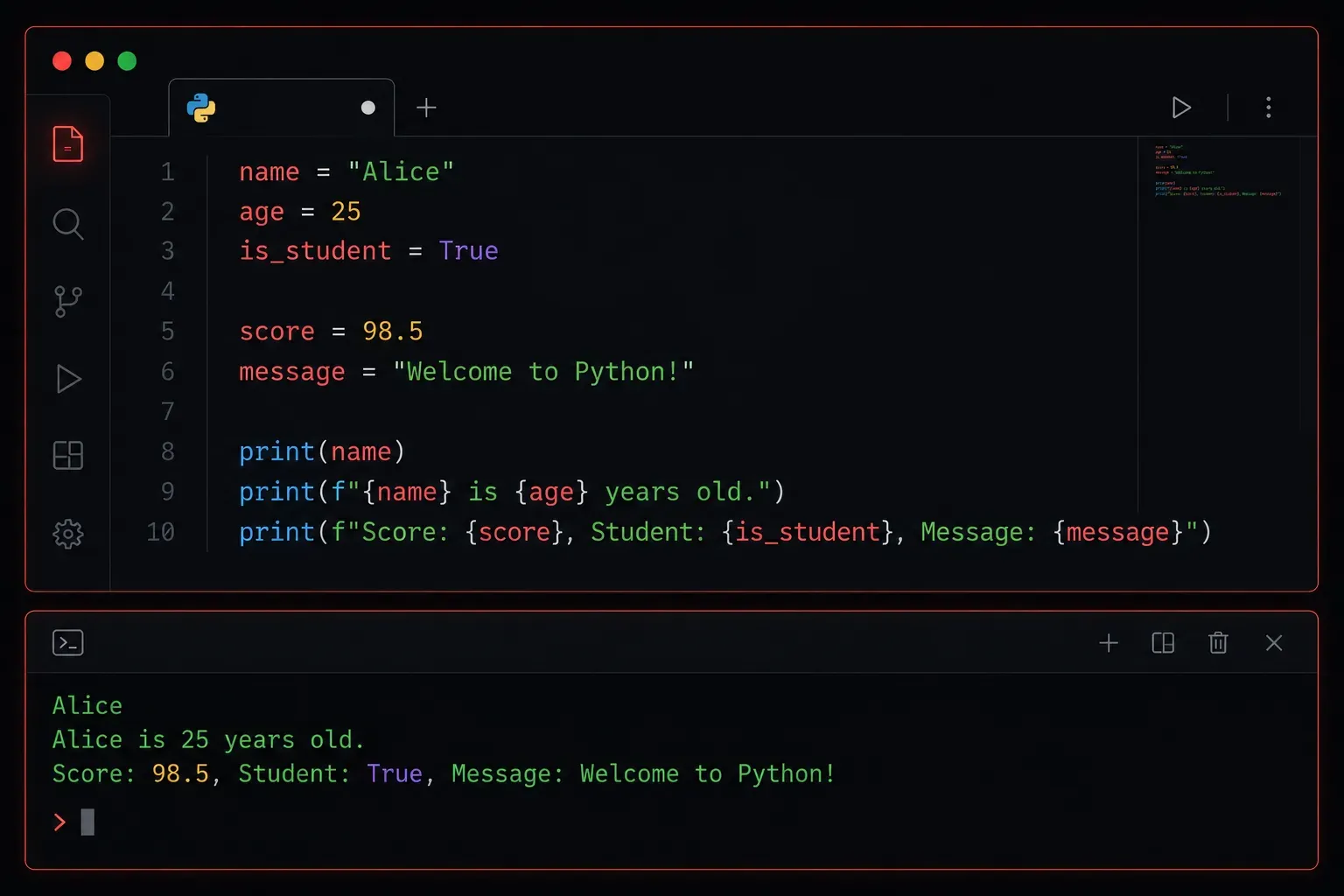
Variables are the foundation of every Python program. Before you can write scripts to automate network tasks, parse API responses, or process configuration files, you need to understand how Python stores and works with data. This post covers everything you need to know to get started with variables confidently.
What Is a Variable?
Think of a variable as a labelled box. You put a value inside the box, give it a name, and then refer to that name whenever you need the value later. Python handles all the memory management behind the scenes, so you just focus on the name and the data.
Creating a variable in Python is simple; you just assign a value using the = operator:
hostname = "SW-CORE-01"
port_count = 48
uptime_hours = 127.5
is_active = True
No type declarations. No semicolons. Python figures out the data type automatically based on what you assign.
Python Data Types You Will Use Constantly
Every variable in Python holds a value with a specific type. The four you will encounter most often as a beginner are:
- String (
str): Text data, always wrapped in quotes. Example:"192.168.1.1" - Integer (
int): Whole numbers. Example:24 - Float (
float): Decimal numbers. Example:99.9 - Boolean (
bool): EitherTrueorFalse: note the capital letters.
You can always check the type of a variable using the built-in type() function:
hostname = "SW-CORE-01"
print(type(hostname))

# Output: <class 'str'>
Naming Your Variables Well
Python has a few rules and a few strong conventions for naming variables. Following them makes your code readable and professional.
Rules (must follow):
- Variable names can only contain letters, numbers, and underscores.
- They cannot start with a number.
- They are case-sensitive:
hostnameandHostnameare two different variables.
Conventions (should follow):
- Use lowercase letters with underscores to separate words. This is called snake_case. Example:
interface_speed - Make names descriptive.
vlan_idis far better thanx. - Avoid using Python reserved words like
print,type, orlistas variable names.
Updating and Reassigning Variables
Variables are not fixed. You can reassign them at any point, and Python will update the stored value:
status = "down"
print(status)  # down

status = "up"
print(status)  # up
You can also update a variable based on its current value. This is especially common with numbers:
packet_count = 100
packet_count = packet_count + 50
print(packet_count)  # 150

# Shorthand version using augmented assignment
packet_count += 50
print(packet_count)  # 200
A Practical Example
Here is a short, realistic script that uses variables to store device information and print a summary:
device_name = "RTR-EDGE-01"
device_ip = "10.0.0.1"
interface_count = 12
is_reachable = True

print("Device Summary")
print("--------------")
print("Name:", device_name)
print("IP Address:", device_ip)
print("Interfaces:", interface_count)
print("Reachable:", is_reachable)
Output:
Device Summary
--------------
Name: RTR-EDGE-01
IP Address: 10.0.0.1
Interfaces: 12
Reachable: True
Even this simple example shows how variables let you write meaningful, readable code. Imagine replacing those values dynamically from a device inventory; that is exactly where Python automation starts to get powerful.
Resources to Go Deeper
What's Next
Now that you understand how to store data in variables, the logical next step is learning about Python data structures, specifically lists and dictionaries. These let you store multiple values together, which is essential when you start working with things like lists of IP addresses or collections of device attributes. That is exactly what the next post covers.