
Rapid Prototyping with AI Assistance: Boost Your Workflow
Learn how AI prototyping tools can accelerate software development by generating functional code, creating interfaces, and enabling rapid iteration cycles. This guide covers essential tools, practical workflows, and best practices for AI-assisted rapid prototyping.

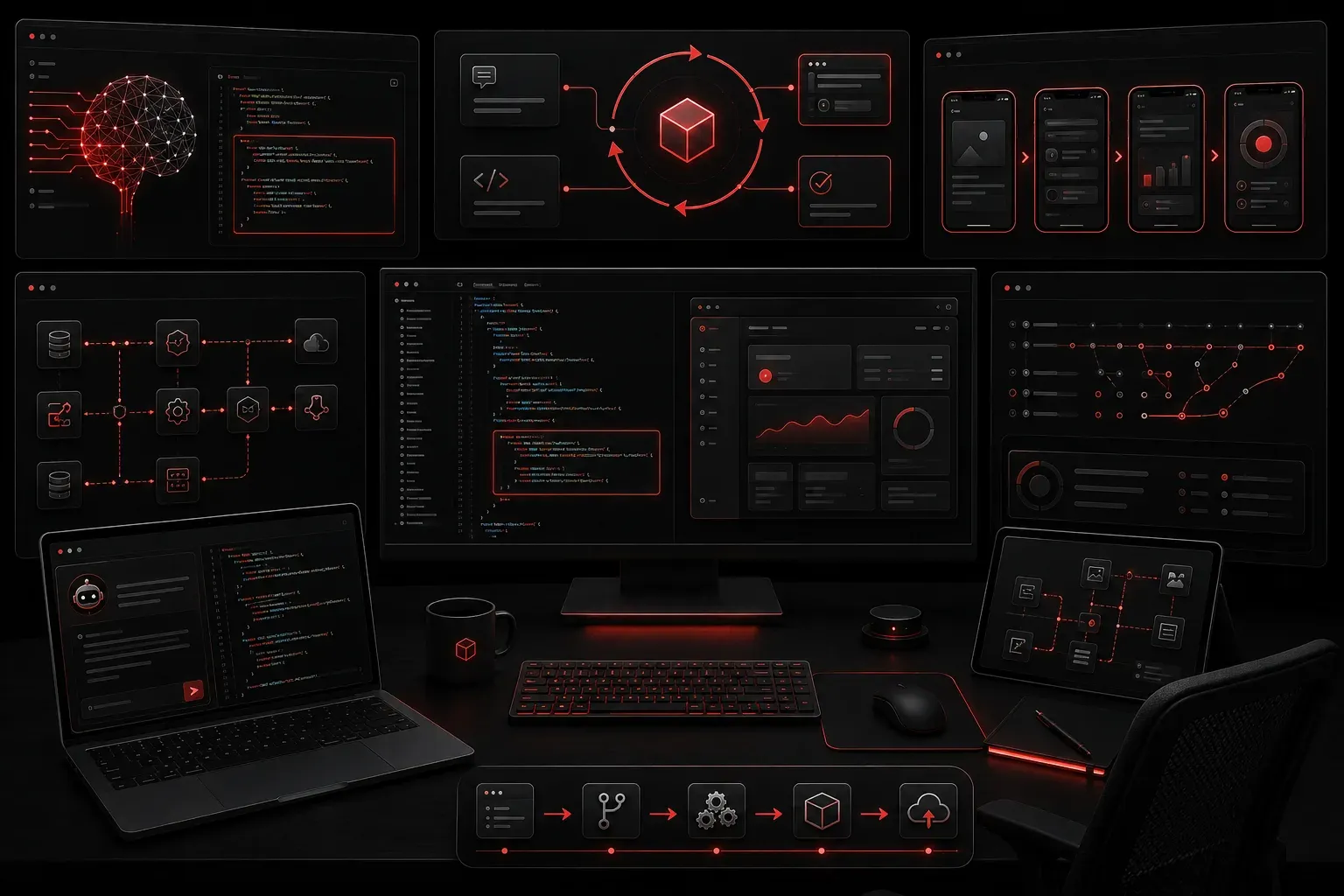
AI rapid prototyping is transforming how IT professionals approach software development, turning what used to be weeks of work into hours of focused effort. By leveraging AI prototyping tools, you can quickly validate ideas, test concepts, and iterate on designs before committing significant resources to full development cycles.
Understanding AI-Powered Prototyping
Traditional prototyping requires extensive planning, coding, and design work before you can see if your concept actually works. AI design assistance changes this equation by generating functional code, creating user interfaces, and even suggesting architectural improvements based on your requirements.
The key advantage lies in fast development cycles. Instead of starting from scratch, you describe what you want to build, and AI tools provide working examples that you can immediately test and refine. However, it's important to understand that current AI tools work best as accelerators for experienced developers rather than complete replacements for human expertise.
Essential AI Prototyping Tools
Several AI prototyping tools excel at different aspects of the development process:
- GitHub Copilot generates code snippets and entire functions based on comments or partial implementations
- Cursor provides AI-powered code completion and can assist in building applications from natural language descriptions, though human guidance and iteration are typically required
- Anthropic's Claude excels at code analysis, debugging assistance, and generating comprehensive project documentation
- v0 by Vercel creates React components and user interfaces from simple text descriptions
Understanding Agentic AI in Prototyping
Agentic AI represents the next evolution in AI-assisted development, where AI systems can autonomously break down complex tasks, make decisions, and execute multi-step workflows. In prototyping contexts, agentic AI can analyze requirements, suggest optimal architectures, and even coordinate between different development tools to create more comprehensive solutions with minimal human intervention.
Practical Prototyping Workflow
Here's a proven approach for AI rapid prototyping that consistently delivers results:
Step 1: Define Your Requirements
Start with a clear, specific description of what you want to build. Instead of saying "I need a web app," try "I need a task management web app with user authentication, task creation, and status tracking."
Step 2: Generate Initial Structure
Use an AI tool to create your project foundation. For a Python web application, you might prompt:
Create a Flask web application structure for a task management system with:
- User authentication
- Task CRUD operations
- SQLite database
- Basic HTML templates
- CSS styling
The AI will generate a project structure with working code components that provide a solid starting point for your prototype.
Step 3: Iterative Refinement
Test the initial prototype and identify what needs adjustment. Then use AI to refine specific components. For example:
Modify the task creation form to include:
- Due date picker
- Priority levels (High, Medium, Low)
- Category selection
- Form validation
Cisco AITECH Exam Relevance: Real-World Case Study
Consider a network automation scenario relevant to Cisco AI practitioners: Using AI prototyping tools to rapidly develop a network configuration management dashboard. The process involves:
- Generating Python scripts for Cisco device API interactions
- Creating data visualization components for network health metrics
- Building automated configuration backup and deployment workflows
- Implementing AI-driven anomaly detection for network performance
This approach allows network engineers to prototype automation solutions in hours rather than weeks, enabling faster validation of AI-driven network management concepts before production deployment.
Best Practices for AI-Assisted Development
Successful AI rapid prototyping requires understanding both the capabilities and limitations of these tools:
- Be specific in your prompts - Detailed requirements yield better results than vague descriptions
- Test frequently - Run generated code immediately to catch issues early
- Understand the output - Don't just copy-paste; review and comprehend the generated code
- Combine multiple tools - Use different AI tools for their strengths (one for backend logic, another for frontend design)
- Maintain human oversight - AI tools accelerate development but require human validation and refinement
Common Pitfalls to Avoid
While AI prototyping tools are powerful, they have important limitations. Avoid these common mistakes:
Don't rely entirely on AI without understanding the underlying concepts. The generated code should be a starting point that requires human review, testing, and refinement. Security considerations, error handling, and production-ready optimizations always require human oversight and expertise.
Also, remember that AI tools work best with well-established patterns and frameworks. Highly specialized or cutting-edge requirements might need more traditional development approaches combined with AI assistance.
Measuring Success
Track your prototyping efficiency by measuring time from concept to working prototype. Many developers report reducing initial prototype development time by 60-80% when effectively using AI prototyping tools as part of a structured development process.
The real value emerges when you can quickly test multiple approaches, fail fast on concepts that don't work, and invest your time in refining the ideas that show promise.
What's Next
Now that you understand AI rapid prototyping fundamentals, the next step is exploring advanced prompt engineering techniques that can generate more sophisticated prototypes with fewer iterations, helping you build complex applications even faster while maintaining code quality and security standards.