
How to Use Syslog for Centralized Log Management
This post explains how syslog enables centralized log management by collecting network logs from multiple devices in one location. It covers the basics of syslog protocol, implementation steps, and key security benefits including unified visibility and faster incident response.

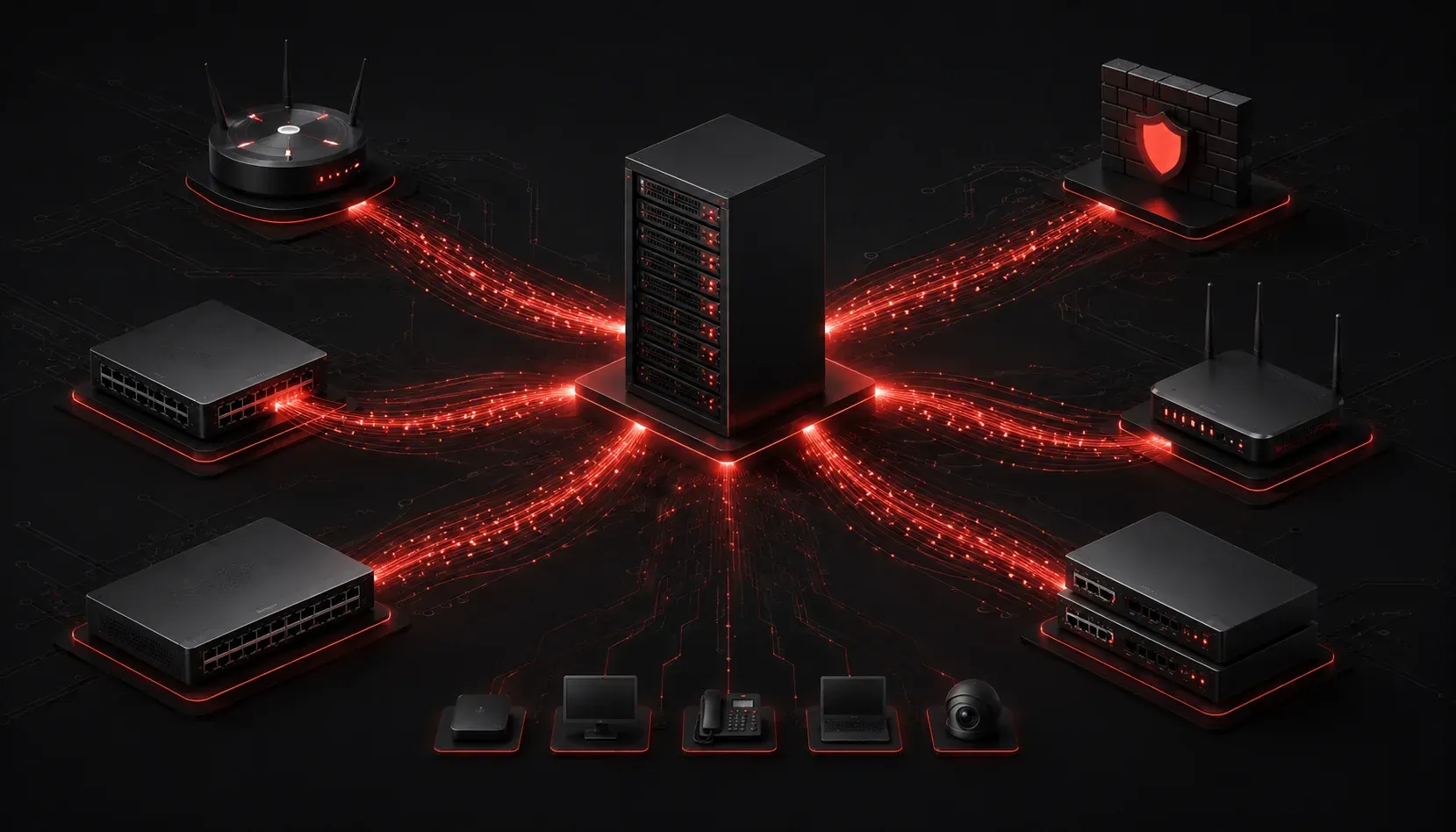
When managing network security, one of your biggest challenges is keeping track of what's happening across all your devices. Routers, switches, firewalls, and servers are constantly generating logs, but scattered information makes it nearly impossible to spot security threats or troubleshoot issues effectively. This is where using syslog for centralized log management becomes essential.
What is Syslog?
Syslog is a standardized protocol that allows network devices to send log messages to a central server. Instead of logging into each device individually to check logs, syslog enables all your equipment to forward their messages to one location. Think of it as a postal service for your network - every device can send its "mail" (log messages) to the same address.
The syslog protocol operates on UDP port 514 by default. While TCP can also be configured for more reliable delivery, it's less commonly used due to the additional overhead compared to UDP's lightweight approach. UDP is typically preferred for logging since occasional message loss is often acceptable in exchange for better performance.
Each syslog message contains three key components:
- Facility: Identifies the source (mail system, kernel, security)
- Severity: Indicates message importance (emergency to debug)
- Message: The actual log content
Syslog messages are prioritized using severity levels ranging from 0 (Emergency) to 7 (Debug). Emergency messages indicate system-unusable conditions, while Debug messages provide detailed diagnostic information. This prioritization system helps administrators filter and focus on the most critical events first.
How Centralized Log Management Works
In a typical setup, you configure a dedicated syslog server to receive messages from all network devices. Here's how the process flows:
- Network devices generate log entries during normal operations
- Each device forwards these logs to the syslog server's IP address
- The syslog server collects, timestamps, and stores all messages
- Administrators access the centralized logs through the server interface
For example, when configuring a Cisco router to send logs to a syslog server at 192.168.1.100, you would use:
Router(config)# logging 192.168.1.100
Router(config)# logging trap informational
This configuration sends all informational-level and higher priority messages to your syslog server.
Key Syslog Benefits for Security
Implementing centralized log management through syslog provides several critical advantages:
Unified Visibility
Instead of checking logs on individual devices, you can monitor all network logs from a single interface. This comprehensive view helps you correlate events across different systems and identify patterns that might indicate security incidents.
Faster Incident Response
When a security event occurs, having all logs in one place dramatically reduces investigation time. You can quickly search across all devices to understand the scope and timeline of an incident.
Compliance Requirements
Many security frameworks and regulations require centralized logging. Syslog helps organizations meet these compliance requirements by providing audit trails and demonstrating proper monitoring practices.
Storage and Retention
Individual devices have limited storage for logs, often overwriting older entries. A dedicated syslog server can store logs for extended periods, which is crucial for forensic analysis and trend identification.
Setting Up Basic Syslog Collection
To start using syslog effectively, you'll need a syslog server. Popular options include:
- Rsyslog: Default on most Linux distributions
- Syslog-ng: Advanced open-source solution
- Splunk: Enterprise-grade log management platform
- ELK Stack: Elasticsearch, Logstash, and Kibana combination
Once your syslog server is running, configure your network devices to forward logs. Most devices require similar configuration steps: specify the syslog server IP address, choose which message types to send, and optionally configure backup servers for redundancy.
Security Considerations
When implementing syslog for centralized logging, consider these important security aspects:
- Secure transmission: Use TLS encryption or VPN tunnels when sending logs over untrusted networks
- Access control: Restrict who can view and modify log data on the syslog server
- Log integrity: Implement checksums or digital signatures to detect log tampering
- Network segmentation: Place syslog servers on dedicated management networks when possible
Best Practices for Syslog Implementation
To maximize the effectiveness of your centralized logging:
- Configure appropriate log levels to avoid overwhelming the server with debug messages
- Implement log rotation to manage storage space efficiently
- Set up alerts for critical security events
- Regularly review and tune your logging configuration
- Ensure your syslog server has adequate network bandwidth and storage capacity
What's Next
Now that you understand the fundamentals of using syslog for centralized log management, the next step is learning how to analyze these collected logs effectively. In our upcoming post, we'll explore log analysis techniques and tools that help you identify security threats and operational issues within your centralized logs.