
JSON Arrays: Lists of Data
JSON arrays are ordered collections of values enclosed in square brackets, essential for storing lists of data in APIs and configuration files. This guide covers syntax, real-world examples, and practical usage patterns.

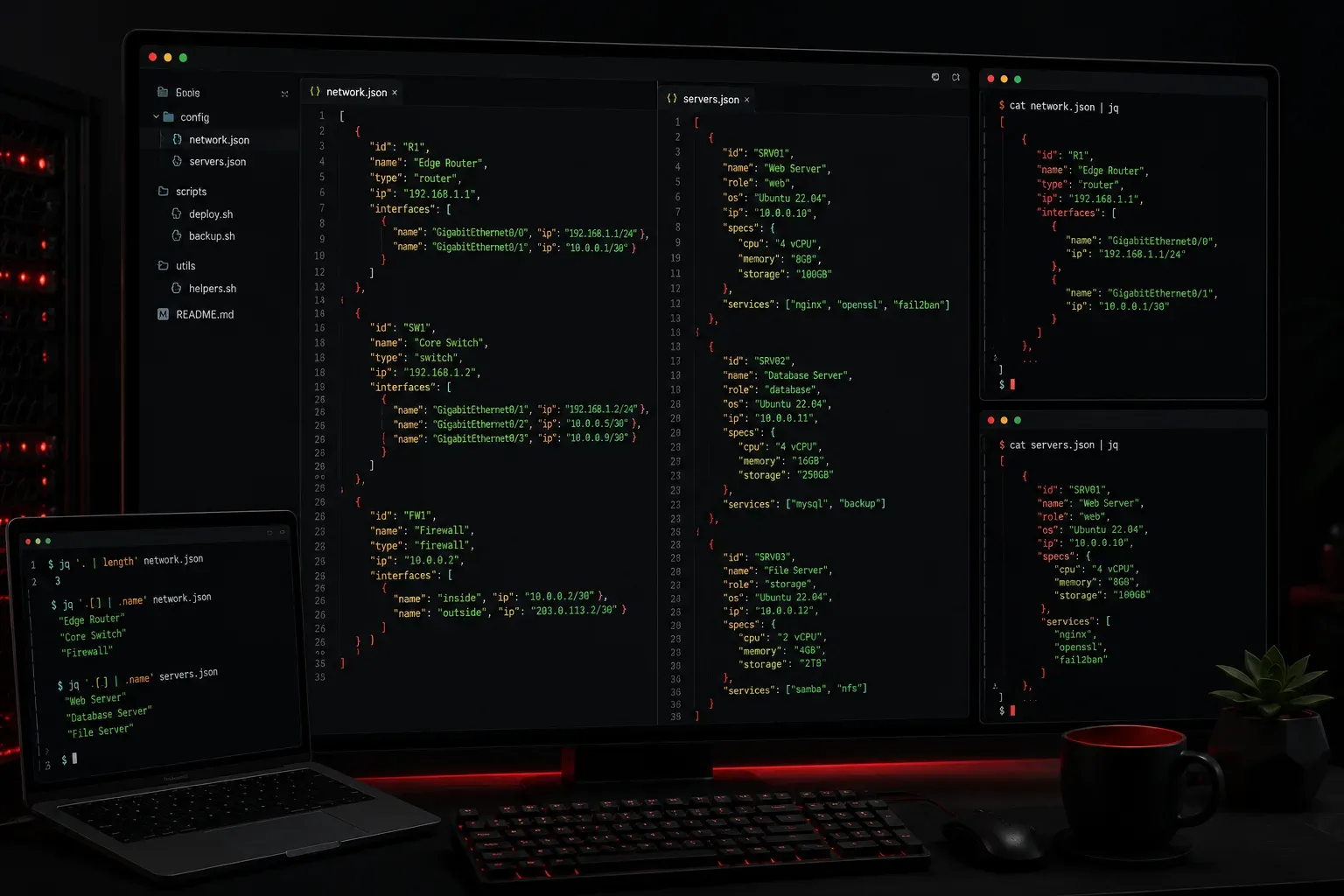
JSON arrays are one of the most fundamental data structures you'll encounter when working with APIs, configuration files, and data exchange between systems. Think of a JSON array as a simple list that can hold multiple values in a specific order.
What is a JSON Array?
A JSON array is an ordered collection of values enclosed in square brackets []. The values inside can be strings, numbers, booleans, objects, or even other arrays. Each value is separated by a comma, and the order matters.
Here's a simple JSON array containing strings:
[
  "apple",
  "banana",
  "orange",
  "grape"
]
Arrays can also contain different data types mixed together:
[
  "John Doe",
  30,
  true,
  null
]
Real-World Examples
JSON arrays appear everywhere in modern applications. Here are some practical examples you'll encounter:
Network Device List
{
  "routers": [
    "192.168.1.1",
    "192.168.1.2",
    "192.168.1.3"
  ]
}
User Permissions
{
  "username": "admin",
  "permissions": [
    "read",
    "write",
    "delete",
    "configure"
  ]
}
Server Configuration
{
  "servers": [
    {
      "name": "web-01",
      "ip": "10.0.1.10",
      "port": 80
    },
    {
      "name": "web-02",
      "ip": "10.0.1.11",
      "port": 80
    }
  ]
}
Working with JSON Arrays
When you receive JSON data containing arrays, you'll typically process them using programming languages. Here's how it works in Python:
import json

# JSON string with an array
json_data = '''
{
  "devices": ["router", "switch", "firewall"]
}
'''

# Parse the JSON
data = json.loads(json_data)

# Access the array
devices = data["devices"]

# Loop through the array
for device in devices:
    print(f"Device: {device}")
This would output:
Device: router
Device: switch
Device: firewall
Array Index and Ordering
JSON arrays maintain order, and each element has an index starting from 0. This means you can access specific elements by their position:
# Access the first element (index 0)
first_device = devices[0]  # "router"

# Access the last element
last_device = devices[-1]  # "firewall"
Common Patterns and Best Practices
When working with JSON arrays, keep these patterns in mind:
- Consistent data types: While JSON allows mixed types, it's usually better to keep array elements consistent
- Logical ordering: Consider whether the order matters for your use case
- Empty arrays: An empty array
[]is valid JSON and often used to indicate "no items" - Nested structures: Arrays can contain objects, which can contain more arrays, creating complex data structures
Common Mistakes to Avoid
Watch out for these common pitfalls:
- Forgetting commas between array elements
- Adding a trailing comma after the last element (invalid in strict JSON)
- Mixing up square brackets
[](arrays) with curly braces{}(objects) - Assuming arrays are always present - always check if they exist before accessing
What's Next
Now that you understand JSON arrays, the next step is learning how to combine arrays with objects to create more complex data structures. We'll explore nested JSON structures and how to navigate through multiple levels of data efficiently.