
Reading XML Files in Python
This post introduces reading XML files in Python using the built-in ElementTree module. It covers parsing XML from files and strings, iterating over elements, extracting text content, and accessing attributes. Practical networking-themed examples make the concepts immediately relevant.

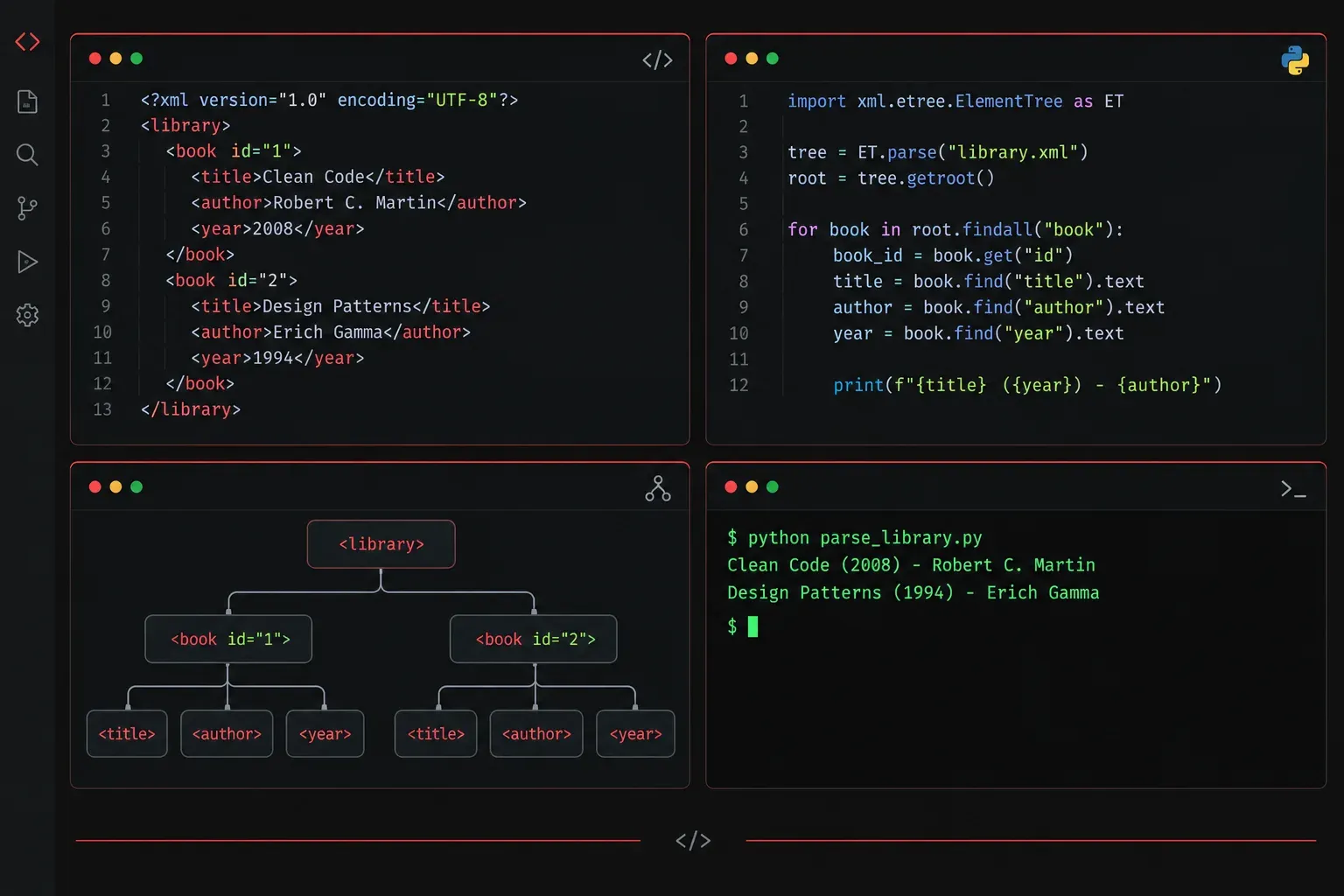
XML (eXtensible Markup Language) is a widely used data format you will encounter across many areas of software development and automation. Cisco device configurations, REST API responses, configuration management tools, and data interchange between systems all commonly use XML. Knowing how to read and parse it in Python is a genuinely useful skill to have in your toolkit.
What Does XML Actually Look Like?
Before writing any Python, it helps to understand the structure you are working with. XML organises data using nested tags, similar to HTML. Each piece of data sits between an opening tag and a closing tag, and tags can be nested inside one another to represent hierarchical relationships. Here is a simple example representing a network device inventory:
<?xml version="1.0" encoding="UTF-8"?>
<inventory>
    <device>
        <hostname>core-sw-01</hostname>
        <ip>192.168.1.1</ip>
        <type>switch</type>
        <vendor>Cisco</vendor>
    </device>
    <device>
        <hostname>edge-rtr-01</hostname>
        <ip>192.168.1.254</ip>
        <type>router</type>
        <vendor>Cisco</vendor>
    </device>
</inventory>
The outermost tag (<inventory>) is called the root element. Everything else is nested inside it as child elements.
Python's Built-in XML Parser: ElementTree
Python ships with a module called xml.etree.ElementTree (often aliased as ET) that handles XML parsing without any additional installs. This is the right tool for most everyday XML tasks involving small to moderately sized files with straightforward structures.
Two important limitations are worth knowing upfront. First, xml.etree.ElementTree can be cumbersome when working with XML that uses complex namespaces, though it is possible with adjusted syntax. Second, for very large XML files, loading the entire document into memory at once may not be practical. Both of these scenarios are covered in the tips section below.
Reading an XML File from Disk
Save the inventory example above as inventory.xml, then use the following code to load and parse it:
import xml.etree.ElementTree as ET

# Parse the XML file
tree = ET.parse('inventory.xml')

# Get the root element
root = tree.getroot()

print(f"Root tag: {root.tag}")
Running this will output:
Root tag: inventoryIterating Over Child Elements
Once you have the root, you can loop through its children and extract data using .find() to locate specific tags. Looping means repeating a block of code for each item in a collection; in this case, each device element in the inventory:
import xml.etree.ElementTree as ET

tree = ET.parse('inventory.xml')
root = tree.getroot()

for device in root.findall('device'):
    hostname = device.find('hostname').text
    ip = device.find('ip').text
    device_type = device.find('type').text

    print(f"Hostname: {hostname} | IP: {ip} | Type: {device_type}")
Output:
Hostname: core-sw-01 | IP: 192.168.1.1 | Type: switch
Hostname: edge-rtr-01 | IP: 192.168.1.254 | Type: router
The .findall() method returns a list of all matching child elements. The .text attribute gives you the content between the opening and closing tags.
Parsing XML from a String
Sometimes your XML arrives as a string rather than a file, which is common when working with API responses. Use ET.fromstring() in that case:
import xml.etree.ElementTree as ET

xml_data = """<device>
    <hostname>access-sw-02</hostname>
    <ip>10.0.0.5</ip>
</device>"""

device = ET.fromstring(xml_data)
print(device.find('hostname').text)
Output:
access-sw-02Working with XML Attributes
XML elements can also carry attributes inside the opening tag, like this:
<device id="001" status="active">
    <hostname>dist-sw-01</hostname>
</device>
You access attributes using the .attrib dictionary or the .get() method:
device_id = device.get('id')
status = device.attrib['status']
Quick Tips for Avoiding Common Mistakes
- Check for
None: If.find()cannot locate a tag, it returnsNone. Calling.textonNonewill throw an error, so validate your data before accessing it. - Mind namespaces: Some XML files use namespaces (URI prefixes added to tag names to avoid conflicts between elements from different sources). ElementTree can handle these, but the syntax changes. For example, you must include the namespace URI in your search strings. This is worth exploring once you are comfortable with the basics.
- Large files: For very large XML files, look into
ET.iterparse(), which processes the file incrementally without loading everything into memory at once.
What's Next
Now that you can read and extract data from XML files, a natural next step is learning how to modify and write XML using Python: updating a value, adding new elements, or generating a fresh XML file from scratch. We will cover that in the next post in this series.