
Essential Components of a Network Explained for Beginners
This post introduces the fundamental components that make up a network, including end devices, switches, routers, network cables, and NICs. Each component's role is explained using a practical, beginner-friendly analogy and a real-world example showing how they work together. It aligns with CCST Ne

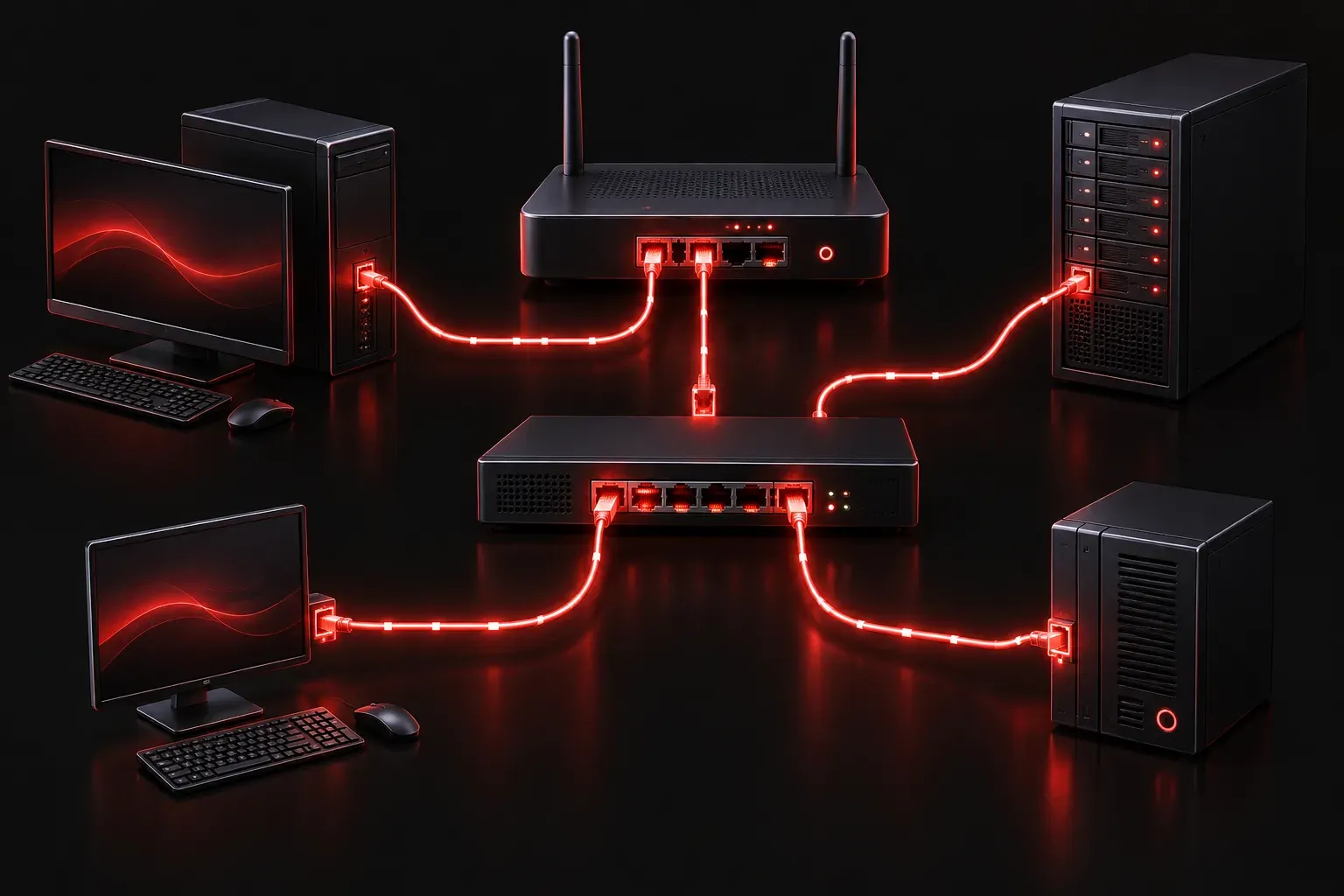
Before you can understand how data travels across the internet or even across your office, you need to know what a network is actually made of. A network is simply a collection of devices that can communicate with each other, and every network, no matter how large or small, is built from a handful of core components. Let's break them down in plain terms.
The Core Network Components
Think of a network like a city's road system. You have roads connecting neighborhoods, intersections directing traffic, and homes or offices as the destinations. Network components work the same way, each with a specific job that keeps data moving efficiently.
End Devices
End devices are the starting and ending points of any communication on a network. These are the devices that users actually interact with every day.
- Computers and laptops: The most common end devices, used to send and receive data.
- Smartphones and tablets: Mobile devices that connect wirelessly to networks.
- Printers and servers: Devices that provide services or resources to other users on the network.
- IP cameras and IoT devices: Any smart device that connects to a network counts as an end device.
Every end device has a unique identifier called a MAC address, which is assigned to its network interface card (NIC) and is typically fixed in hardware, though some devices and operating systems allow it to be changed in software. This address helps other devices identify it on the local network.
Switches
A switch is the central hub of a local area network (LAN). When multiple devices in the same building or office need to communicate, a switch makes that happen efficiently. It learns the MAC address of every device connected to its ports and uses that information to send data only to the intended recipient, rather than broadcasting it to everyone.
Switches operate at Layer 2 of the OSI model (the Data Link layer). A small office might have a single switch with 8 or 24 ports, while enterprise networks use stacks of switches to support hundreds of devices.
Routers
If a switch connects devices within the same network, a router connects different networks together. Your home router, for example, connects your local home network to your internet service provider's network, which ultimately connects to the rest of the internet.
Routers operate at Layer 3 of the OSI model (the Network layer) and use IP addresses to make forwarding decisions. When data leaves your laptop heading to a website, the router reads the destination IP address and figures out the best path to send it.
Routers and switches are the two most important network devices you will encounter throughout your networking studies, and understanding the difference between them is a fundamental skill.
Network Cables and Wireless Media
Network devices need a way to physically (or wirelessly) connect to each other. That connection is called the network media.
- Ethernet cables (twisted pair): The most common wired connection, typically using
RJ-45connectors. Categories likeCat5eandCat6describe the cable's performance capabilities. - Fiber optic cables: Use light instead of electrical signals, allowing data to travel much farther and at higher speeds. Often used to connect buildings or as a network backbone.
- Wireless (Wi-Fi): Uses radio frequencies to transmit data without physical cables, following standards like
802.11acor802.11ax(Wi-Fi 6).
Network Interface Cards (NICs)
Every device that connects to a network needs a NIC. This is the hardware inside your computer or phone that allows it to send and receive data over the network media. Modern laptops typically have both a wired Ethernet NIC and a wireless NIC built in.
How They Work Together
Here is a simple example: You open a browser and visit a website. Your laptop (end device) sends a request through its NIC, over a network cable, to a switch. The switch forwards that request to the router. The router reads the destination IP address, sends the request out across the internet, and eventually the website's server sends the page back along the same path in reverse. Every component played its role.
What's Next
Now that you understand the basic building blocks of a network, the next step is learning how data is actually organized and transmitted. In the next post, we will explore the concept of network protocols: the rules and standards that allow different devices to speak the same language and communicate reliably.