
How to Troubleshoot Administrative Distance in OSPF
Advanced troubleshooting guide for OSPF administrative distance issues, covering common misconfigurations, route type conflicts, and redistribution problems that cause unexpected routing behavior in enterprise networks.

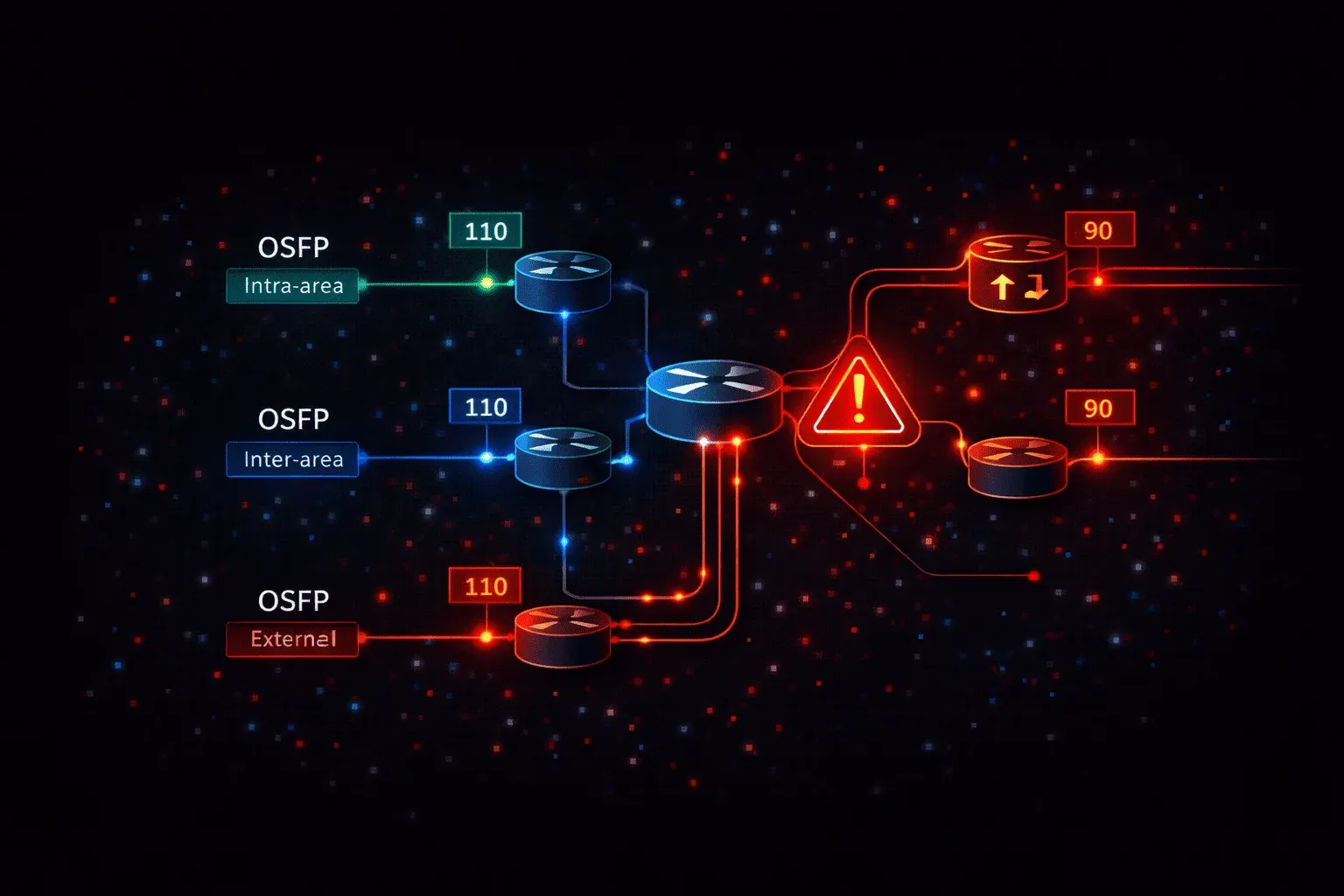
When OSPF routes aren't behaving as expected in your network, administrative distance (AD) issues often lurk beneath the surface. While OSPF's default AD values seem straightforward, intra-area (110), inter-area (110), external type 1 (110), external type 2 (110), real-world troubleshooting reveals complex scenarios where AD manipulation, route type confusion, and redistribution conflicts create unexpected routing behavior.
Understanding OSPF Administrative Distance Context
Before diving into troubleshooting methodology, recognize that OSPF administrative distance troubleshooting requires understanding the complete routing decision process. The router evaluates routes in this order: longest prefix match first, then lowest administrative distance, then metric comparison within the same routing protocol.
Common OSPF issues stem from administrators expecting OSPF routes to be preferred when other protocols with lower AD values exist, or when OSPF route types don't behave as anticipated due to area design or redistribution configurations.
Diagnostic Commands and Initial Assessment
Start your troubleshooting with a comprehensive route table analysis:
Router# show ip route
Router# show ip route ospf
Router# show ip route [destination-network]
Router# show ip ospf database
Router# show ip protocols
The show ip route output reveals the installed routes and their administrative distances. Look for the bracketed values; the first number is AD, the second is metric. If you're not seeing expected OSPF routes, they may be losing the AD competition to other routing protocols.
Router# show ip route 192.168.1.0
Routing entry for 192.168.1.0/24
  Known via "eigrp 100", distance 90, metric 435200
  Redistributing via eigrp 100
  Last update from 10.1.1.2 on FastEthernet0/0, 00:05:23 ago
In this example, EIGRP (AD 90) is beating OSPF (AD 110) for the same destination, explaining why your OSPF route isn't installed.
Common Administrative Distance Misconfigurations
Modified Default Administrative Distances
Check if someone has modified OSPF's default administrative distances using the distance ospf command:
Router# show running-config | section router ospf
router ospf 1
 distance ospf intra-area 120 inter-area 130 external 140
This configuration changes OSPF's competitiveness against other protocols. If intra-area routes have AD 120, they'll lose to RIP (AD 120 by default, but often wins due to timing) or other protocols with lower AD values.
To troubleshoot, temporarily reset to defaults:
router ospf 1
 no distance ospf
Global Distance Modifications
The global distance command can override OSPF's administrative distance for specific prefixes or sources:
Router# show running-config | include distance
distance 95 10.1.1.0 0.0.0.255 1
This gives any route learned from the 10.1.1.0/24 range an AD of 95, potentially causing OSPF routes from those sources to be preferred over expected protocols.
Route Type and Area-Based Troubleshooting
OSPF route selection follows a strict hierarchy that can create routing conflicts when misunderstood:
- Intra-area routes (O)
- Inter-area routes (O IA)
- External Type 1 routes (O E1)
- External Type 2 routes (O E2)
Even with identical administrative distances, this hierarchy determines route preference. Use show ip ospf database to verify route types:
Router# show ip ospf database | begin Summary
Summary Net Link States (Area 1)
Link ID         ADV Router      Age         Seq#       Checksum
192.168.1.0     10.1.1.1        1234        0x80000001 0x1234
If you expect an intra-area route but see it as inter-area (O IA), verify your area configuration. Misplaced area boundaries force routes through Area 0, converting them from intra-area to inter-area and potentially changing routing behavior.
Redistribution-Related AD Issues
External route redistribution creates complex AD scenarios. When multiple routers redistribute the same external routes into OSPF, route selection depends on the external route type and metrics:
Router# show ip route ospf | include E
O E2     172.16.1.0/24 [110/20] via 10.1.1.2, 00:05:23, FastEthernet0/0
O E1     172.16.1.0/24 [110/64] via 10.1.1.3, 00:03:45, FastEthernet0/1
Here, both E1 and E2 routes exist for the same destination. The E1 route should win due to OSPF's route type preference, but if you're seeing unexpected behavior, verify the redistribution configuration:
router ospf 1
 redistribute eigrp 100 metric 20 metric-type 1 subnets
Advanced Troubleshooting Scenarios
Virtual Link Impact on Route Types
Virtual links can unexpectedly change route types. Routes that should be intra-area become inter-area when traversing virtual links, affecting their priority in route selection:
Router# show ip ospf virtual-links
Virtual Link OSPF_VL0 to router 10.1.1.1 is up
  Run as demand circuit
  Transit area 1, via interface FastEthernet0/0
If routes aren't behaving as expected and virtual links exist, verify the path calculation using show ip ospf border-routers.
Stub Area Interactions
In stub areas, external routes are replaced with default routes, which can mask AD-related routing conflicts. Verify stub area configuration if external routes are missing:
Router# show ip ospf | include Area
Area 1
    Number of interfaces in this area is 2
    It is a stub area
Resolution Strategies
When troubleshooting reveals AD conflicts, consider these resolution approaches:
Selective AD Modification: Use prefix-specific distance commands instead of global OSPF AD changes:
router ospf 1
 distance 85 10.1.1.1 0.0.0.0 10
Route Filtering: Use distribute lists to prevent unwanted routes from entering the routing table:
router ospf 1
 distribute-list 10 in
Area Redesign: Restructure areas to ensure proper route types and eliminate unexpected inter-area paths.
Verification and Monitoring
After implementing fixes, verify resolution using:
Router# show ip route summary
Router# show ip ospf statistics
Router# debug ip routing
Monitor for routing table stability and ensure no routing loops or suboptimal path selection occurs.
What's Next
With OSPF administrative distance troubleshooting mastered, the next logical step is exploring EIGRP administrative distance issues, where dual topology and variance configurations create their own unique troubleshooting challenges in enterprise networks.
CCNP ENARSI study resources
- CCNP Enterprise Core ENCOR 350-401 and Advanced Routing ENARSI 300-410 Official Cert Guide Library — Both ENCOR and ENARSI books bundled together. The best value for CCNP Enterprise candidates.
- CCNP Enterprise Advanced Routing ENARSI 300-410 Official Cert Guide — The only Cisco-approved study guide for the ENARSI 300-410 exam. Covers advanced routing, VPNs, and infrastructure security.