
Troubleshooting 802.1q Trunking Protocols in Depth
This advanced guide covers systematic troubleshooting techniques for 802.1q trunking protocols, focusing on DTP negotiation failures, VLAN tagging errors, and configuration mismatches that cause performance issues in enterprise networks.

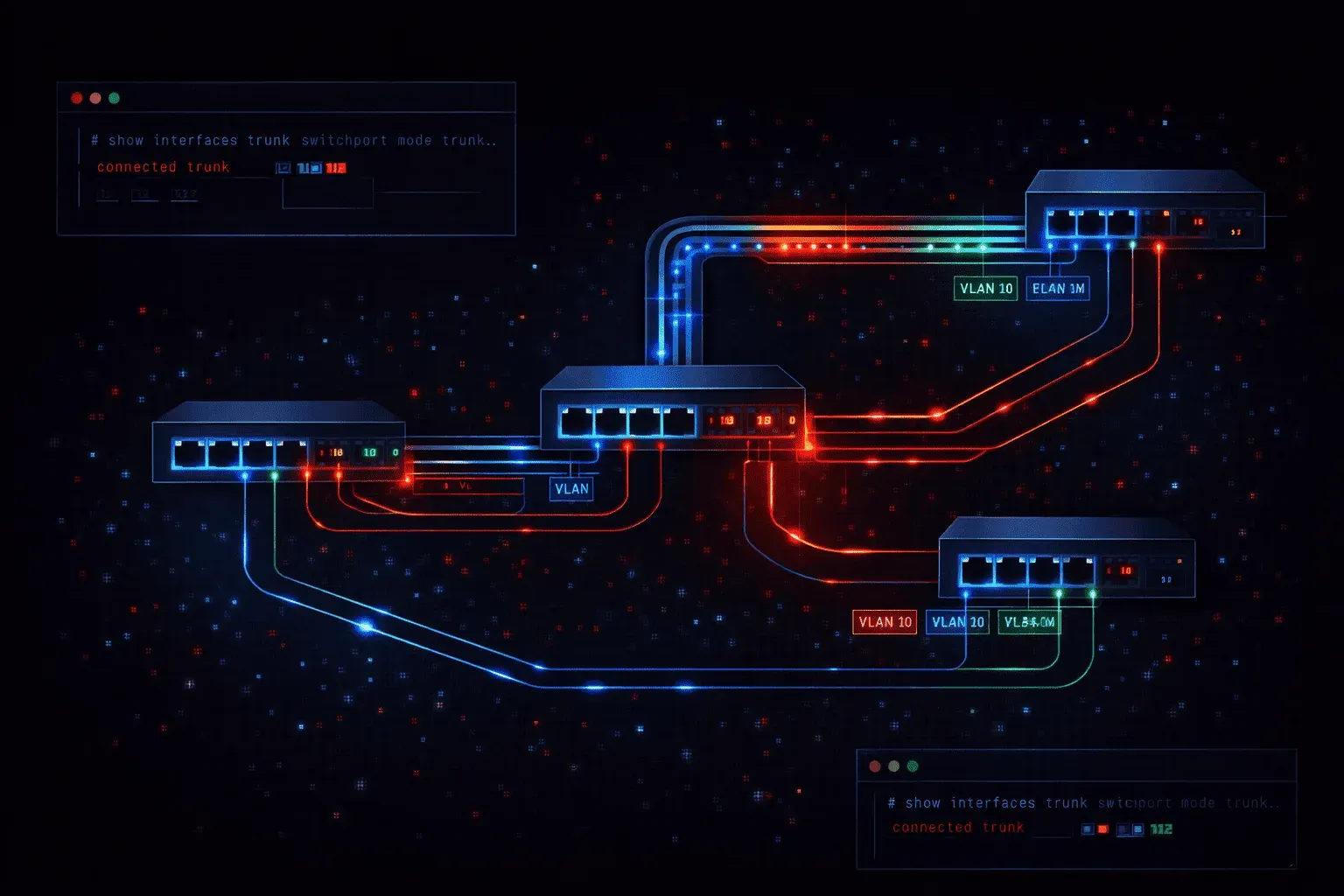
When troubleshooting 802.1q trunking issues in enterprise networks, the methodology matters as much as technical knowledge. Modern networks depend heavily on proper trunk configuration between switches, and even minor misconfigurations can lead to intermittent connectivity issues, broadcast storms, or complete VLAN isolation. This deep dive focuses on systematic troubleshooting approaches for the most challenging trunking scenarios you'll encounter in production environments.
Systematic Verification of Trunk Status
Begin every trunking troubleshoot with comprehensive status verification. The show interfaces trunk command reveals critical information, but interpreting the output requires understanding what each field indicates about trunk negotiation and operational status.
Switch# show interfaces trunk

Port        Mode         Encapsulation  Status        Native vlan
Gi0/1       on           802.1q         trunking      1
Gi0/2       desirable    802.1q         not-trunking  1

Port        Vlans allowed on trunk
Gi0/1       1-4094
Gi0/2       1-4094

Port        Vlans allowed and active in management domain
Gi0/1       1,10,20,30,100
Gi0/2       none

Port        Vlans in spanning tree forwarding state and not pruned
Gi0/1       1,10,20,30,100
Gi0/2       none
Notice how Gi0/2 shows "not-trunking" status despite being configured in desirable mode. This indicates a negotiation failure that requires deeper investigation.
DTP Negotiation Failures
Dynamic Trunking Protocol mismatches represent one of the most common trunking issues. When troubleshooting DTP problems, examine both sides of the link simultaneously:
Switch-A# show dtp interface gi0/1
DTP information for GigabitEthernet0/1:
  TOS/TAS/TNS:                              ACCESS/AUTO/ACCESS
  TOT/TAT/TNT:                              NEGOTIATE/NEGOTIATE/NEGOTIATE
  Neighbor address 1:                       0022.5579.4400
  Neighbor address 2:                       000000000000
  Hello timer expiration (sec/state):       7/RUNNING
  Access timer expiration (sec/state):      never/STOPPED
  Negotiation timer expiration (sec/state): never/STOPPED

Switch-B# show dtp interface gi0/2
DTP information for GigabitEthernet0/2:
  TOS/TAS/TNS:                              AUTO/AUTO/AUTO
  TOT/TAT/TNT:                              802.1Q/802.1Q/NEGOTIATE
The TOS (Trunk Operational Status) mismatch here shows Switch-A operating in ACCESS mode while Switch-B expects 802.1Q trunking. This creates the "not-trunking" status observed earlier.
VLAN Tagging Errors and Frame Analysis
VLAN tagging errors often manifest as intermittent connectivity issues that are difficult to reproduce. These problems typically stem from native VLAN mismatches or incorrect allowed VLAN lists.
Native VLAN Mismatch Detection
Native VLAN mismatches create subtle but critical issues. Cisco switches generate CDP warnings for native VLAN mismatches, but these can be easily missed in busy network environments:
Switch# show cdp neighbors detail | include Native
Native VLAN: 1
Native VLAN: 10

%CDP-4-NATIVE_VLAN_MISMATCH: Native VLAN mismatch discovered on
GigabitEthernet0/1 (1), with Switch-B GigabitEthernet0/2 (10)
This mismatch causes untagged frames from VLAN 1 on one switch to be received as VLAN 10 traffic on the other switch, creating asymmetric routing and potential security concerns.
Frame Tagging Analysis
For complex VLAN tagging errors, enable debugging with careful consideration of CPU impact:
Switch# debug dot1q packet
Switch# terminal monitor

*Mar  1 01:23:45: dot1q: Gi0/1: Received untagged frame in VLAN 1
*Mar  1 01:23:45: dot1q: Gi0/1: Sending frame tagged VLAN 20
*Mar  1 01:23:46: dot1q: Gi0/1: Dropped frame - VLAN 30 not allowed
This debug output reveals frames being dropped due to VLAN filtering, indicating an allowed VLAN list configuration error.
Advanced Configuration Verification
Switch configuration mistakes in trunking setups often involve subtle parameter mismatches that don't immediately break connectivity but cause performance issues or security vulnerabilities.
Pruning and VTP Domain Issues
VTP pruning problems can cause unnecessary broadcast traffic across trunk links. Verify pruning status and examine which VLANs are being pruned:
Switch# show interfaces trunk | begin Vlans in spanning tree
Port        Vlans in spanning tree forwarding state and not pruned
Gi0/1       1,10,20,30,100
Gi0/2       1,10,20

Switch# show vtp status
VTP Version capable             : 1 to 3
VTP version running             : 2
VTP Domain Name                 : CORP
VTP Pruning Mode                : Enabled
VTP Traps Generation            : Disabled
If VLAN 30 and 100 are being pruned on Gi0/2 but not on Gi0/1, investigate whether this is intentional or indicates a VTP database inconsistency.
EtherChannel and Trunking Conflicts
When trunking is configured on EtherChannel member interfaces, configuration mismatches between channel members create persistent issues:
Switch# show etherchannel summary
Group: 1
----------
Port-channel1    Po1(SU)         Po1
Gi0/1(P)         Gi0/2(I)

Switch# show run interface gi0/2
interface GigabitEthernet0/2
 channel-group 1 mode active
 switchport trunk allowed vlan 10,20
 switchport mode trunk

Switch# show run interface gi0/1
interface GigabitEthernet0/1
 channel-group 1 mode active
 switchport trunk allowed vlan 10,20,30
 switchport mode trunk
The inconsistent allowed VLAN configuration causes Gi0/2 to show as "Individual" rather than participating in the channel. EtherChannel members must have identical trunking configurations.
Performance Impact Analysis
Trunking issues don't always cause complete failures. Often, they manifest as performance degradation or unexpected traffic patterns that require deeper analysis.
Spanning Tree Convergence Issues
Trunk ports with spanning tree inconsistencies can cause slow convergence or forwarding loops. Monitor spanning tree port states across trunk links:
Switch# show spanning-tree interface gi0/1 detail
Port 1 (GigabitEthernet0/1) of VLAN0010 is forwarding
   Port path cost 4, Port priority 128, Port Identifier 128.1.
   Designated root has priority 32768, address 0022.5579.4400
   Designated bridge has priority 32778, address 0022.5579.4400
   Times:  Message Age 2, Max Age 20, Hello 2, Forward Delay 15
   Dispute: No, Sending BPDUs: Yes
Look for "Dispute" flags or inconsistent root bridge elections across VLANs, which indicate spanning tree issues that can cause trunk performance problems.
Remediation Best Practices
When implementing fixes for trunking issues, follow a systematic approach to avoid creating additional problems. Always make changes during maintenance windows when possible, as trunk modifications can cause temporary outages.
For DTP-related issues, explicitly configure trunk mode rather than relying on auto-negotiation in production environments. This eliminates negotiation ambiguity and improves network stability:
Switch(config)# interface range gi0/1-2
Switch(config-if-range)# switchport mode trunk
Switch(config-if-range)# switchport nonegotiate
For VLAN-specific issues, verify end-to-end VLAN consistency before implementing changes. Use show vlan and show vtp status to ensure VLAN databases are synchronized across all switches in the path.
What's Next
Understanding 802.1q trunking troubleshooting provides the foundation for more complex Layer 2 scenarios. Next, we'll explore EtherChannel configuration and troubleshooting, building on the trunk configuration principles covered here to implement high-bandwidth, redundant switch interconnections.
CCNP ENCOR study resources
- CCNP Enterprise Core ENCOR 350-401 and Advanced Routing ENARSI 300-410 Official Cert Guide Library — Both ENCOR and ENARSI books bundled together. The best value for CCNP Enterprise candidates.
- CCNP and CCIE Enterprise Core ENCOR 350-401 Official Cert Guide — The only Cisco-approved study guide for the ENCOR 350-401 exam. Essential for CCNP and CCIE candidates.