
How to Organize Code Using Classes
Learn how to use Python classes to organize your network automation code for better readability and maintainability. This beginner-friendly guide covers class basics, practical examples with network devices, and best practices for cleaner code structure.

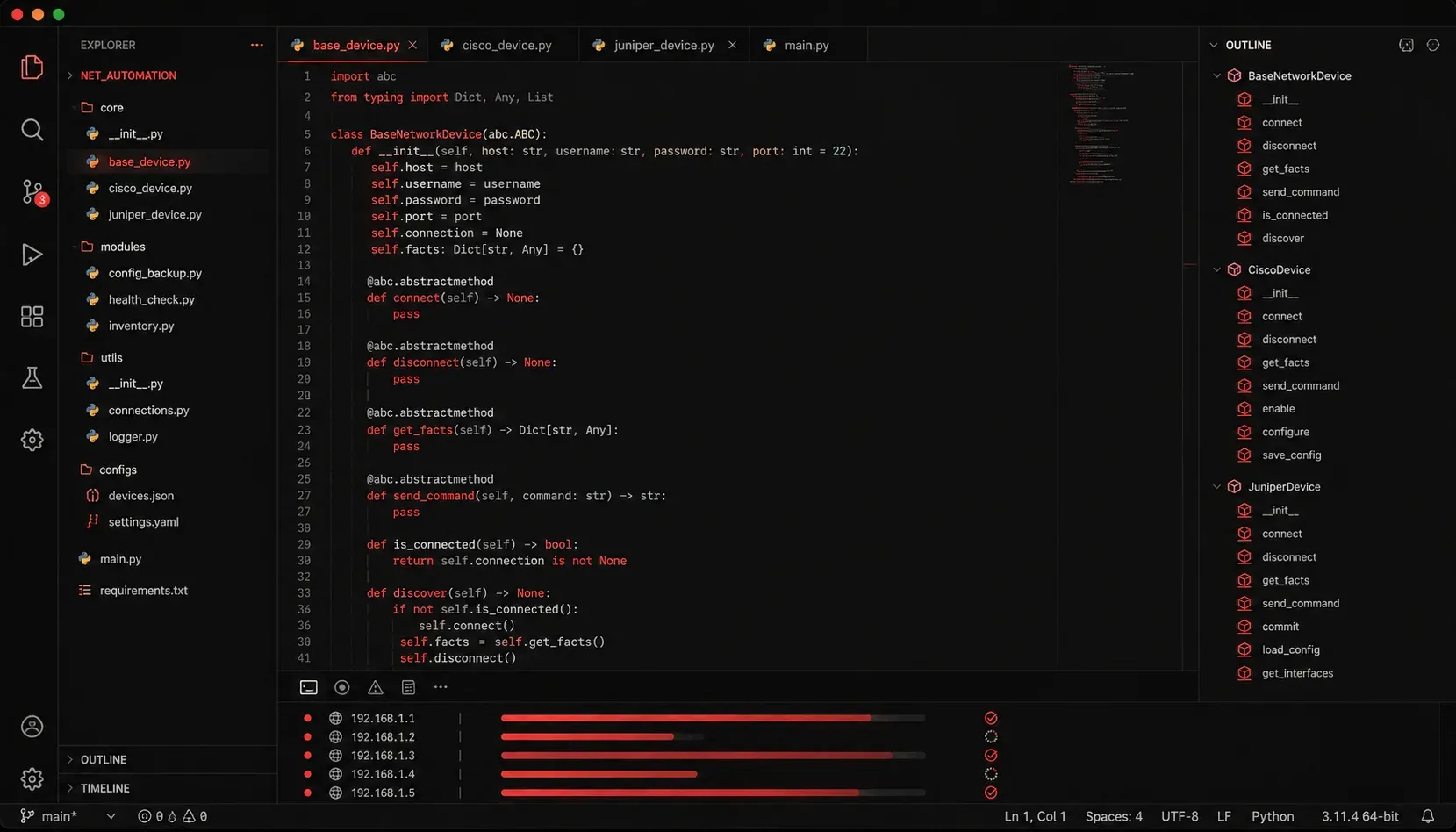
When you're just starting with network automation, you'll quickly discover that your Python scripts can become messy and hard to manage. As your automation projects grow from simple device configurations to complex network orchestration, learning to organize code using classes becomes essential for maintaining readable and scalable solutions.
What Are Classes and Why Use Them?
Classes are blueprints that help you group related data and functions together. Think of a class as a template for creating objects that represent real-world entities in your network automation projects. Instead of having scattered functions and variables throughout your script, classes provide a clean way to organize everything logically.
For network automation, classes are particularly valuable because they mirror how we think about network infrastructure. A router, switch, or VLAN can each be represented as a class with its own properties and behaviors.
Basic Class Structure for Network Devices
Let's start with a simple example. Here's how you might create a basic network device class:
class NetworkDevice:
    def __init__(self, hostname, ip_address, device_type):
        self.hostname = hostname
        self.ip_address = ip_address
        self.device_type = device_type
        self.is_connected = False

    def connect(self):
        print(f"Connecting to {self.hostname} at {self.ip_address}")
        self.is_connected = True

    def disconnect(self):
        print(f"Disconnecting from {self.hostname}")
        self.is_connected = False

    def get_status(self):
        status = "Connected" if self.is_connected else "Disconnected"
        return f"{self.hostname} ({self.device_type}): {status}"
Now you can create and use device objects:
router1 = NetworkDevice("R1", "192.168.1.1", "Router")
switch1 = NetworkDevice("SW1", "192.168.1.10", "Switch")

router1.connect()
print(router1.get_status())  # Output: R1 (Router): Connected
Improving Code Readability with Method Organization
Classes excel at improving code readability by grouping related functionality. Let's extend our network device class with configuration methods:
class CiscoRouter:
    def __init__(self, hostname, ip_address):
        self.hostname = hostname
        self.ip_address = ip_address
        self.interfaces = {}
        self.routes = []

    def add_interface(self, interface_name, ip_address, subnet_mask):
        self.interfaces[interface_name] = {
            'ip': ip_address,
            'mask': subnet_mask
        }

    def add_static_route(self, network, next_hop):
        route = f"ip route {network} {next_hop}"
        self.routes.append(route)

    def generate_config(self):
        config_lines = [f"hostname {self.hostname}"]

        for interface, settings in self.interfaces.items():
            config_lines.extend([
                f"interface {interface}",
                f" ip address {settings['ip']} {settings['mask']}",
                f" no shutdown"
            ])

        config_lines.extend(self.routes)
        return "\n".join(config_lines)
This approach makes your code much more readable and organized compared to having separate functions scattered throughout your script.
Practical Benefits for Network Automation
When you're coding with classes in network automation scenarios, you gain several key advantages:
- Reusability: Create multiple device objects from the same class template
- Maintainability: Changes to device behavior only need to be made in one place
- Logical grouping: Related functions and data stay together
- Easier testing: You can test individual methods without running entire scripts
Here's how you might use the router class in a real automation scenario:
def configure_branch_routers(router_configs):
    routers = []

    for config in router_configs:
        router = CiscoRouter(config['hostname'], config['ip'])
        router.add_interface("GigabitEthernet0/0", config['lan_ip'], "255.255.255.0")
        router.add_interface("Serial0/0/0", config['wan_ip'], "255.255.255.252")
        router.add_static_route("0.0.0.0 0.0.0.0", config['default_gateway'])

        routers.append(router)

    return routers
This function creates multiple router objects, each properly configured and ready for deployment.
Best Practices for Class Organization
As you develop more complex network automation projects, keep these principles in mind:
- Keep classes focused on a single responsibility
- Use descriptive names for classes and methods
- Group related methods together within the class
- Use the
__init__method to set up initial state - Consider inheritance for similar device types (routers, switches, firewalls)
What's Next
Now that you understand the basics of organizing code with classes, the next step is learning about inheritance and how to create specialized device classes that share common functionality. We'll explore how to build class hierarchies that make your network automation code even more organized and efficient.