
Understanding Containers: A Simple Guide for Beginners
Learn what containers are in simple terms, how they differ from virtual machines, and why they matter for network engineers. Covers Docker basics and real-world networking examples.

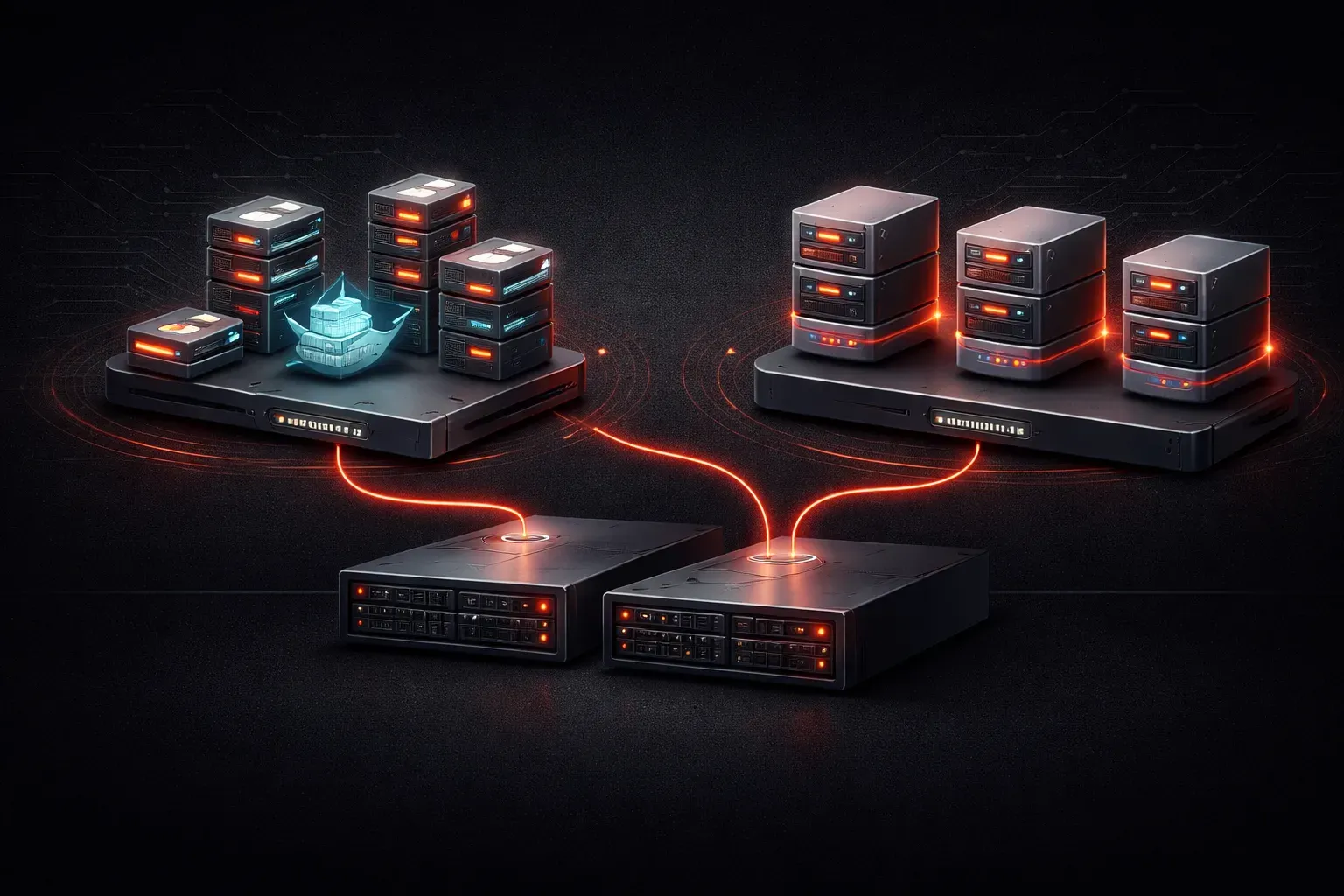
When you hear "containers" in networking and IT, you might picture shipping containers at a port. That analogy isn't far off! In computing, containers are a way to package applications and their dependencies into portable, lightweight bundles that can run consistently across different environments.
What Are Containers?
A container is a standardized unit of software that packages up code and all its dependencies so the application runs quickly and reliably from one computing environment to another. Think of it as a shipping container for your applications - everything needed to run the software is packed inside, making it easy to move and deploy anywhere.
Unlike traditional applications that rely on the host operating system's libraries and dependencies, containers include everything they need to run. This approach is called containerization, and it solves the classic "it works on my machine" problem that developers face.
Containers vs Virtual Machines
To understand containers better, let's compare them to virtual machines (VMs), which you might already know about:
Virtual Machines
- Include a complete operating system
- Require more resources (CPU, memory, storage)
- Take longer to start up
- Provide strong isolation between applications
Containers
- Share the host operating system's kernel
- Use fewer resources - this is lightweight virtualization
- Start up in seconds
- Provide process-level isolation
VMs are like individual houses - each has its own foundation, utilities, and everything needed to function independently. Containers are more like hotel rooms - they share the building's infrastructure but provide separate, private spaces for guests.
Docker: The Container Platform
Docker is the most popular containerization platform. It makes creating, deploying, and managing containers much easier. When people say "containers," they often mean Docker containers specifically.
Here's a simple example of how Docker works:
# Pull a web server container image
docker pull nginx

# Run the container
docker run -d -p 80:80 nginx
This downloads a pre-built nginx web server container and runs it on your system. The -d flag runs it in the background, and -p 80:80 maps port 80 on your host to port 80 in the container.
Why Containers Matter for Network Engineers
As network engineers, understanding containers is increasingly important because:
- Network Services: Many network monitoring tools, DNS servers, and management applications now run in containers
- DevOps Integration: Network automation tools and scripts are often deployed using containers
- Consistent Environments: Containers ensure network applications behave the same way in development, testing, and production
- Resource Efficiency: Multiple network services can run on the same hardware with minimal overhead
Real-World Container Examples
Here are some practical examples of how containers are used in networking:
- Network Monitoring: Tools like Nagios or Zabbix running in containers for easy deployment
- DNS Services: Pi-hole or BIND DNS servers packaged as containers
- Network Automation: Ansible playbooks or Python scripts packaged with their dependencies
- Development Labs: Network simulation tools like GNS3 components running in containers
Key Container Benefits
Understanding these advantages helps explain why containerization has become so popular:
- Portability: Runs the same everywhere - your laptop, test lab, or production server
- Scalability: Easy to spin up multiple instances of an application
- Efficiency: Uses fewer resources than traditional VMs
- Version Control: Different versions of applications can coexist safely
Getting Started
If you want to explore containers, start with Docker Desktop on your computer. It provides a user-friendly interface and lets you experiment with pre-built containers from Docker Hub, a repository of container images.
Try pulling and running a simple container like hello-world to see containerization in action:
docker run hello-worldWhat's Next
Now that you understand what containers are and how they differ from virtual machines, the next step is learning about container orchestration platforms like Kubernetes. These tools help manage multiple containers across multiple servers, which becomes essential as you scale your containerized applications in enterprise environments.
Tools and resources for this topic
- CCNA Official Cert Guide (Wendell Odom) — The definitive CCNA study resource. Both volumes cover the 200-301 exam blueprint in full.
- Wendell Odom CCNA Vol 1 — Covers networking fundamentals, switching, and routing basics.
- Wendell Odom CCNA Vol 2 — Covers advanced routing, WAN, infrastructure services, and security.