
Understanding On-Premises Applications
This post explains what on-premises applications are, how they rely on local networks, and why some businesses prefer them over cloud solutions. It covers common examples, key characteristics, and a practical comparison between on-prem and cloud approaches. The content aligns with CCST Networking e

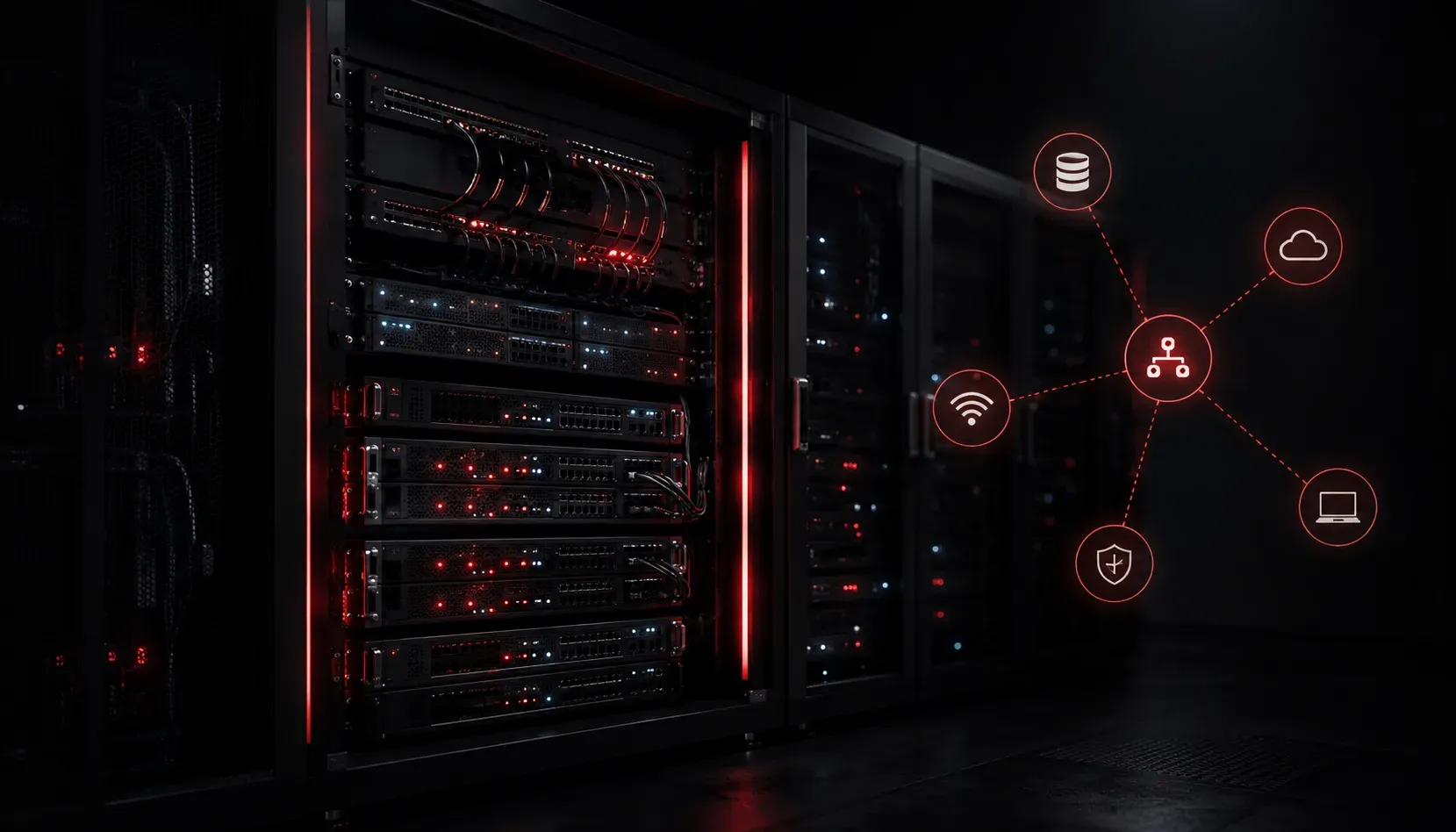
When you walk into a business and see servers humming away in a back room or dedicated server closet, those machines are likely running what we call on-premises applications. Understanding what this means is an important foundational concept for the CCST Networking exam, and it also helps you make sense of how real-world networks are designed and why.
What Are On-Premises Applications?
On-premises applications (often shortened to "on-prem") are software programs that are installed and run on computers or servers that a business owns and physically controls. The hardware sits inside the company's own building or data center, and the company is responsible for maintaining it. This is in contrast to cloud applications, which run on servers owned by a third party and accessed over the internet.
Think of it this way: if you install a game on your personal computer, that game lives on your machine. On-premises business software works the same way, just at a larger scale. The application, its data, and the infrastructure supporting it all belong to the organization running it.
Common examples of on-premises business software include:
- Email servers: A company running Microsoft Exchange on their own servers instead of using Gmail or Microsoft 365
- File servers: A shared drive hosted on a local machine that employees access over the internal network
- Accounting software: Financial tools installed directly on office computers or a local server
- Database servers: A local SQL server storing customer records or inventory data
- Internal web applications: Custom-built tools only accessible from inside the company network
How Does This Relate to Networking?
On-premises applications rely heavily on the local network to function. When an employee opens a file from a shared server or loads an internal web application, that traffic travels across the company's LAN (Local Area Network). As a networking student, this is significant because the performance, reliability, and security of that application depend entirely on how well the network is designed and maintained.
For example, consider a file server at IP address 192.168.1.50 on a company's internal network. When a user opens a document stored on that server, their computer sends a request across the LAN to reach the server. No internet connection is required because the traffic stays local. This is a key characteristic of on-premises applications: they typically live on the same private network as the users who access them.
Why Do Some Businesses Choose On-Premises Solutions?
With cloud services so widely available today, you might wonder why any business would choose to manage their own infrastructure. There are several practical reasons:
- Control: The organization owns and manages everything, from the hardware to the software configuration
- Data privacy: Sensitive information never leaves the company's physical location, which matters in industries like healthcare and finance
- Compliance: Some regulatory requirements mandate that certain data be stored on systems the organization directly controls
- Reliability without internet dependency: On-prem applications can continue working even if the internet connection goes down
- Long-term cost: For large organizations, owning hardware outright can be more cost-effective over many years than ongoing subscription fees
On-Premises vs. Cloud: A Quick Comparison
Understanding the difference between on-premises and cloud applications comes up frequently in networking discussions. Here is a simple side-by-side view:
- Location: On-prem lives inside the business; cloud lives on a vendor's servers elsewhere
- Maintenance responsibility: On-prem is managed by the company's IT team; cloud is managed by the vendor
- Access method: On-prem is typically accessed over the local network; cloud is accessed over the internet
- Upfront cost: On-prem requires hardware investment; cloud typically uses a subscription model
Neither option is universally better. Many organizations today use a mix of both, which is called a hybrid environment. Understanding where applications live is a core skill for any network professional because it directly affects how traffic flows and how the network needs to be configured.
What's Next?
Now that you have a solid picture of on-premises applications, the next step is exploring cloud-based applications and how they differ in terms of network traffic, access patterns, and design considerations. Understanding both sides of this equation will help you see why network architecture decisions matter so much in modern IT environments.