
Understanding TCP and UDP: Key Differences
This post explains the key differences between TCP and UDP protocols, covering TCP's reliability features versus UDP's speed-focused approach. It includes practical examples of when to use each protocol and their real-world applications.

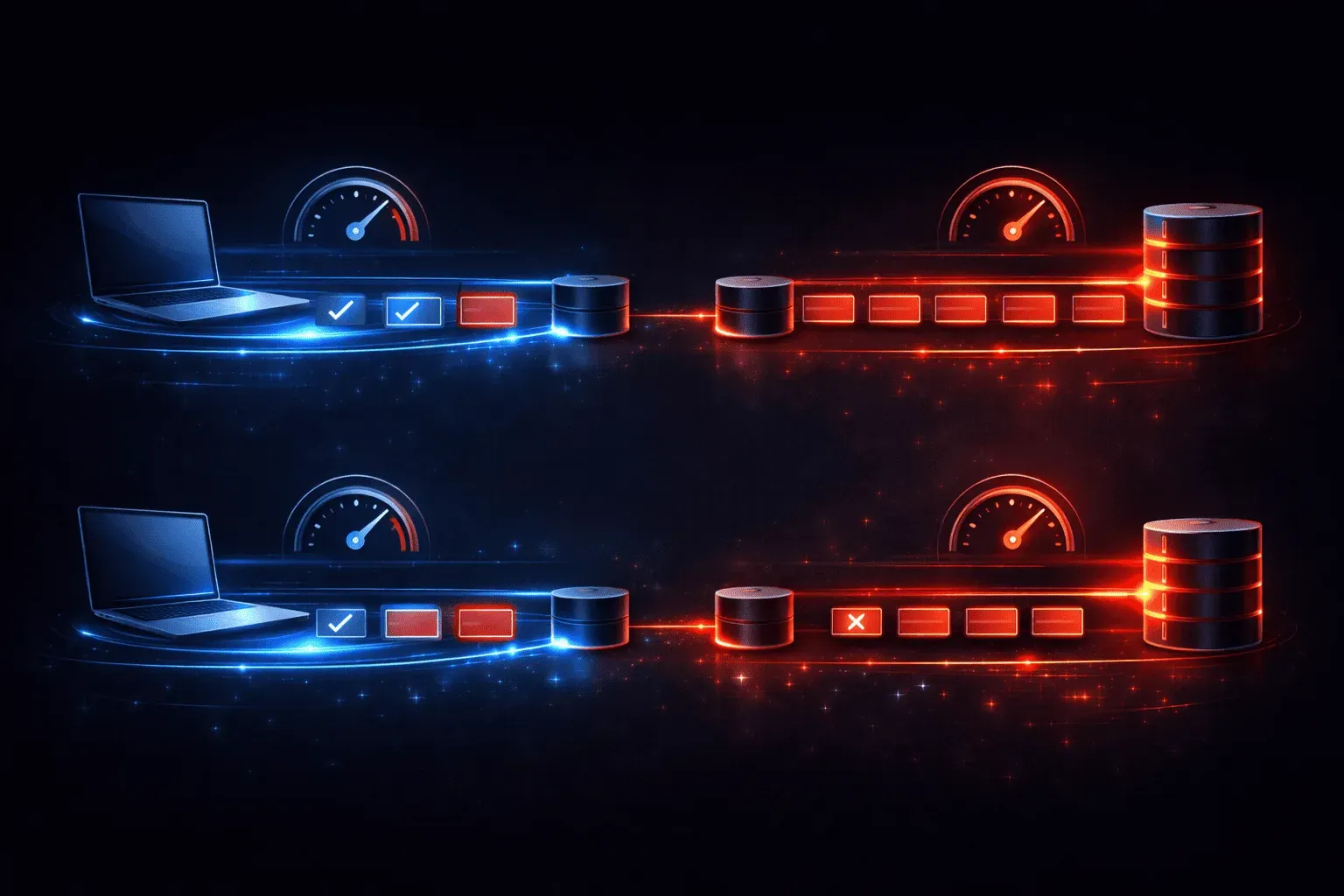
When you're starting your journey into networking, understanding the fundamental differences between TCP and UDP is crucial. These two transport layer protocols form the backbone of internet communications, but they work in completely different ways. Let's explore what makes each protocol unique and when to use them.
What Are TCP and UDP?
Both Transmission Control Protocol (TCP) and User Datagram Protocol (UDP) are networking protocols that operate at Layer 4 (Transport Layer) of the OSI model. They're responsible for moving data between applications on different devices across a network. However, their approaches to data delivery are fundamentally different.
Think of TCP as registered mail with delivery confirmation, while UDP is like dropping a postcard in a mailbox and hoping it arrives.
TCP Features: Reliability First
TCP is a connection-oriented protocol that prioritizes reliable data delivery. Here are its key characteristics:
- Connection establishment: TCP uses a three-way handshake (SYN, SYN-ACK, ACK) before data transmission begins
- Acknowledgments: Every segment sent receives an acknowledgment from the receiver
- Sequencing: Data segments are numbered, ensuring they arrive in the correct order
- Error detection and recovery: Lost or corrupted segments are automatically retransmitted
- Flow control: Prevents overwhelming the receiver with too much data at once
- Congestion control: Adjusts transmission speed based on network conditions
You can see TCP connections in action using the netstat -an command on your computer. Look for entries showing ESTABLISHED, SYN_SENT, or TIME_WAIT states.
UDP Features: Speed Over Reliability
UDP takes a connectionless approach that emphasizes speed and efficiency:
- No connection setup: Data transmission begins immediately without handshakes
- No acknowledgments: Sent data may or may not reach its destination
- No sequencing: Data arrives in whatever order the network delivers it
- No error recovery: Lost data stays lost
- Minimal overhead: UDP headers are only 8 bytes compared to TCP's 20+ bytes
- Broadcast capable: Can send data to multiple recipients simultaneously
Key Differences in Practice
The TCP vs UDP differences become clear when you consider their use cases:
When to Use TCP
TCP is perfect when data integrity matters more than speed:
- Web browsing (HTTP/HTTPS): Every byte of a webpage must arrive correctly
- File transfers (FTP, SFTP): Missing data would corrupt files
- Email (SMTP, POP3, IMAP): Messages must be complete and accurate
- Remote access (SSH, Telnet): Commands must execute precisely as typed
When to Use UDP
UDP excels in scenarios where speed trumps perfection:
- Live video streaming: Better to skip a frame than pause for retransmission
- Online gaming: Real-time action can't wait for error correction
- DNS queries: Fast lookups are more important than occasional retries
- DHCP: Simple request-response doesn't need connection overhead
Performance Implications
Understanding these networking protocols helps explain why certain applications behave differently. TCP's reliability features create overhead that can slow transmission but ensure accuracy. UDP's minimal approach provides faster delivery but requires applications to handle their own error detection and recovery if needed.
For example, when you stream a video, occasional pixelation from lost UDP packets is preferable to the stuttering that would occur if TCP tried to retransmit every missing frame.
What's Next
Now that you understand the fundamental differences between TCP and UDP, the next step is learning about port numbers and how these protocols use them to direct traffic to specific applications. We'll explore well-known ports, port ranges, and how port numbers work with both TCP and UDP in our next post.
CCNA study resources
- CCNA Official Cert Guide Library (Wendell Odom) — Both volumes covering the full 200-301 exam blueprint. The definitive CCNA study resource.
- Wendell Odom CCNA Vol 1 — Networking fundamentals, switching, VLANs, STP, and IPv4 routing.