
Understanding the Relationship Between System Management and Security in Linux
This post explains the fundamental relationship between Linux system management and security, showing how administrative tasks and security measures are interconnected. It covers key areas like user management, updates, services, and logs where management decisions directly impact security.

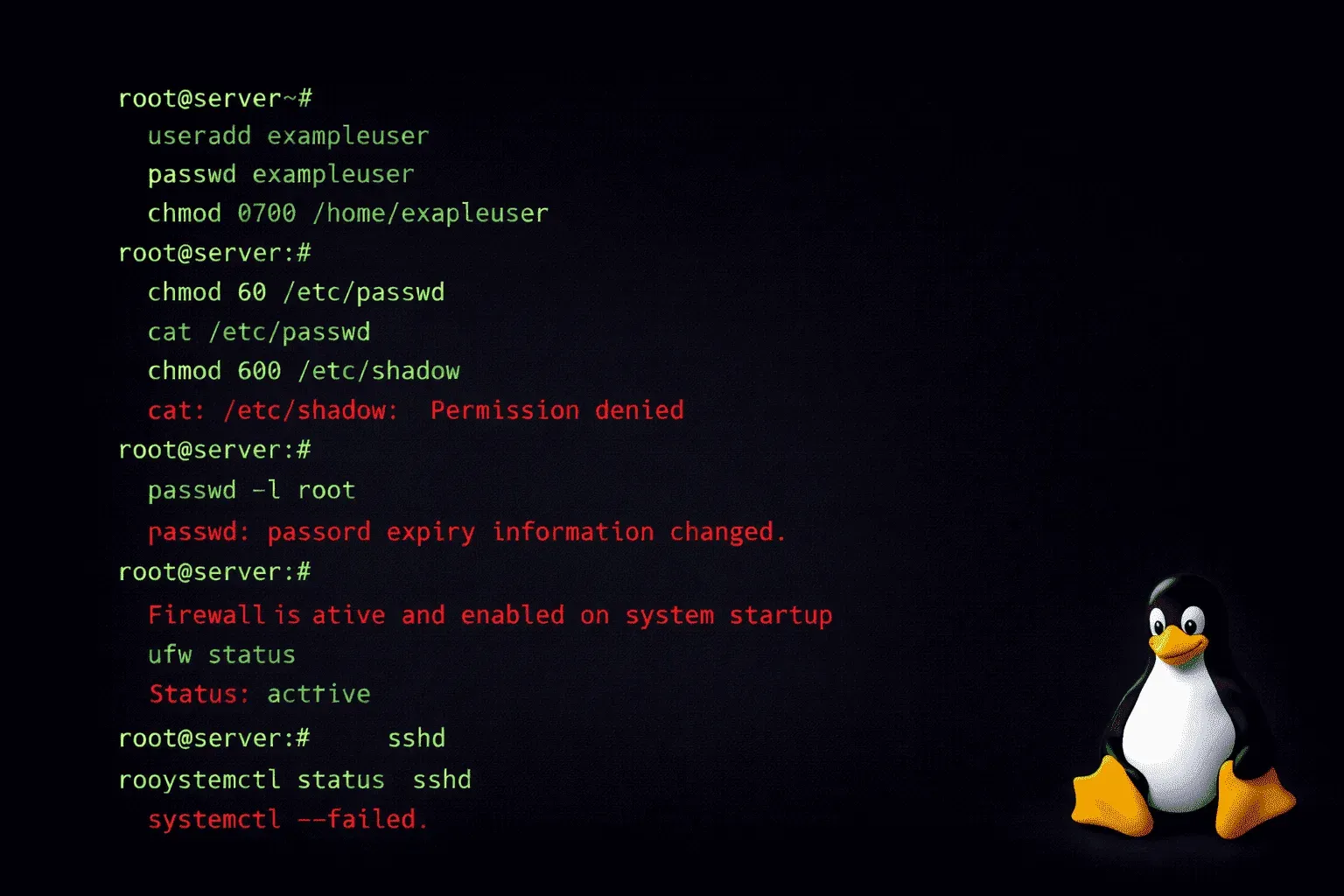
When you're managing Linux systems, security isn't something you bolt on afterward; it's woven into every aspect of how you administer your environment. Understanding this fundamental relationship between system management and security is crucial for anyone working with Linux, whether you're running a single server or managing an entire infrastructure.
Why System Management IS Security
In Linux, system management and security are two sides of the same coin. Every administrative task you perform has security implications, and every security measure you implement requires proper system management to be effective. This interconnected relationship means that weak system administration directly leads to security vulnerabilities.
Consider user management: when you create a new user account with useradd, you're not just adding someone to the system; you're making security decisions. What groups should they belong to? What permissions should they have? Where should their home directory be located? Each choice impacts your system's security posture.
Core Areas Where Management Meets Security
User and Permission Management
Linux security fundamentally relies on proper user and permission management. The principle of least privilege (giving users only the minimum access they need) requires ongoing administrative oversight. You'll regularly use commands like:
# Check user permissions
id username

# Review group memberships
groups username

# Examine file permissions
ls -la /path/to/file
Without proper system management practices, user accounts accumulate unnecessary privileges over time, creating security risks.
System Updates and Patch Management
Keeping your Linux system secure requires disciplined update management. This isn't just about running apt update && apt upgrade or yum update—it's about understanding what you're updating, testing changes, and maintaining system stability while closing security gaps.
Effective patch management involves:
- Regularly checking for security updates
- Understanding package dependencies
- Testing updates in non-production environments
- Maintaining rollback procedures
Service and Process Management
Every running service represents a potential attack vector. Good system management means understanding what's running on your system and why. Use systemctl status to check service states, netstat -tulpn to see what's listening on network ports, and ps aux to monitor running processes.
The security principle here is simple: disable unnecessary services. If you don't need a web server running, don't run one. If SSH access isn't required, consider disabling it on that system.
Log Management as a Security Foundation
Linux generates extensive logs via syslog, and properly managing these logs is both a system administration task and a security requirement. Logs stored in /var/log/ contain crucial information about system events, authentication attempts, and potential security incidents.
Effective log management includes:
- Regular log rotation to prevent disk space issues
- Monitoring authentication logs in
/var/log/auth.log - Setting up centralized logging for multiple systems
- Implementing log analysis tools to detect anomalies
Configuration Management and Hardening
Linux system security heavily depends on proper configuration. This includes SSH configuration in /etc/ssh/sshd_config, firewall rules managed through iptables or firewalld, and various system parameters in /etc/sysctl.conf.
Configuration management tools like Ansible, Puppet, or Chef help maintain consistent, secure configurations across multiple systems. These tools embody the principle that security comes from reproducible, well-documented system management practices.
The Administrative Mindset for Security
Developing secure Linux management habits means thinking like both an administrator and an attacker. When you make system changes, ask yourself: "What new attack vectors am I creating?" When you grant access, consider: "What's the worst that could happen if this account is compromised?"
This mindset extends to backup management, disaster recovery planning, and incident response procedures, all traditionally administrative tasks that directly impact your security posture.
What's Next
Now that you understand how system management and security intertwine in Linux, the next step is diving into specific user management techniques. In our upcoming post, we'll explore advanced user and group management strategies, including how to implement role-based access controls and manage sudo privileges effectively.