
Understanding Wi-Fi: 802.11 Standards and Interference
This post explains Wi-Fi 802.11 standards from 802.11b to Wi-Fi 6, compares 2.4GHz vs 5GHz frequency bands, and identifies common sources of wireless interference including microwaves and physical obstacles.

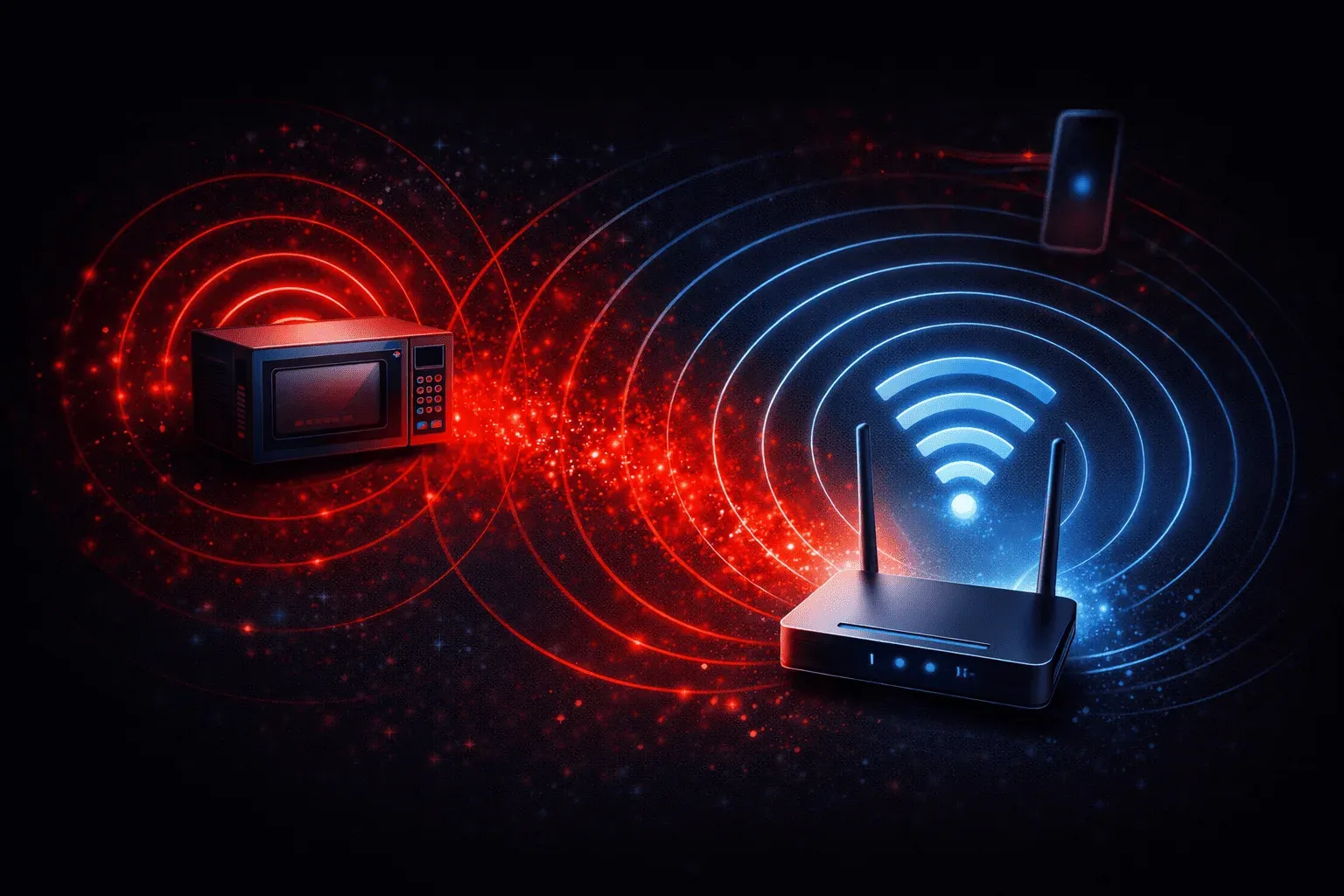
Wi-Fi has become so ubiquitous that we rarely think about the complex technology making our wireless connections possible. Whether you're streaming videos, working from home, or just browsing the web, understanding the fundamentals of Wi-Fi standards and interference can help you troubleshoot connectivity issues and make better networking decisions.
What Are 802.11 Standards?
The 802.11 family of standards defines how Wi-Fi networks operate. Think of these standards as different "versions" of Wi-Fi, each improving on speed, range, and reliability. The Institute of Electrical and Electronics Engineers (IEEE) develops these standards, which is why they have that technical numbering system.
Here are the most common Wi-Fi 802.11 standards you'll encounter:
- 802.11b (1999): The first widely adopted Wi-Fi standard, operating at 2.4GHz with speeds up to 11 Mbps
- 802.11g (2003): Faster speeds up to 54 Mbps while maintaining 2.4GHz compatibility
- 802.11n (2009): Introduced dual-band support (2.4GHz and 5GHz) with speeds up to 600 Mbps
- 802.11ac (2013): Focused on 5GHz with speeds exceeding 1 Gbps
- 802.11ax (Wi-Fi 6): The current standard offering improved efficiency and speeds over 9 Gbps
Modern devices typically support multiple standards for backward compatibility. When your phone connects to a router, both devices negotiate the best standard they both support.
Understanding Frequency Bands: 2.4GHz vs 5GHz
Wi-Fi operates primarily in two frequency bands, each with distinct characteristics that affect your wireless experience.
2.4GHz Band
The 2.4GHz band is like a busy highway with only three non-overlapping lanes (channels 1, 6, and 11 in North America). This band offers:
- Longer range: Lower frequencies travel farther and penetrate walls better
- Better building penetration: Works well through multiple floors and thick walls
- More interference: Shared with many other devices like microwaves and Bluetooth
- Lower maximum speeds: More congested and limited bandwidth
5GHz Band
The 5GHz band is like having many more highway lanes with less traffic:
- Higher speeds: More available channels and wider bandwidth options
- Less interference: Fewer devices operate in this frequency range
- Shorter range: Higher frequencies don't travel as far
- Reduced wall penetration: May struggle through multiple barriers
Most modern routers broadcast both bands simultaneously, letting devices choose the best option for their location and needs.
Common Sources of Wireless Interference
Understanding wireless interference is crucial for maintaining reliable Wi-Fi connections. Interference occurs when other devices emit signals that disrupt your wireless communication.
2.4GHz Interference Sources
The 2.4GHz band faces interference from numerous household devices:
- Microwave ovens: Generate significant 2.4GHz noise when operating
- Bluetooth devices: Use frequency hopping across the 2.4GHz spectrum
- Baby monitors: Often operate continuously on 2.4GHz
- Cordless phones: Older models frequently use this band
- Other Wi-Fi networks: Neighboring networks create the most common interference
Physical Obstacles
Wi-Fi signals also face interference from physical barriers:
- Walls and floors: Concrete and metal structures significantly reduce signal strength
- Water: Aquariums, water pipes, and even human bodies can block signals
- Metal objects: Filing cabinets, appliances, and mirrors reflect Wi-Fi signals
Practical Tips for Better Wi-Fi Performance
When troubleshooting Wi-Fi issues, consider these interference factors:
- Check your environment: Move away from microwaves and other 2.4GHz devices when experiencing connectivity issues
- Use Wi-Fi analyzer apps: Tools like
WiFi Analyzershow you which channels are congested in your area - Choose the right band: Use 5GHz for high-speed needs close to the router, 2.4GHz for range and penetration
- Position matters: Place routers centrally and avoid enclosed spaces like closets
Understanding these Wi-Fi fundamentals helps you make informed decisions about wireless network design and troubleshooting. Whether you're setting up a home network or preparing for the CCST networking exam, these concepts form the foundation of wireless networking knowledge.
What's Next
Now that you understand Wi-Fi standards and interference, the next step is learning how wireless security protocols like WPA3 protect these radio communications from unauthorized access and attacks.