
What are Wi-Fi, Cellular, and Wired Networks?
Learn the fundamentals of Wi-Fi, cellular, and wired networks - the three main ways devices connect to the internet. Covers the basics of each network type and when to use them.

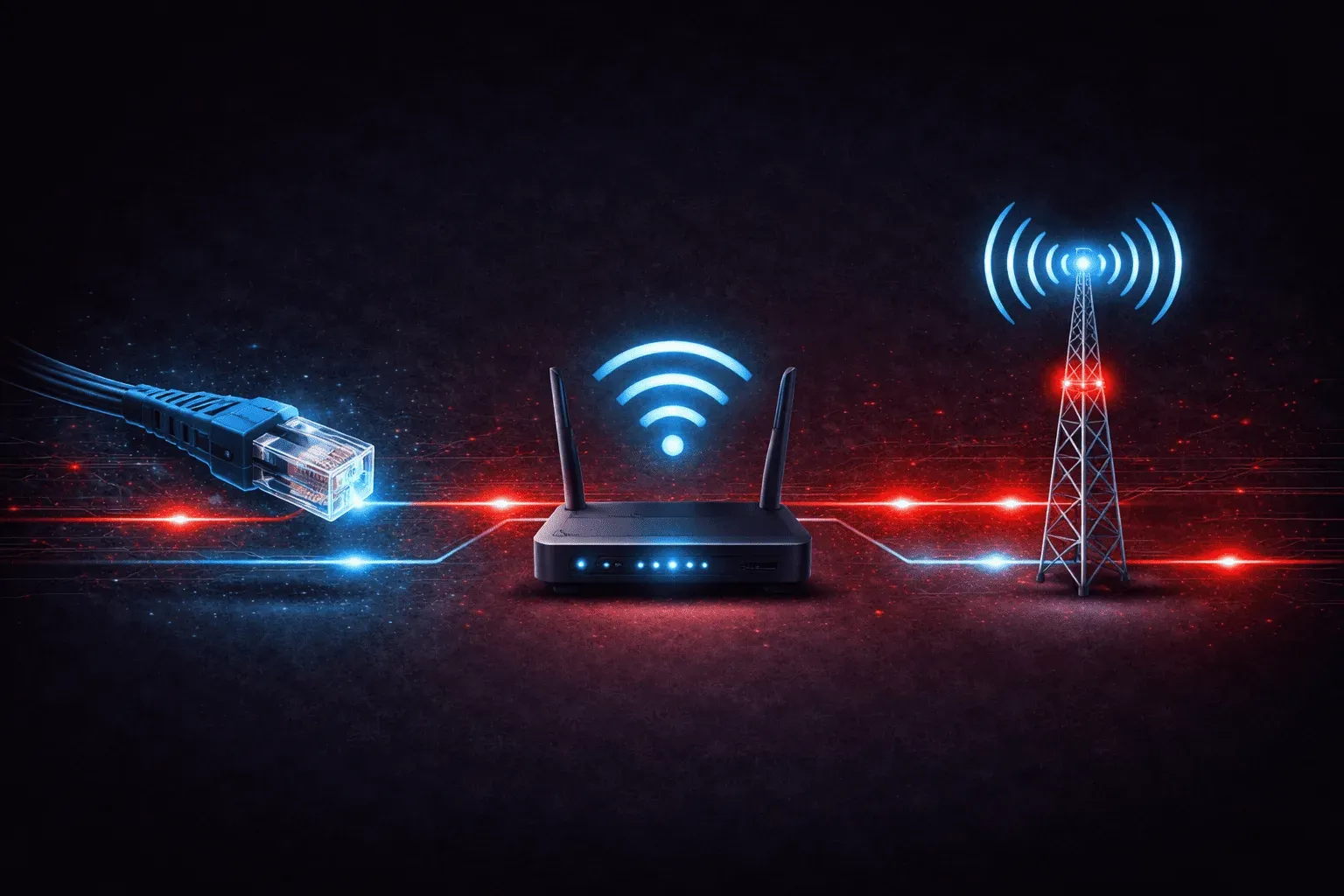
When you connect to the internet, you're using one of three main types of networks: Wi-Fi, cellular, or wired networks. Each has its own way of getting your device online, and understanding these network basics will help you troubleshoot connection issues and make better decisions about internet connection types.
Wired Networks: The Foundation
Wired networks use physical cables to connect devices directly to the network. The most common type you'll encounter is Ethernet, which uses twisted-pair copper cables with RJ-45 connectors (those plastic clips that look like oversized phone jacks).
When you plug an Ethernet cable from your computer into a router, switch, or wall jack, you're creating a direct physical connection. This connection typically provides:
- Reliability: Physical connections rarely drop unexpectedly
- Speed: Modern Ethernet can deliver 1 Gbps or higher speeds
- Security: Harder to intercept than wireless signals
- Low latency: Minimal delays in data transmission
You'll also find fiber optic cables in wired networks, especially for high-speed internet connections and long-distance links. These use light instead of electrical signals and can achieve incredible speeds over long distances.
Wi-Fi Networks: Wireless Freedom
Wi-Fi networks use radio waves to connect devices wirelessly to a network. When your laptop, phone, or tablet connects to your home router without cables, you're using Wi-Fi technology.
Wi-Fi operates on specific radio frequency bands:
- 2.4 GHz band: Longer range but slower speeds, more crowded
- 5 GHz band: Shorter range but faster speeds, less crowded
- 6 GHz band: Newest band with very high speeds (Wi-Fi 6E and 7)
Modern Wi-Fi standards like 802.11ac (Wi-Fi 5) and 802.11ax (Wi-Fi 6) can deliver speeds comparable to wired connections, but performance depends on distance from the access point, interference, and the number of connected devices.
Cellular Networks: Internet Everywhere
Cellular networks use the same infrastructure as mobile phone service to provide internet connectivity. Your smartphone connects to nearby cell towers using radio frequencies, and those towers route your data to the internet.
Current cellular technologies include:
- 4G LTE: Widely available, good speeds for most applications
- 5G: Newest technology with very high speeds and low latency
- 3G: Older, slower technology being phased out
Cellular networks let you access the internet anywhere with cell tower coverage. Many people use cellular as their primary internet connection through mobile hotspots or cellular modems.
Choosing the Right Connection
Each network type serves different needs in beginner networking scenarios:
Use wired networks when: You need maximum reliability and speed, especially for desktop computers, gaming, or streaming to multiple devices.
Use Wi-Fi when: You want mobility around your home or office while maintaining good speeds. Perfect for laptops, tablets, and smartphones in a fixed location.
Use cellular when: You're mobile or don't have access to wired internet. Great for backup internet, travel, or rural areas without broadband options.
Many setups combine all three. Your home router might connect to your ISP via a wired fiber connection, broadcast Wi-Fi for your devices, and include cellular backup for redundancy.
What's Next
Now that you understand the three main internet connection types, the next step is learning about network hardware components like routers, switches, and access points that make these connections possible. We'll explore how these devices work together to create the networks you use every day.
CCST Networking study resources
- Cisco Certified Support Technician CCST Networking 100-150 Official Cert Guide — The only Cisco-approved study guide for the CCST Networking exam. Perfect first step into network engineering.