
Using Claude for Effective Network Documentation: A Personal Guide
This post walks IT professionals through practical methods for using Claude AI to improve network documentation workflows. It covers effective prompting strategies, real-world use cases like runbook generation and change request writing, and honest limitations to keep in mind. The goal is to help e

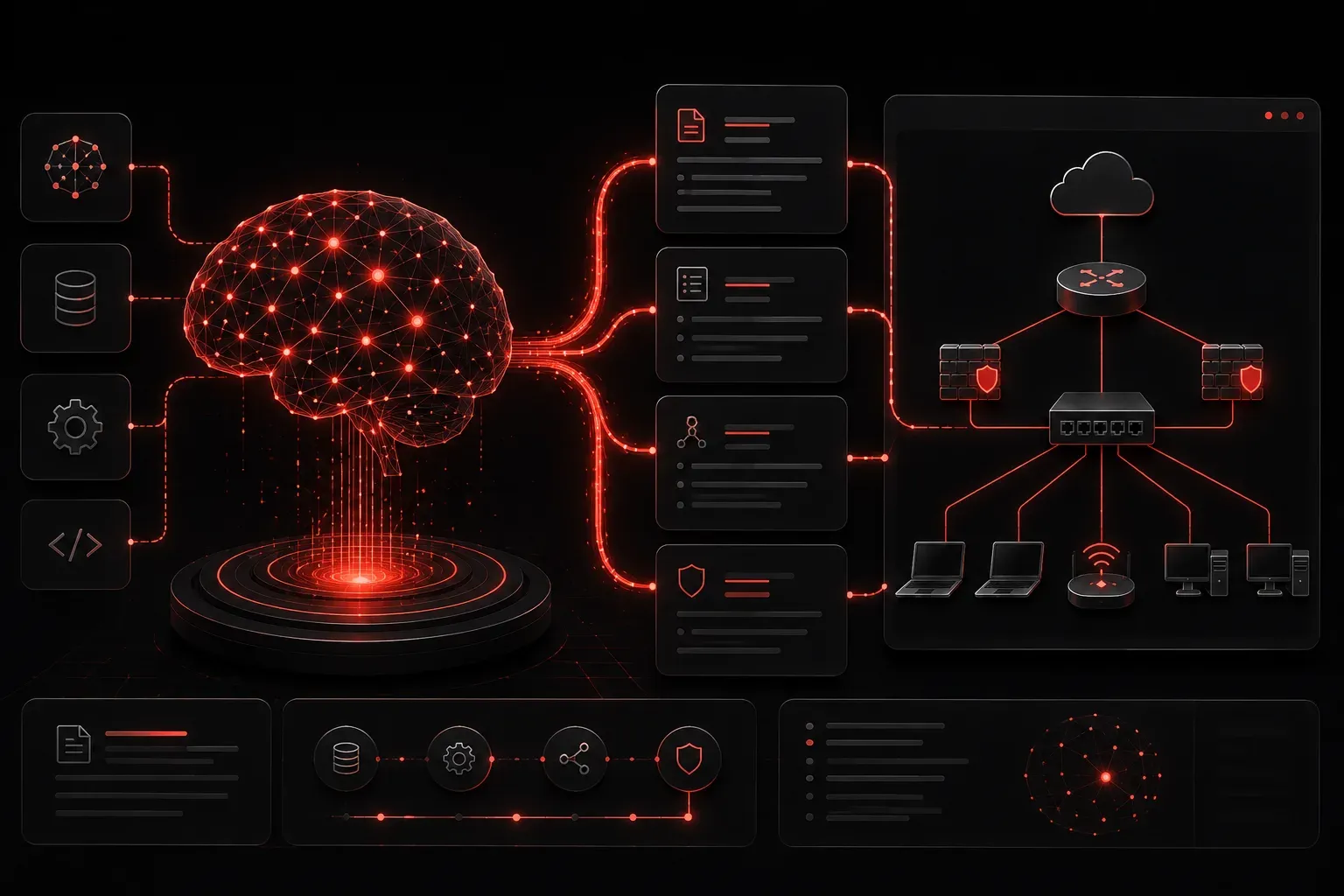
If you've ever stared at a blank page trying to document a network you just finished building, you know the feeling: the work is done, but somehow the documentation feels harder than the actual project. I've been there more times than I'd like to admit. That's why I want to share how I've been using Claude AI to make network documentation faster, more consistent, and honestly a lot less painful.
Why Network Documentation Is Always the Last Priority (and Why It Shouldn't Be)
Let's be real: documentation gets deprioritized constantly. Tickets pile up, changes get rushed, and the "I'll document it later" promise quietly evaporates. The result is a team that troubleshoots by tribal knowledge and a next admin who inherits a mystery network. Good documentation isn't just professional; it's a force multiplier for your whole team.
This is where AI tools like Claude start earning their keep. Claude isn't a documentation generator that spits out generic fluff. When you use it intentionally, it becomes a collaborative writing partner that helps you structure technical information clearly and consistently. That said, it works best as an assistant to your expertise, not a replacement for it. Human review and oversight remain essential at every step.
Getting Started: The Right Way to Prompt Claude
The quality of your output depends almost entirely on the quality of your input. Vague prompts produce vague documentation. Here are the two approaches I use regularly:
Approach 1: Paste Your Config, Ask for Documentation
Grab a device config and hand it directly to Claude with a clear instruction. For example, paste in your switch config and prompt it like this:
Here is the running configuration for a Cisco Catalyst 9300 core switch
at our Dallas headquarters. Please generate professional network documentation
that includes: device purpose, VLAN summary, interface descriptions,
routing protocol overview, and any notable security configurations.

[paste config here]
Claude will process the configuration and return structured documentation you can drop into a wiki, Word document, or ticketing system. It applies pattern recognition to text you already have, organizing it into a readable format. Keep in mind that the output should always be reviewed by someone with direct knowledge of the environment before it goes anywhere official.
For example, I recently pasted a Catalyst 9300 config for a branch office and asked Claude to summarize the VLAN layout and any ACLs applied to routed interfaces. It returned a clean, readable table of VLANs with their names and a bulleted summary of the ACL policies. I still had to verify a few interface descriptions that were missing from the config itself, but the time savings were significant compared to writing it from scratch.
Approach 2: Describe the Environment, Generate the Template
Sometimes you need a documentation template before you start. Describe your environment and ask Claude to build the scaffold:
I need a network documentation template for a multi-site enterprise with
three locations connected via MPLS. Each site has a firewall, core switch,
and access layer. Include sections for: site overview, IP addressing,
routing summary, firewall policies, and change log.
Claude will return a structured template you can reuse across all sites. Standardization becomes much easier when you're not building every template from scratch.
Practical Use Cases I Reach For Every Week
- Change request writeups: Paste your planned config changes and ask Claude to write a clear, non-technical change summary for your change advisory board.
- Runbook generation: Describe a procedure like a failover process, and ask Claude to format it as a numbered runbook with verification steps.
- Plain-English explanations: Hand Claude a complex BGP or OSPF config and ask it to produce a plain-language summary of what the configuration is doing. This is useful for onboarding new team members or preparing handoff documentation, though the output should be validated against the actual environment.
- Diagram descriptions: Describe your topology in plain text and ask Claude to write the narrative description that accompanies a network diagram.
Tips for Getting the Most Out of Claude
A few habits that have improved my results significantly:
- Give it a role: Start your prompt with "You are a senior network engineer helping document a production environment." Context shapes the tone and depth of the response.
- Ask for specific formats: Tell Claude you want output in markdown, plain text, or table format depending on where the documentation is going.
- Iterate, don't regenerate: If the first output is close but not right, follow up with corrections. Claude holds conversation context well within a session.
- Sanitize sensitive data first: Before pasting configs, strip out public IPs, passwords, and anything proprietary. Always.
An Honest Limitation to Keep in Mind
Claude is excellent at structuring and articulating information, but it cannot verify accuracy. It processes text and applies learned patterns; it does not have independent knowledge of your network. If your config has a mistake or your description of the network is wrong, Claude will document the mistake confidently. Always review the output before it goes anywhere official. Think of it as a skilled writer who needs a technical editor, and that editor is you.
What's Next
Now that you have a workflow for documentation, the next logical step is using AI tools to assist with actual network analysis and troubleshooting. In the next post, we'll look at how to use Claude and other AI tools to interpret log output, identify anomalies, and speed up root-cause analysis during incidents. The documentation is the foundation, and now we build on it.