
Validating JSON with Online Tools
Online JSON validators are essential tools for catching syntax errors before they break your scripts. This post covers the most common JSON mistakes, the best free browser-based validators, and a practical workflow for keeping your JSON clean.

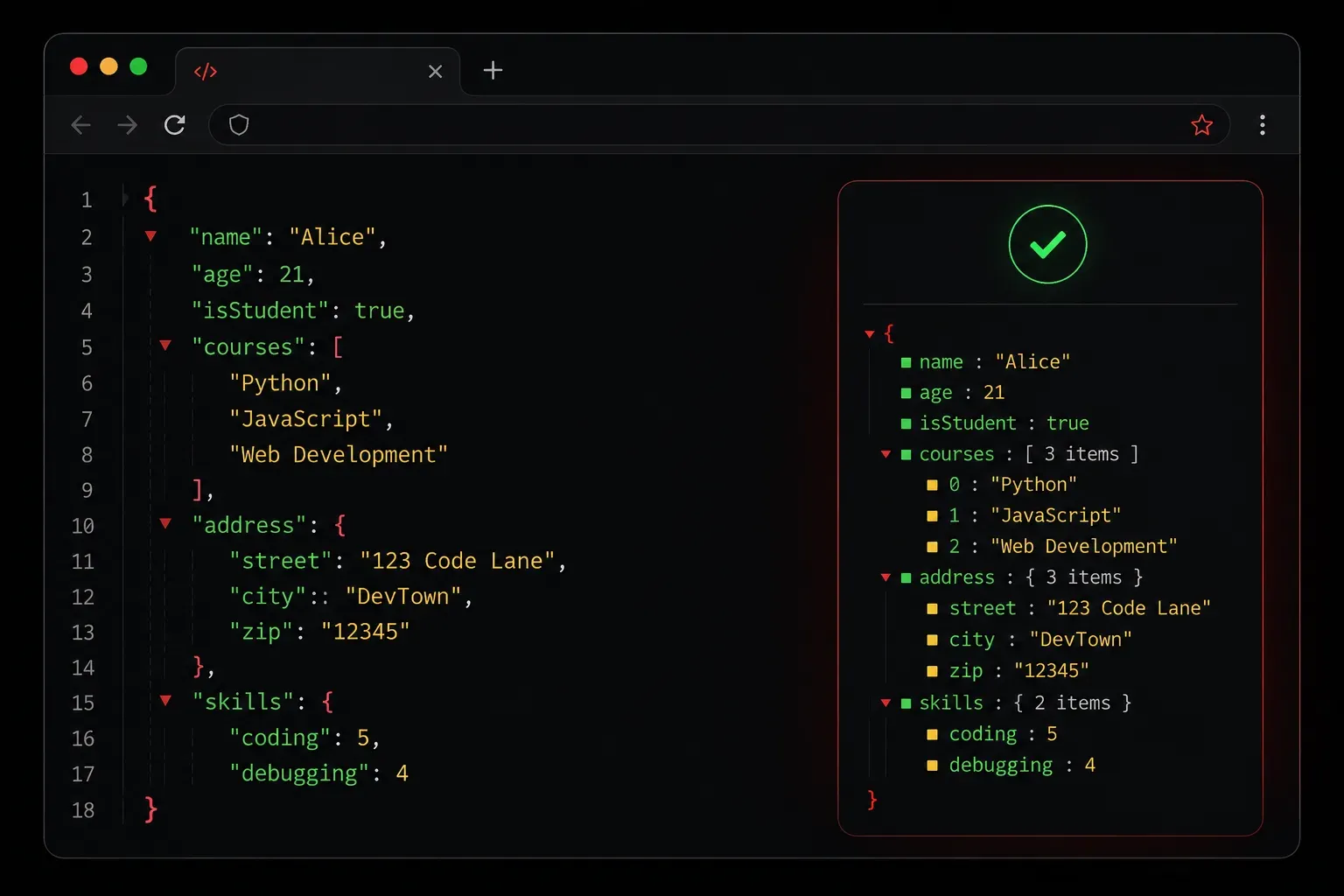
JSON is everywhere in modern networking and automation work. Whether you are building Python scripts, working with REST APIs, or configuring network devices, you will constantly be reading and writing JSON data. And sooner or later, you will write JSON that does not work, and you will need to figure out why.
That is where online JSON validators come in. They are fast, free, and incredibly useful for catching mistakes before your code ever runs.
Why JSON Validation Matters
JSON has strict syntax rules. A single misplaced comma, a missing closing bracket, or an unquoted key will break the entire document. Unlike Python, which gives you fairly descriptive error messages, a broken JSON file often just fails silently or throws a generic parse error.
Here is an example of invalid JSON that trips up beginners constantly:
{
  "hostname": "R1",
  "interfaces": [
    {
      "name": "GigabitEthernet0/0",
      "ip": "192.168.1.1",
    }
  ]
}
Did you spot it? There is a trailing comma after "192.168.1.1". That is perfectly legal in Python dictionaries, but JSON does not allow trailing commas. This will cause a parse error in virtually every JSON parser.
Common JSON Syntax Errors
Before you start validating, it helps to know what you are looking for. The most common mistakes include:
- Trailing commas: a comma after the last item in an object or array
- Single quotes: JSON requires double quotes for all strings and keys
- Unquoted keys: unlike JavaScript objects, JSON keys must be quoted strings
- Missing commas: forgetting the comma between two key-value pairs
- Mismatched brackets: opening a
[but closing with a} - Comments: JSON does not support comments; adding
//or/* */will break it
The Best Free Online JSON Validators
You do not need to install anything to validate JSON. These tools work directly in your browser:
JSONLint (jsonlint.com)
JSONLint at jsonlint.com is the most widely used option. Paste your JSON into the editor and click Validate. It will highlight the exact line where the error occurs and give you a plain-English description of the problem. It also has a formatting button that will clean up your indentation, which is useful when you receive minified JSON from an API.
JSON Formatter and Validator (jsonformatter.curiousconcept.com)
This tool at jsonformatter.curiousconcept.com goes a step further. It not only validates your JSON but also formats it and lets you view it as a collapsible tree structure. This is extremely helpful when working with deeply nested JSON payloads from network device APIs.
JSON Editor Online (jsoneditoronline.org)
jsoneditoronline.org is a full-featured editor with a split-pane view. You write or paste JSON on the left and see the parsed tree on the right. It is great for exploring unfamiliar JSON structures and understanding how the data is organised.
A Practical Workflow
Here is a simple habit to build when working with JSON in your automation projects:
- Write or copy your JSON data
- Paste it into
jsonlint.combefore using it in any script - Fix any errors the validator reports
- Copy the clean, validated JSON back into your project
This takes about thirty seconds and can save you hours of debugging later. Once you are comfortable with JSON syntax, you will start catching errors by eye, but the validator is always a reliable safety net.
Validating JSON in Python
Once you trust your JSON is valid, Python's built-in json module can load it with a single line:
import json

with open("config.json", "r") as f:
    data = json.load(f)

print(data)
If the file has any syntax errors, Python will raise a json.JSONDecodeError and tell you the line number. Combine this with an online validator and you will resolve issues quickly every time.
What's Next
Now that you can validate JSON, the next step is learning how to actually work with it inside Python scripts. In the next post, we will cover parsing JSON data in Python, accessing specific values from nested structures, and converting Python dictionaries back into JSON. This is where your automation work starts to get genuinely powerful.