
What Are Private and Public IP Addresses?
This post explains the difference between private and public IP addresses, covering the RFC 1918 private address ranges and how NAT bridges internal networks to the internet. It is written for CCST Networking exam candidates who are new to IP addressing concepts.

If you have ever connected a laptop to Wi-Fi at home or configured a router at work, you have already interacted with both private and public IP addresses, even if you did not realize it. Understanding the difference between them is one of the most foundational concepts in networking, and it is tested directly on the Cisco CCST Networking exam under Domain 2: Addressing and Subnet Formats.
What Is an IP Address?
An IP address is a numerical label assigned to every device that communicates over a network using the Internet Protocol. Think of it like a mailing address: without one, data packets would have no way of knowing where to go or where to come back from. IPv4 addresses, the most common format you will encounter at this level, are written as four groups of numbers separated by dots, for example 192.168.1.10.
Public IP Addresses
A public IP address is one that is routable on the internet. It is globally unique, meaning no two devices on the public internet share the same public IP at the same time. These addresses are assigned and managed by a global organization called IANA (Internet Assigned Numbers Authority) and distributed through Regional Internet Registries (RIRs) to ISPs, who then assign them to businesses and home subscribers.
When you visit a website, your request travels out to the internet using your public IP address. The web server sees that address, not your internal device address. Public IP addresses can be any valid IPv4 address that is not reserved for private use.
An example of a public IP address: 203.0.113.45
Private IP Addresses
Private IP addresses are used inside local networks, such as your home network or a company's internal office network. They are not routable on the public internet, which means a router on the internet will not forward traffic addressed to a private IP. This is intentional: it keeps internal devices hidden from direct internet access and conserves the limited pool of public IPv4 addresses.
RFC 1918 defines three ranges of addresses reserved for private use:
- Class A:
10.0.0.0to10.255.255.255(supports very large networks) - Class B:
172.16.0.0to172.31.255.255(supports medium-sized networks) - Class C:
192.168.0.0to192.168.255.255(the most common range in home and small office networks)
If you check the IP address of your laptop right now, there is a good chance it starts with 192.168. That is a private address assigned by your router.
How Do Private and Public Addresses Work Together?
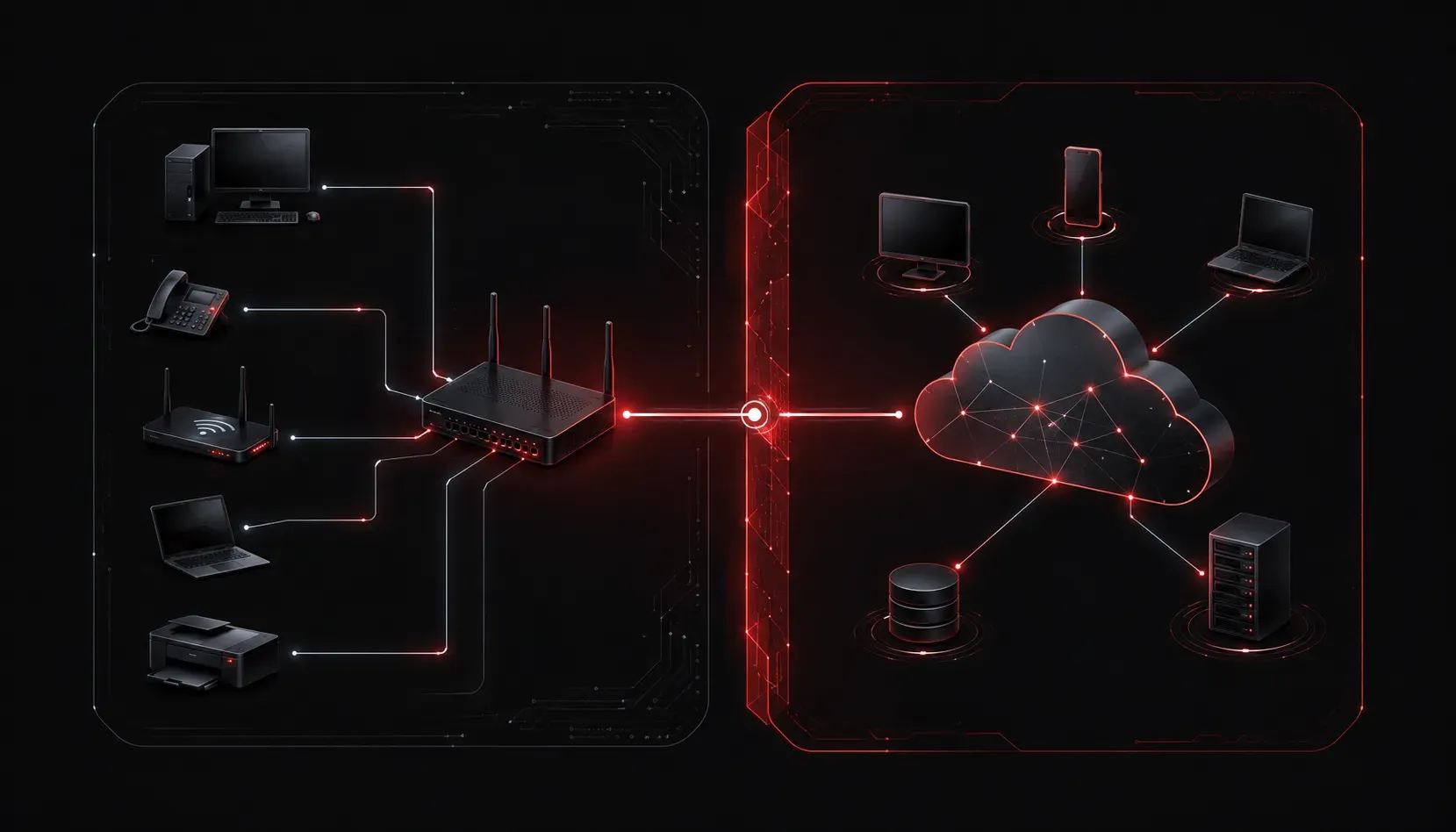
Since private IP addresses cannot be used on the internet, there has to be a translation process when your device wants to reach a website or online service. That process is called Network Address Translation (NAT). Your router holds the public IP address assigned by your ISP. When you make a request, the router translates your private IP to the public IP before sending it out. Responses come back to the public IP, and the router forwards them to the correct private device internally.
Here is a simplified view of how that looks:
Your Laptop (Private IP: 192.168.1.10)
        |
        v
  Home Router (Private: 192.168.1.1 / Public: 203.0.113.45)
        |
        v
    The Internet
        |
        v
  Web Server (Public IP: 104.21.30.55)
This is why thousands of homes can all use 192.168.1.1 as their router address without any conflict. Those addresses never leave the local network.
A Quick Way to Identify Private Addresses
Memorizing the three private ranges is important for the CCST exam. A simple check: if an IPv4 address starts with 10., falls between 172.16. and 172.31., or starts with 192.168., it is a private address. Everything else (with a few other special exceptions) is a public address.
What's Next?
Now that you understand the difference between private and public IP addresses, the logical next step is learning how those addresses are structured using subnet masks and CIDR notation. Subnetting tells a device which part of an IP address identifies the network and which part identifies the host. That concept builds directly on what you just learned here, so stay tuned for the next post in this series.