
VoIP Explained: How Your Voice Becomes Packets
This post explains VoIP basics including how voice becomes data packets, the roles of SIP and RTP protocols, codecs, and common issues like jitter and latency. It emphasizes why QoS is crucial for maintaining call quality.

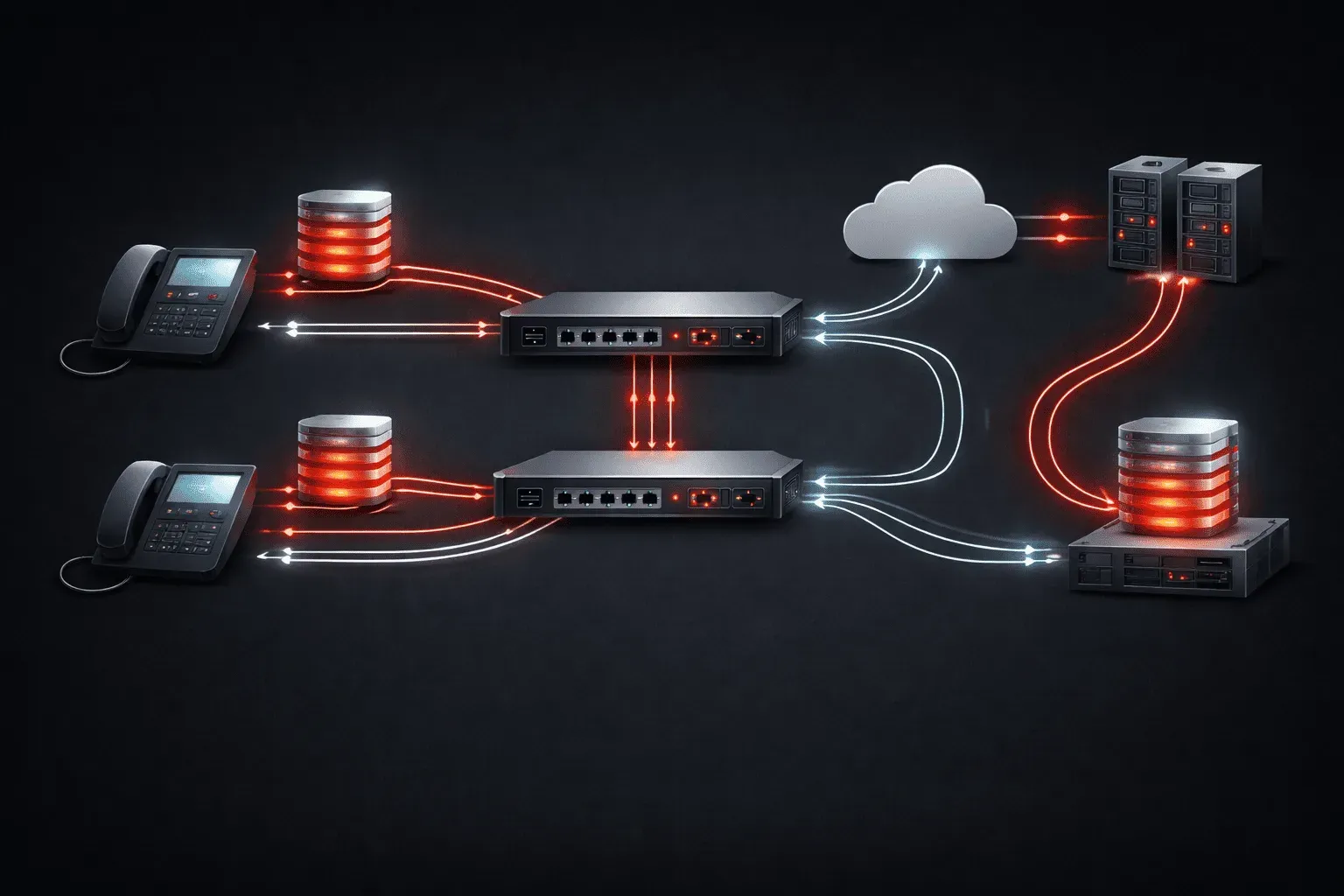
When you make a phone call today, there's a good chance your voice travels as data packets across the internet instead of through traditional phone lines. This is Voice over Internet Protocol (VoIP), and understanding how it works helps you troubleshoot those frustrating call quality issues.
The Voice-to-Packet Journey
Your voice doesn't magically become data. Here's what happens when you speak into a VoIP phone:
- Analog to Digital: Your voice (analog sound waves) gets converted to digital samples thousands of times per second
- Compression: A codec compresses these samples to reduce bandwidth usage
- Packetization: The compressed audio gets stuffed into IP packets with headers and sequence numbers
- Transport: These packets travel across your network to the destination
- Reconstruction: The receiving end reverses this process to recreate your voice
SIP vs RTP: The Dynamic Duo
Two protocols handle VoIP calls, and they have very different jobs:
SIP (Session Initiation Protocol)
SIP is like a phone system's receptionist. It handles call setup, teardown, and management. When you dial a number, SIP messages fly back and forth negotiating the call:
INVITE sip:[email protected] SIP/2.0
From: [email protected]
To: [email protected]
Call-ID: 12345@voip-server
SIP runs on port 5060 (or 5061 for secure SIP) and stops working once the call connects.
RTP (Real-time Transport Protocol)
RTP carries your actual voice. Once SIP establishes the call, RTP takes over, streaming audio packets between phones. RTP uses dynamic ports (typically 10000-20000) and includes sequence numbers to detect lost packets.
Think of it this way: SIP dials the phone, RTP carries the conversation.
Codecs: The Voice Compressors
Codecs determine how your voice gets compressed. Each has trade-offs between quality and bandwidth:
- G.711 (PCMU/PCMA): Highest quality, uses 64 kbps. No compression artifacts but eats bandwidth
- G.729: Good quality at 8 kbps. Popular for WAN connections but adds processing delay
- G.722: High-definition audio at 64 kbps. Makes voices sound crisp and natural
- Opus: Modern adaptive codec (6–510 kbps). Excellent quality at low bitrates and handles network jitter well. Widely used in WebRTC, Teams, and Zoom
- AMR-WB: Wideband mobile codec (12.65–23.85 kbps). Delivers HD voice on cellular networks with efficient bandwidth use
Codec mismatches cause problems. If your phone supports only G.711 but connects to a system expecting G.729, you'll hear silence (dead air) or get transcoding delays.
What Goes Wrong: The Usual Suspects
Jitter: The Packet Traffic Jam
Jitter happens when voice packets arrive at irregular intervals. Imagine packets leaving every 20ms but arriving at 15ms, 30ms, 18ms intervals. Your phone's jitter buffer tries to smooth this out, but too much jitter creates choppy audio or robotic voices.
Common jitter causes:
- Network congestion during peak hours
- Poorly configured switches mixing voice with large file transfers
- Wi-Fi interference causing packet retransmissions
Latency: The Awkward Pause
Latency is the delay between speaking and the other person hearing you. Anything over 150ms becomes noticeable. You've experienced this on international calls where you both start talking simultaneously.
Latency sources include:
- Geographic distance (physics limits)
- Codec processing delays
- Network equipment buffering
Packet Loss: The Missing Words
When voice packets get dropped, you hear gaps, clicks, or entire words disappear. Even 1% packet loss degrades call quality significantly.
Why QoS Matters
Quality of Service (QoS) gives voice traffic priority over other network traffic. Without QoS, your VoIP calls compete with email downloads, web browsing, and file transfers.
Proper QoS configuration includes:
- Marking voice packets with DSCP EF (Expedited Forwarding)
- Guaranteed bandwidth allocation for voice traffic
- Priority queuing to prevent voice packet delays
A simple QoS rule: voice packets should never wait in line behind a large file transfer.
What's Next
Now that you understand VoIP fundamentals, our next post will dive into configuring QoS on Cisco routers and switches to ensure crystal-clear voice quality. We'll cover practical DSCP marking and traffic shaping techniques that actually work in production networks.