
What Are IPv4 and IPv6 Static Routes?
This post explains what static routes are and how they work in both IPv4 and IPv6 networks. It covers the command syntax, verification steps, and key differences between the two protocols. Ideal for CCNA learners building a foundation in IP routing.

Understanding Static Routes in IPv4 and IPv6 Networks
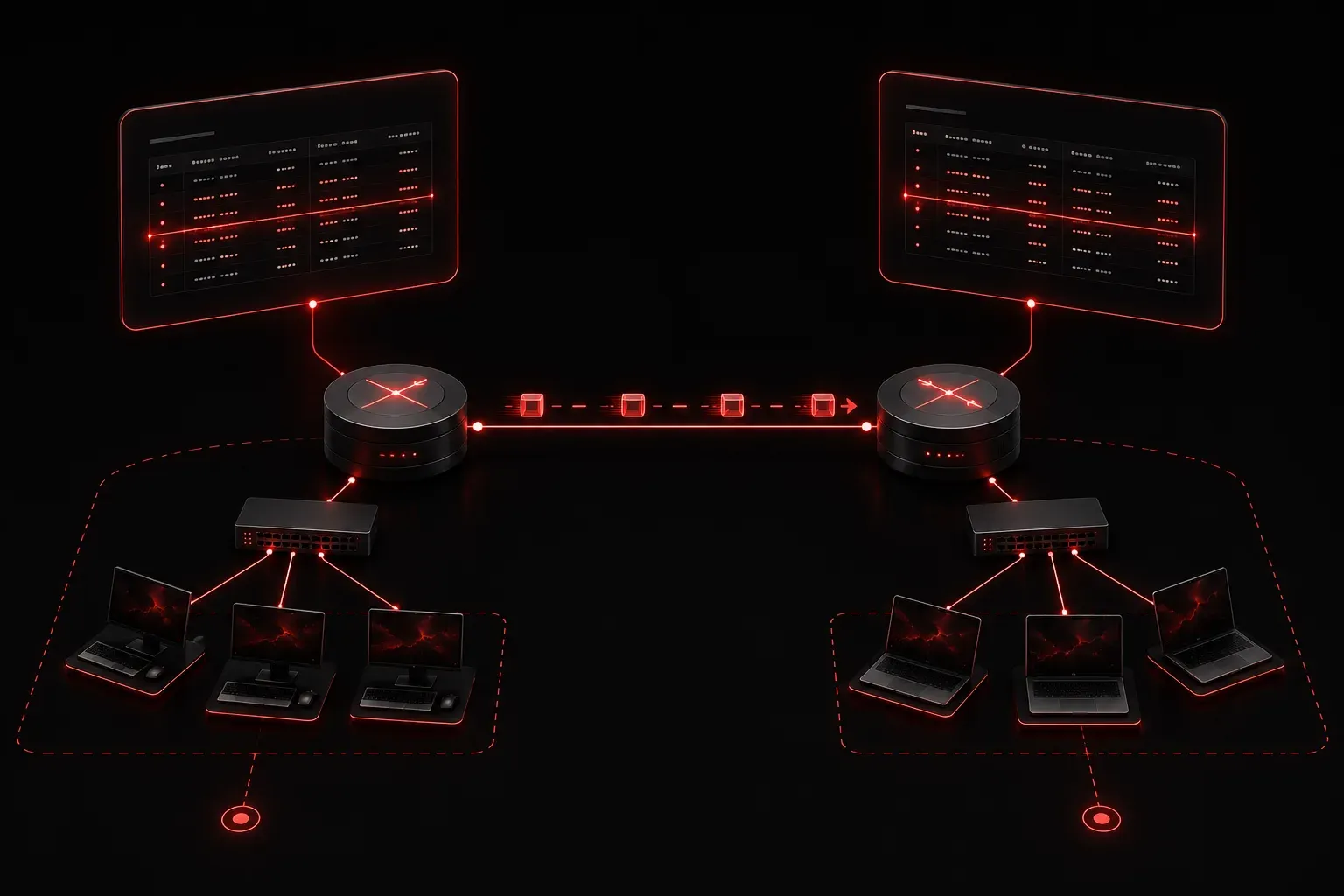
When a router receives a packet, it needs to make a decision: where does this packet go next? To answer that question, the router consults its routing table. Static routes are one of the simplest ways to populate that table. Instead of relying on a protocol to automatically discover paths, you manually tell the router exactly where to send traffic. That is the core idea behind static routing.
This post covers the fundamentals of static routes in both IPv4 and IPv6. Understanding this concept is essential for the CCNA exam and gives you a solid foundation before moving into dynamic routing protocols.
What Is a Static Route?
A static route is a manually configured entry in a router's routing table. It defines a specific path to a destination network. Unlike dynamic routing protocols such as OSPF or EIGRP, static routes do not adapt automatically when the network topology changes. If a link goes down, a static route pointing through that link will not reroute traffic on its own. A network administrator must update it manually.
Static routes are useful in several scenarios:
- Small networks: Where the topology is simple and unlikely to change frequently
- Stub networks: Networks with only one path in and out, making dynamic routing unnecessary
- Default routes: Pointing all unknown traffic toward a gateway or ISP
- Security: When you want precise control over how traffic flows
IPv4 Static Routes
On a Cisco router, you configure an IPv4 static route using the ip route command. The basic syntax looks like this:
ip route [destination-network] [subnet-mask] [next-hop-ip | exit-interface]For example, if you want to route traffic destined for the 192.168.10.0/24 network through a next-hop address of 10.0.0.2, the command would be:
Router(config)# ip route 192.168.10.0 255.255.255.0 10.0.0.2After applying this, you can verify it with:
Router# show ip route static

S    192.168.10.0/24 [1/0] via 10.0.0.2
The S at the beginning of the entry tells you this is a static route. The value [1/0] represents the administrative distance and metric respectively. Static routes have a default administrative distance of 1, making them highly trusted by the router.
IPv6 Static Routes
IPv6 static routes work the same way conceptually. The command structure is similar, but you use ipv6 route and IPv6 addressing instead.
ipv6 route [destination-prefix/prefix-length] [next-hop-ipv6 | exit-interface]Here is a practical example routing traffic to the 2001:db8:acad:1::/64 prefix through a next-hop address:
Router(config)# ipv6 route 2001:db8:acad:1::/64 2001:db8:acad:2::1Verify it with:
Router# show ipv6 route static

S   2001:DB8:ACAD:1::/64 [1/0]
     via 2001:DB8:ACAD:2::1
One important difference to be aware of: when using a link-local address as a next-hop in an IPv6 static route, you must also specify the exit interface. Link-local addresses are not globally unique, so the router needs the interface context to know which link to send the traffic out on.
Router(config)# ipv6 route 2001:db8:acad:1::/64 GigabitEthernet0/0 FE80::1IPv4 vs IPv6: Key Differences in Static Routing
The logic behind static routing is the same for both protocols, but there are a few practical differences worth noting:
- Command syntax:
ip routefor IPv4,ipv6 routefor IPv6 - Address format: Dotted decimal for IPv4, colon-hexadecimal notation for IPv6
- Subnet mask vs prefix length: IPv4 uses a subnet mask like
255.255.255.0, while IPv6 uses CIDR prefix length like/64 - Link-local next-hops: IPv6 requires an exit interface when using link-local addresses as the next-hop; IPv4 does not have this requirement
- Global unicast requirement: IPv6 routing must be enabled with the
ipv6 unicast-routingcommand before IPv6 static routes will work
What's Next?
Now that you understand what static routes are and how they are configured in both IPv4 and IPv6, the next step is to look at specific types of static routes. In the next post, we will cover default static routes and floating static routes, including how and when to use each one. These concepts build directly on what you have learned here and are frequently tested on the CCNA exam.
If you want to go deeper on routing fundamentals, the Cisco Press CCNA 200-301 Official Cert Guide by Wendell Odom is the most thorough resource available for exam preparation and beyond.
Tools and resources for this topic
- Wendell Odom CCNA Vol 1 — Covers networking fundamentals, switching, and routing basics.
- Wendell Odom CCNA Vol 2 — Covers advanced routing, WAN, infrastructure services, and security.