
Step-by-Step Network Troubleshooting Process Explained
This post explains the CompTIA Network+ seven-step network troubleshooting process in plain language with practical examples. It covers everything from identifying the problem to documenting the solution, using analogies and real CLI commands to reinforce each step. Ideal for beginners building fou

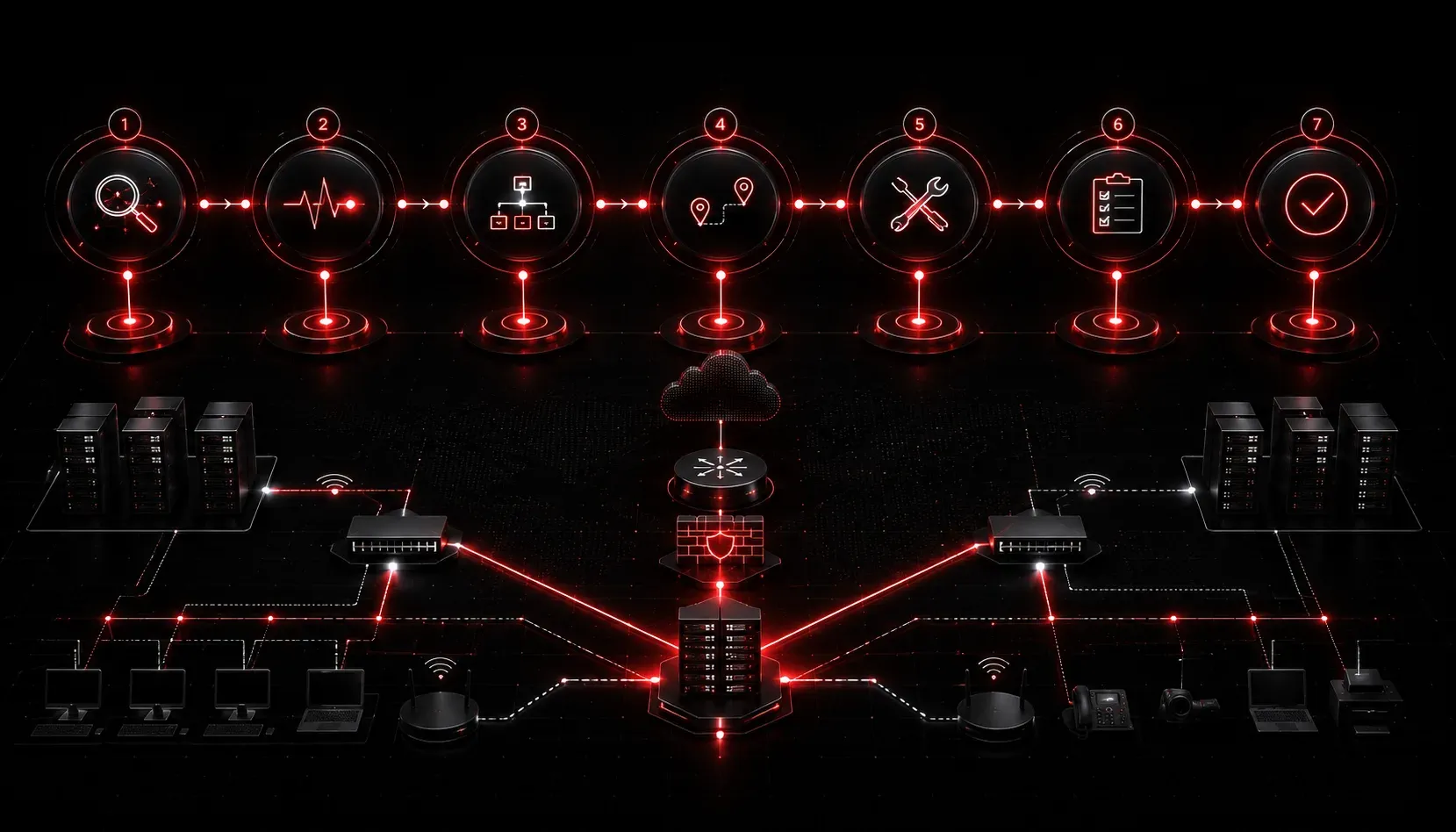
When a network issue lands on your desk, the worst thing you can do is start randomly changing settings and hoping something works. That approach might get lucky occasionally, but it wastes time, creates new problems, and leaves you with no idea what actually fixed it. A structured network troubleshooting process changes all of that.
CompTIA Network+ exam objective 5.1 outlines a methodical, step-by-step approach to problem solving that professional network engineers actually use in the field. Let's walk through each step using plain language and practical examples.
The Seven-Step Network Troubleshooting Process
Step 1: Identify the Problem
Before you touch anything, gather information. Talk to the user, check error messages, and ask the right questions. When did it start? Has anything changed recently? Is it affecting one person or everyone?
Think of this like a doctor's first appointment. They don't prescribe medication the moment you walk in. They ask about symptoms first. Your job here is to collect facts, not assumptions.
Key questions to ask during this step:
- What exactly is not working?
- When did the problem start?
- Has any new software, hardware, or configuration been changed recently?
- Is the problem affecting one device or multiple?
Step 2: Establish a Theory of Probable Cause
Once you have the facts, form a hypothesis. Don't commit to it yet. Just come up with the most likely cause based on what you know. Start with the obvious before going deep. This is sometimes called Occam's Razor: the simplest explanation is usually correct.
For example, if a user cannot reach any websites but can ping the default gateway, a likely theory is a DNS issue, not a physical cable problem.
Step 3: Test the Theory to Determine the Cause
Now you test your hypothesis. If your theory was a DNS issue, try flushing the DNS cache and testing again. On a Windows machine, you would run:
ipconfig /flushdns
ping google.com
If that confirms the issue or rules it out, you either move toward the solution or loop back and revise your theory. If your theory is not confirmed, go back to Step 2 and form a new one.
Step 4: Establish a Plan of Action and Identify Potential Effects
Before making any changes, plan your approach. Consider what impact your fix might have. Will it require downtime? Could it affect other users? Do you need approval from a manager?
This step is about being deliberate. A fix that solves one problem but creates three more is not a fix.
Step 5: Implement the Solution or Escalate
Carry out your plan. Apply the fix, whether that is updating a driver, reconfiguring a port, or replacing a cable. If the problem is beyond your scope or access level, escalate it to someone with the right permissions or expertise. Knowing when to escalate is a skill, not a weakness.
Step 6: Verify Full System Functionality
After applying the fix, confirm that the original problem is resolved and that nothing else broke in the process. Test from the user's perspective, not just from your workstation. Ask the user to try what they were doing when the problem occurred.
If you replaced a cable and restored connectivity, verify that the user can access the internet, their shared drives, and any applications they need.
Step 7: Document Findings, Actions, and Outcomes
This step is the most skipped and the most important. Write down what the problem was, what caused it, what you did to fix it, and what the outcome was. Good documentation saves hours of work the next time the same issue appears.
Even a short entry in a ticketing system like:
Issue: User unable to browse internet.
Cause: DNS server IP was misconfigured on NIC.
Fix: Updated DNS to 8.8.8.8. Verified browsing restored.
Date: [date]
...is infinitely better than nothing.
Why This Process Matters for IT Basics
The network troubleshooting process is not just an exam topic. It is a professional habit. Engineers who follow a structured approach resolve issues faster, make fewer mistakes, and build institutional knowledge over time. Whether you are dealing with a failed ping or a complex routing issue, these seven steps keep you grounded and methodical.
What's Next
Now that you understand the troubleshooting framework, the next post dives into the specific tools used during that process: commands like ping, tracert, ipconfig, and nslookup that help you gather evidence at each step. These are the practical instruments in your troubleshooting toolkit.