
What Are Network Addresses and Why Do They Matter?
This post introduces network addresses as a foundational concept for CCST Cybersecurity learners. It covers IP and MAC addresses, IPv4 vs. IPv6, and explains why understanding addressing is essential for network security tasks like access control, anomaly detection, and incident response.

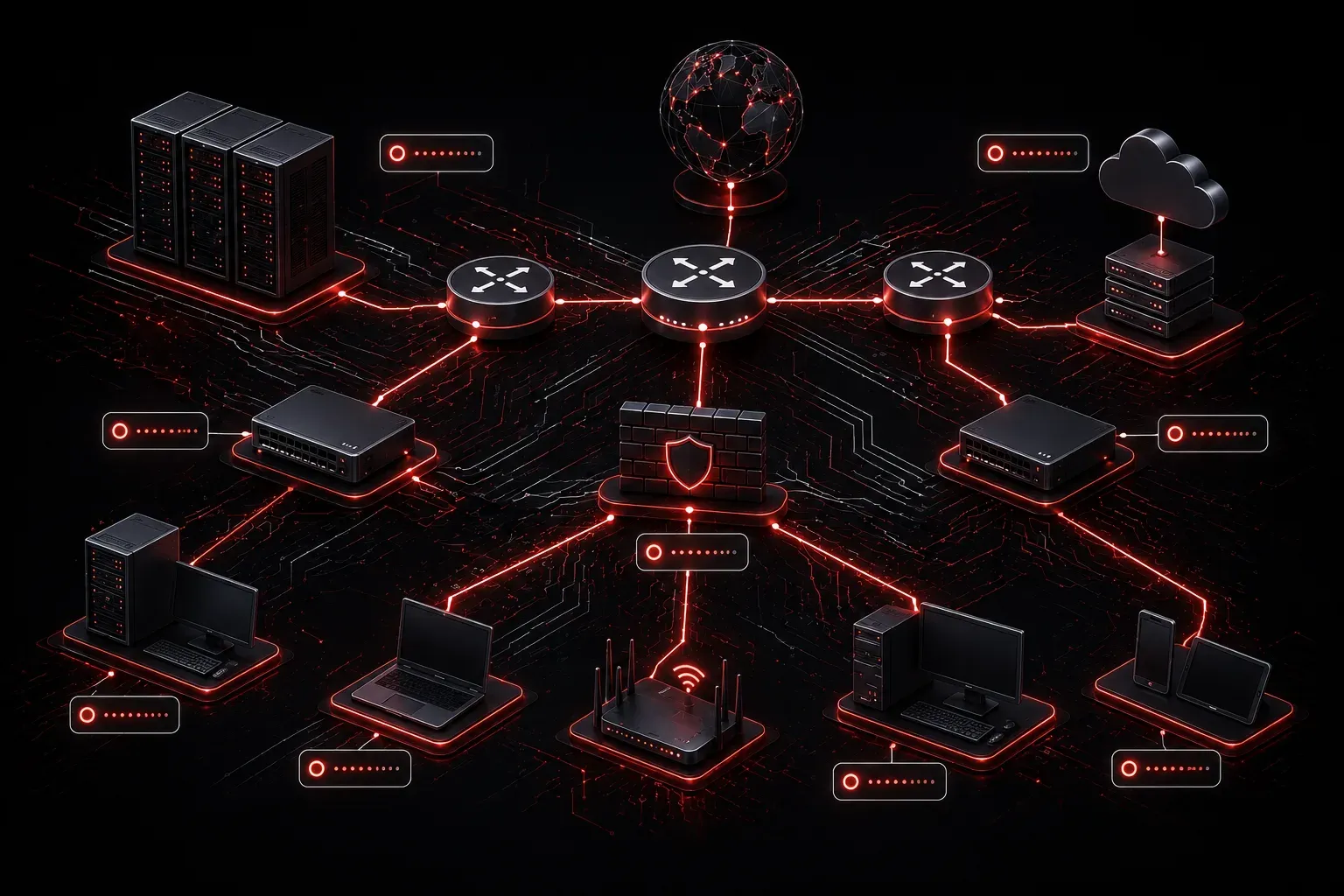
Before you can understand how to secure a network, you need to understand how devices on that network find and communicate with each other. That process starts with network addresses. Think of this as your foundation, and network security basics start to make a lot more sense once you understand what these addresses actually do.
The Real-World Analogy
Imagine every house in your city has a unique street address. When someone wants to send you a letter, the postal service uses your address to route it directly to your door. Without that address, your mail would never arrive, and your house would essentially be invisible to anyone trying to reach it.
Network addresses work the same way. Every device that connects to a network needs an address so that data knows where to go. Without addressing, your computer, phone, router, and printer would all be talking at once with no way to deliver information to the right destination.
What Is a Network Address?
A network address is a unique identifier assigned to a device on a network. There are two types you will encounter constantly in networking and cybersecurity:
- IP Address: A logical address assigned to a device, used to route traffic across networks. Example:
192.168.1.10 - MAC Address: A physical address burned into a device's network interface card (NIC). Example:
00:1A:2B:3C:4D:5E
IP addresses operate at Layer 3 (the Network layer) of the OSI model, while MAC addresses operate at Layer 2 (the Data Link layer). Both are necessary for communication to happen.
IPv4 vs. IPv6
Most networks you encounter today still use IPv4 addresses, which are 32-bit numbers written in dotted-decimal format like 10.0.0.1. IPv4 supports about 4.3 billion unique addresses, which sounds like a lot until you realize how many devices exist in the world today.
IPv6 was created to solve this problem. IPv6 addresses are 128 bits long and look like this: 2001:0db8:85a3:0000:0000:8a2e:0370:7334. IPv6 can support an astronomically larger number of addresses, enough for every device imaginable. You will see both during your studies and in real environments.
Why Network Addresses Matter for Security
This is where network security basics really connect to addressing. Here is why understanding addresses is critical from a security perspective:
- Identifying devices: Security tools like firewalls and intrusion detection systems use IP addresses to track which devices are sending or receiving traffic.
- Access control: Network administrators create rules that allow or block traffic based on IP addresses. If you do not know how addressing works, you cannot configure or understand these rules.
- Detecting anomalies: If a device suddenly starts communicating with an unusual IP address, that could indicate malware or unauthorized access. Recognizing what is normal requires understanding address behavior.
- Tracing attacks: When an incident occurs, investigators trace activity back through logs that contain source and destination IP addresses. This is fundamental to digital forensics.
A Quick Look at Private vs. Public Addresses
Not all IP addresses are visible on the public internet. There are reserved private IP address ranges used inside homes and businesses:
10.0.0.0to10.255.255.255172.16.0.0to172.31.255.255192.168.0.0to192.168.255.255
Devices using private addresses connect to the internet through a process called NAT (Network Address Translation), which maps private addresses to a single public address. This is both a practical solution to address scarcity and a basic layer of obscurity that keeps internal devices from being directly exposed to the internet.
What's Next
Now that you understand what network addresses are and why they matter, the next step is exploring how those addresses are organized through subnetting. Subnetting allows network administrators to divide a large network into smaller, more manageable segments, which has direct implications for controlling traffic and improving security. We will walk through subnetting concepts in a beginner-friendly way in the next post.