
What is Cisco Discovery Protocol (CDP)?
Cisco Discovery Protocol (CDP) is a proprietary Layer 2 protocol that automatically discovers and shares information about directly connected Cisco devices. This beginner-friendly guide covers how CDP works, essential commands, and security considerations for network discovery.

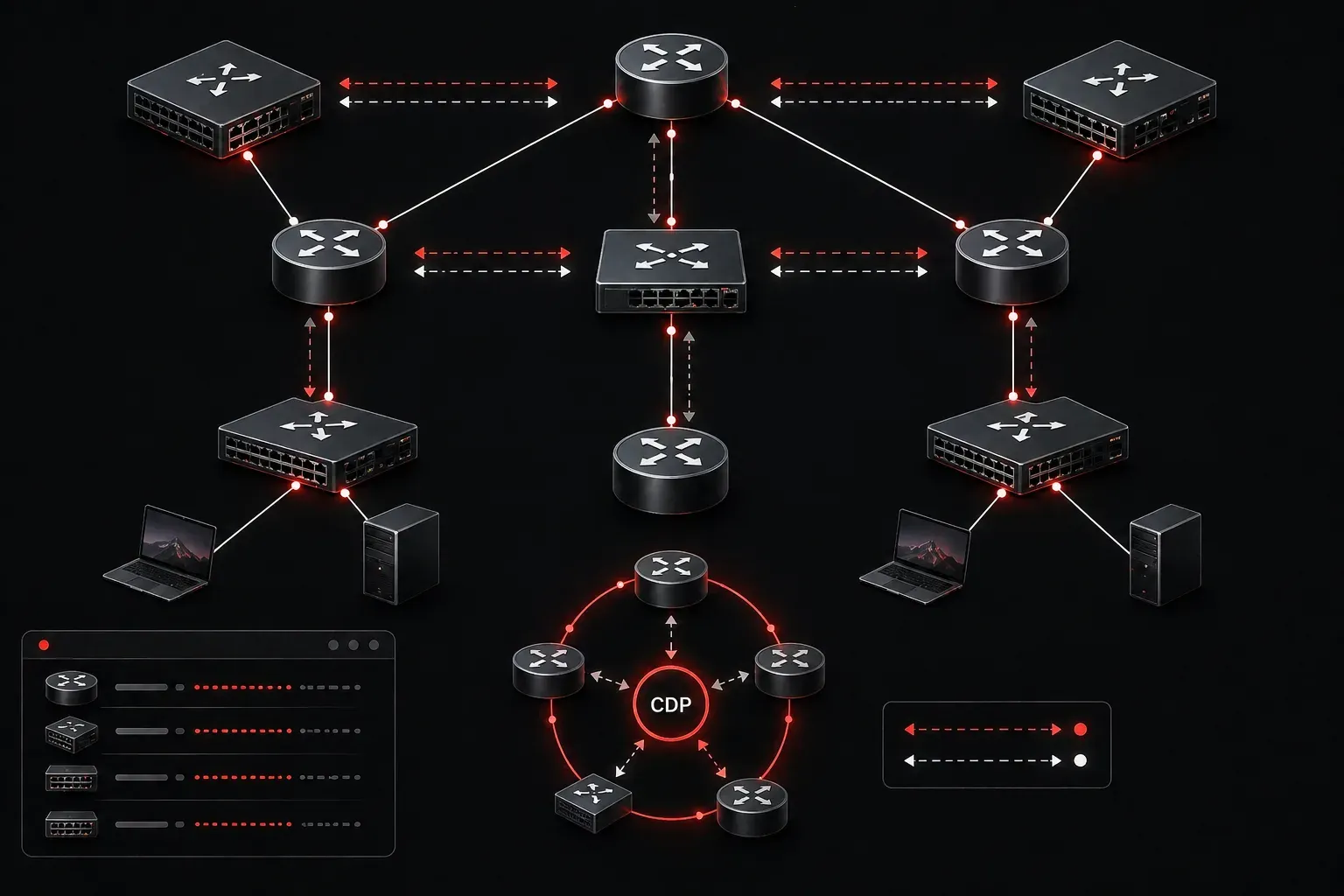
Cisco Discovery Protocol (CDP) is a proprietary network discovery protocol developed by Cisco Systems that helps network administrators identify and gather information about directly connected Cisco devices. Think of CDP as a "neighbor identification system" that allows Cisco devices to automatically discover and share basic information with their immediate neighbors on the network.
How CDP Works
CDP operates at Layer 2 of the OSI model, which means it works independently of any Layer 3 protocols like IP. Every 60 seconds by default, CDP-enabled devices send out advertisements containing information about themselves to directly connected devices. These advertisements are sent to a special multicast address and are not forwarded by switches or routers.
Here's what makes CDP particularly useful: it doesn't require any configuration to work. It's enabled by default on most Cisco devices, including routers, switches, IP phones, and wireless access points. This automatic operation makes it an invaluable tool for network discovery and troubleshooting.
Information Shared by CDP
When Cisco devices exchange CDP advertisements, they share several key pieces of information:
- Device ID: The hostname of the device
- Local Interface: Which interface the advertisement was sent from
- Holdtime: How long to keep the CDP information before discarding it
- Capabilities: What the device can do (routing, switching, etc.)
- Platform: The hardware model of the device
- Port ID: The interface on the remote device
- Software Version: The IOS version running on the device
Essential CDP Commands
Let's look at the most important CDP commands you'll use in network discovery and troubleshooting.
To view information about directly connected devices, use:
Router# show cdp neighborsThis command provides a summary table of connected devices. For more detailed information, add the detail keyword:
Router# show cdp neighbors detailHere's an example of what you might see:
Router# show cdp neighbors
Capability Codes: R - Router, T - Trans Bridge, B - Source Route Bridge
                  S - Switch, H - Host, I - IGMP, r - Repeater

Device ID        Local Intrfce     Holdtme    Capability  Platform  Port ID
Switch1          Fas 0/1           179         S I        WS-C2960  Fas 0/24
To check CDP's global status and settings:
Router# show cdpYou can also view CDP information for a specific interface:
Router# show cdp interface fastethernet 0/1Managing CDP
While CDP is enabled globally by default, you can control it both globally and per interface. To disable CDP globally:
Router(config)# no cdp runTo re-enable it:
Router(config)# cdp runYou can also disable CDP on specific interfaces for security reasons:
Router(config-if)# no cdp enableSecurity Considerations
While CDP is incredibly useful for network discovery and troubleshooting, it does present some security considerations. Since CDP advertisements contain detailed information about your network infrastructure, including device types, IOS versions, and interface details, this information could be valuable to potential attackers.
Many organizations disable CDP on interfaces that connect to untrusted networks, such as those facing the internet or connecting to partner networks. However, CDP remains invaluable for internal network management and troubleshooting.
Practical Applications
Network discovery through CDP proves essential in several scenarios. When you're troubleshooting connectivity issues, CDP helps you verify that devices are properly connected and can communicate at Layer 2. During network documentation, CDP automatically discovers the network topology without manual cable tracing. For new network administrators, CDP provides a quick way to understand how devices connect in an unfamiliar network.
What's Next
Now that you understand how Cisco Discovery Protocol works for network discovery, the next step is learning about LLDP (Link Layer Discovery Protocol), the industry-standard alternative to CDP that works with non-Cisco devices. We'll also explore how to use CDP information for network troubleshooting and topology mapping in upcoming posts.
Tools and resources for this topic
- CCNA Official Cert Guide (Wendell Odom) — The definitive CCNA study resource. Both volumes cover the 200-301 exam blueprint in full.
- Wendell Odom CCNA Vol 1 — Covers networking fundamentals, switching, and routing basics.
- Wendell Odom CCNA Vol 2 — Covers advanced routing, WAN, infrastructure services, and security.