
Data Formatting and Transformation Using AI: A Practical Guide
Learn how AI tools can automate data formatting and transformation tasks for IT professionals, from network logs to configuration files. This practical guide covers essential tools and real-world examples for streamlining data preparation workflows.

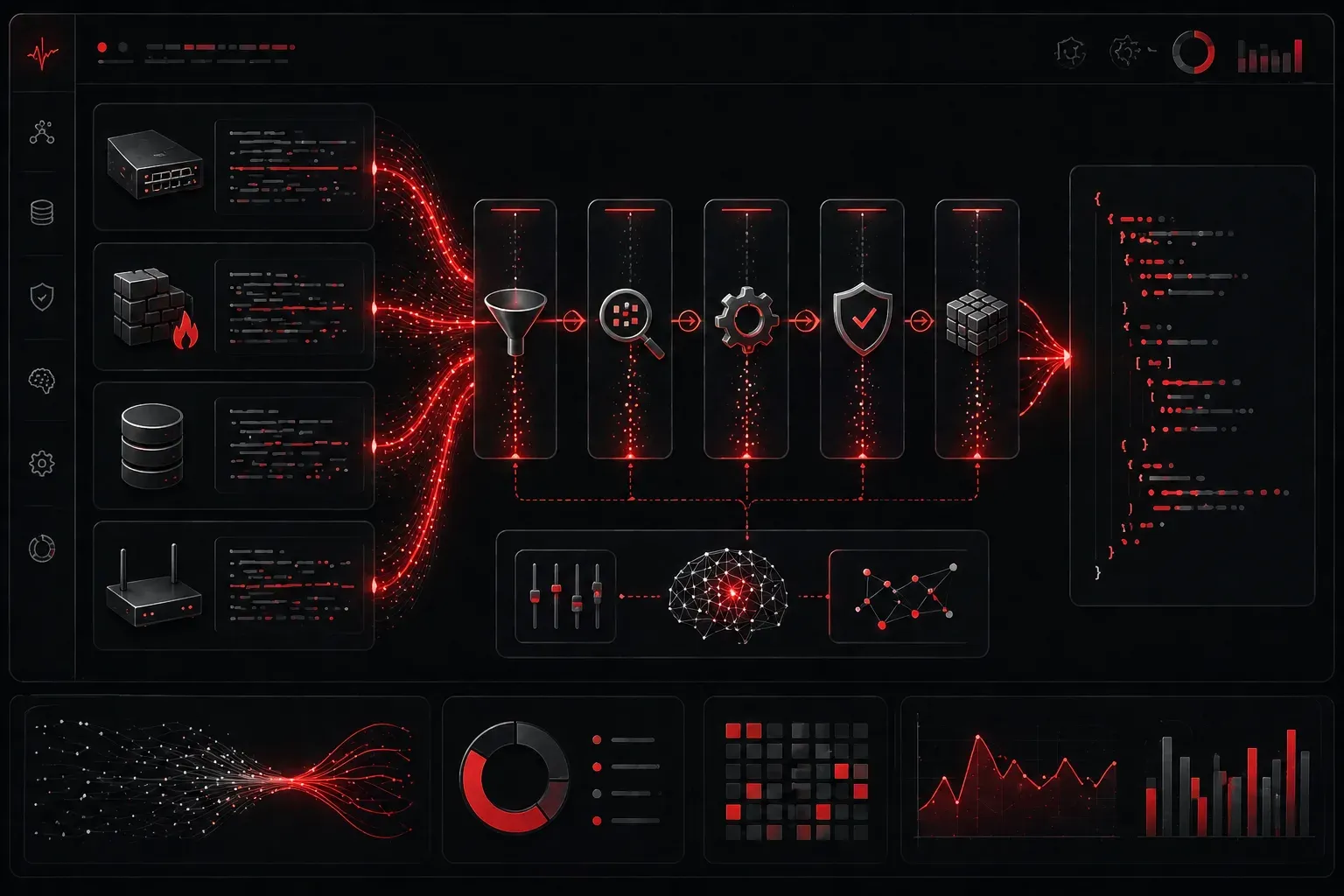
When you're working with data in IT, one of the most time-consuming tasks is getting that data into the right format for analysis. Whether you're pulling network logs, system metrics, or configuration files, the data rarely comes in the exact format you need. This is where AI data formatting transformation becomes a game-changer for IT professionals.
Traditional data preparation involved writing custom scripts, using complex regular expressions, or manually reformatting files. AI tools can now handle these tasks automatically, understanding context and applying intelligent transformations that would take hours to code manually.
Understanding AI-Powered Data Transformation
AI data transformation goes beyond simple find-and-replace operations. These tools can understand data patterns, infer relationships, and apply contextual formatting rules. For example, if you have network device logs in different formats from various vendors, AI can normalize them into a consistent schema automatically.
The key advantage is that AI tools learn from examples rather than requiring explicit programming. When you provide sample input data alongside your desired output format, AI models analyze the patterns and relationships to understand the transformation logic. They can recognize data types, identify column structures, understand semantic relationships between fields, and even infer missing transformation steps. This example-driven approach means you can demonstrate complex transformations that would require extensive coding, and the AI will generalize these patterns to handle variations in your data.
Essential Data Preparation Tools for IT Professionals
Several data preparation tools have emerged that specifically leverage AI capabilities:
- OpenRefine - A powerful open-source tool for data cleaning and transformation. While it doesn't have native AI capabilities, it excels at pattern recognition and can be enhanced with custom extensions or used alongside AI tools for data preparation workflows
- Trifacta (now Alteryx Designer Cloud) - Uses machine learning to suggest data transformations based on your data patterns
- DataRobot - Provides automated data preparation with AI-driven feature engineering and transformation suggestions
- Databricks AutoML - Includes intelligent data preparation features that automatically detect and suggest transformations for machine learning workflows
- General-purpose AI assistants like ChatGPT and Claude - While not specialized data transformation tools, these can help generate transformation scripts, explain data patterns, and provide guidance on best practices
- Python libraries like Pandas AI and AutoML libraries - Brings natural language querying to data manipulation tasks
Practical AI Data Formatting Examples
Let's look at a common scenario: transforming Cisco switch port status output into a structured format for analysis.
Raw switch output might look like this:
Gi0/1    connected    1         full      a-100   10/100/1000BaseTX
Gi0/2    notconnect   1         auto      auto    10/100/1000BaseTX
Gi0/3    connected    10        full      a-1000  10/100/1000BaseTX
Using an AI assistant like ChatGPT, you can provide this sample and ask: "Convert this switch port data to JSON format with descriptive field names." The AI understands the column structure and generates the appropriate transformation logic.
The result becomes:
[
  {
    "interface": "Gi0/1",
    "status": "connected",
    "vlan": 1,
    "duplex": "full",
    "speed": "100",
    "type": "10/100/1000BaseTX"
  }
]
Automated Quality Checks with AI
Beyond formatting, AI excels at automated quality checks. Modern AI for IT professionals includes tools that can:
- Detect anomalies in log timestamps or missing data patterns
- Identify inconsistent naming conventions across configuration files
- Flag potential data integrity issues before analysis
- Suggest corrections for common formatting errors
For example, if you're analyzing SNMP data and some timestamps are in Unix format while others use ISO 8601, AI tools can automatically detect this inconsistency and standardize the format.
Building Your AI Data Transformation Workflow
Start with these practical steps:
- Identify your most common data sources - Network logs, configuration backups, monitoring exports
- Choose the right tool for your use case - Simple transformations work well with AI assistants, while complex ongoing workflows benefit from dedicated platforms
- Create transformation templates - Once AI generates a good transformation, save it as a reusable template
- Implement validation checks - Always verify AI transformations with a sample of your data
The goal is to reduce the time spent on data preparation so you can focus on actual analysis and insights.
What's Next
Now that you understand how AI can automate data formatting and transformation, the next step is learning how to apply AI for data cleaning techniques. We'll explore how to identify and fix data quality issues using AI-powered approaches, ensuring your datasets are analysis-ready.