
What is Disaster Recovery in Networking?
This post introduces disaster recovery networking fundamentals, explaining how organizations protect network infrastructure during unexpected events. It covers key concepts like RTO, RPO, and essential DR planning components for beginners.

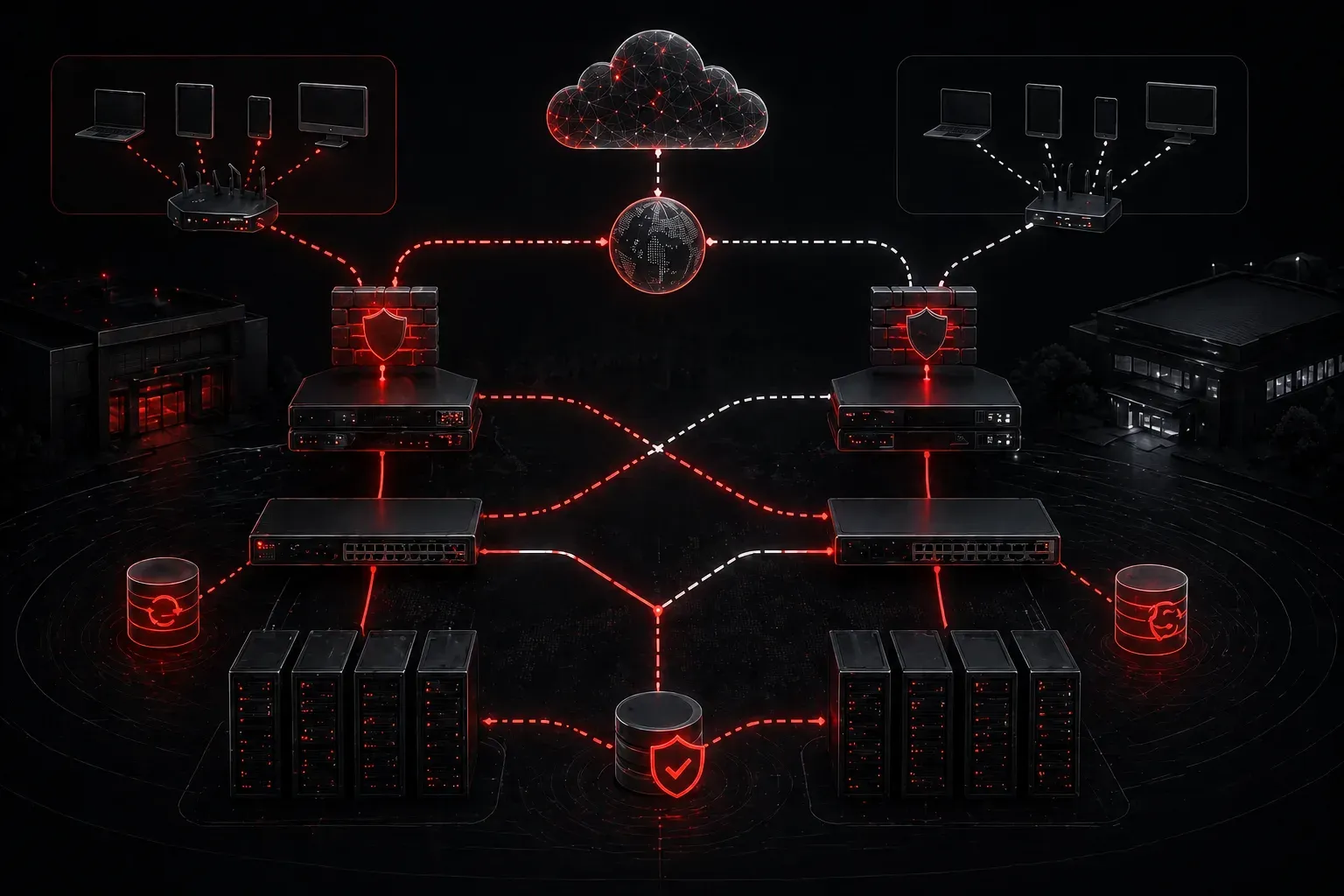
When your network goes down, how quickly can you get back online? This is the core question that disaster recovery networking aims to answer. Whether it's a power outage, hardware failure, cyberattack, or natural disaster, having a solid DR plan can mean the difference between minor inconvenience and catastrophic business disruption.
Understanding Disaster Recovery in Networking
Disaster recovery (DR) in networking refers to the strategies, procedures, and technologies used to restore network services and infrastructure after a disruptive event. Think of it as your network's insurance policy; you hope you'll never need it, but when disaster strikes, you'll be grateful it exists.
Unlike basic backup solutions that focus on data, network protection through DR encompasses your entire network infrastructure: routers, switches, firewalls, servers, and the connections between them. It's about maintaining business continuity when things go wrong.
Key Components of DR Planning
Recovery Time Objective (RTO)
RTO defines how quickly you need to restore network services. A financial trading company might need its network back within minutes, while a small retail store might tolerate hours of downtime. Understanding your RTO drives every other DR decision.
Recovery Point Objective (RPO)
RPO determines how much data loss is acceptable. This impacts how frequently you back up configurations, logs, and network state information. Some organizations can't afford to lose any data, while others might accept losing the last hour's worth of changes.
Redundancy and Failover
The foundation of DR basics includes having backup systems ready to take over. This might involve:
- Redundant internet connections from different ISPs
- Backup network devices ready for hot-swap deployment
- Alternative data center locations
- Cloud-based backup infrastructure
Common DR Scenarios and Solutions
Hardware Failure
When a critical switch or router fails, having spare devices with current configurations can minimize downtime. Many organizations maintain "cold spares" – backup devices stored with recent configuration backups.
Example configuration backup command on a Cisco device:
Router# copy running-config tftp://192.168.1.100/backup-configs/router1-config.txtSite-Wide Outages
Natural disasters or extended power outages might require activating an entirely different location. This involves having duplicate network infrastructure at an alternate site, with data synchronization and failover procedures already tested.
Cyberattacks
Ransomware and other attacks might compromise network devices. DR planning includes having clean, isolated backups of device configurations and the ability to quickly rebuild compromised infrastructure.
Building Your DR Foundation
Start with these essential steps:
- Asset Inventory: Document every network device, its role, and dependencies
- Configuration Backups: Regularly backup all device configurations to secure, off-site storage
- Network Documentation: Maintain current network diagrams, IP address schemes, and cable layouts
- Testing Schedule: Regular DR drills identify weaknesses before real disasters strike
- Vendor Contacts: Maintain relationships with hardware vendors for emergency support
The Human Element
Technology is only half the story. Effective disaster recovery networking requires trained personnel who can execute procedures under pressure. Your DR plan should include clear step-by-step instructions, emergency contact lists, and defined roles for team members.
Remember: the best DR plan is one that's regularly tested and updated. Networks evolve constantly, and your disaster recovery procedures must evolve with them.
What's Next
Now that you understand the fundamentals of disaster recovery in networking, the next step is exploring specific backup and recovery technologies. In our upcoming post, we'll dive into network device backup strategies, including automated configuration management tools and cloud-based backup solutions that make DR implementation more manageable for networks of all sizes.
Tools and resources for this topic
- CompTIA Network+ Study Guide — Comprehensive N10-009 exam preparation covering all five domains.