
What is an IPv6 Address and How Does it Work?
This post explains what an IPv6 address is, how it differs from IPv4, and why it matters in modern networking. It covers the 128-bit hexadecimal format, shorthand notation rules, and key differences between IPv4 and IPv6. Ideal for beginners studying for the CCST Networking exam.

If you've spent any time around networking, you've probably heard that "we're running out of IP addresses." That's not just a warning anymore; it's been a real problem for years. IPv6 was created to solve exactly that problem, and understanding it is a core part of modern networking basics.
Let's break down what an IPv6 address actually is, how it differs from IPv4, and why it matters for anyone learning about the internet protocol.
A Quick Refresher: What is an IPv4 Address?
Before diving into IPv6, it helps to understand what came before it. IPv4 addresses look like this:
192.168.1.10They are 32-bit numbers written as four groups of decimal digits, separated by dots. That 32-bit length means IPv4 supports roughly 4.3 billion unique addresses. Sounds like a lot, right? It isn't, not when billions of smartphones, laptops, smart TVs, and IoT devices all need their own addresses.
What is an IPv6 Address?
An IPv6 address is a 128-bit address used to identify a device on a network. Because it uses 128 bits instead of 32, the number of possible addresses is almost incomprehensibly large: approximately 340 undecillion addresses (that's 340 followed by 36 zeros).
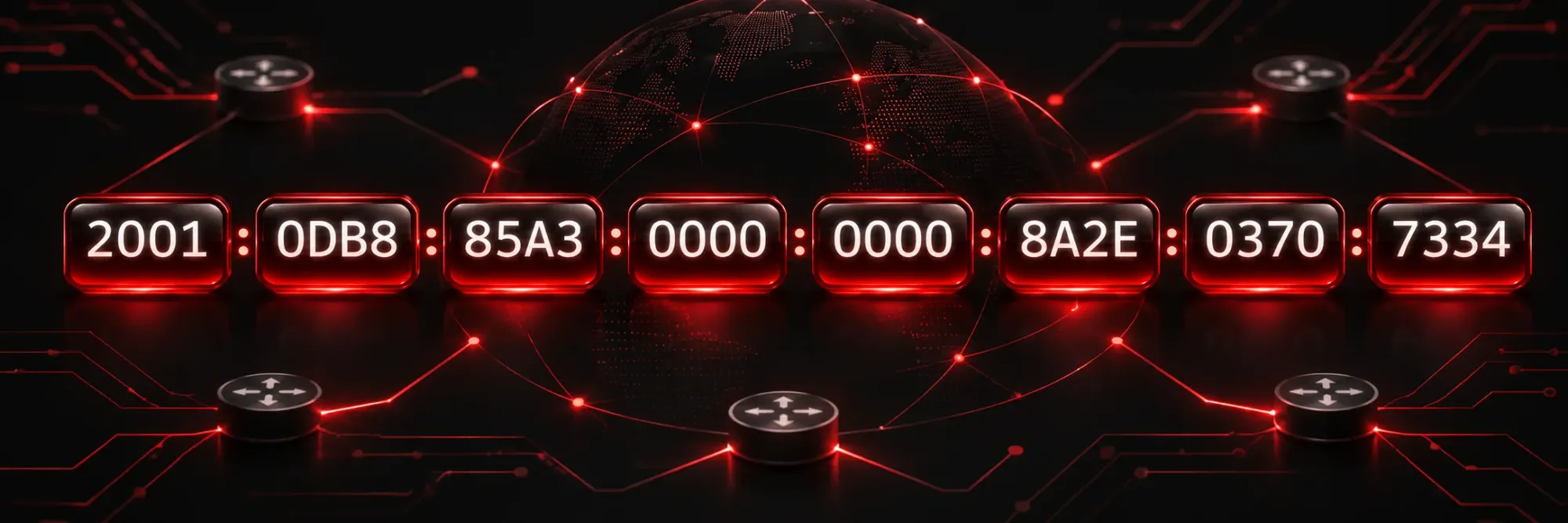
An IPv6 address looks like this:
2001:0db8:85a3:0000:0000:8a2e:0370:7334Instead of decimal numbers separated by dots, IPv6 uses hexadecimal values separated by colons. There are eight groups of four hex digits, making up that full 128-bit address.
IPv6 Address Shorthand Rules
Typing out a full IPv6 address every time would be painful. Fortunately, there are two shortening rules you need to know:
- Drop leading zeros:
0db8becomesdb8, and0000becomes0 - Use
::to replace consecutive groups of all zeros: But only once per address
So this full address:
2001:0db8:0000:0000:0000:0000:0000:0001Can be shortened to:
2001:db8::1Much cleaner. You'll see this shorthand constantly in real-world configurations.
IPv6 vs IPv4: Key Differences
Here's a side-by-side look at the most important differences between these two versions of the internet protocol:
- Address length: IPv4 uses 32 bits; IPv6 uses 128 bits
- Format: IPv4 uses dotted decimal (e.g.,
10.0.0.1); IPv6 uses hexadecimal with colons (e.g.,2001:db8::1) - Address space: IPv4 has ~4.3 billion addresses; IPv6 has ~340 undecillion
- NAT requirement: IPv4 relies heavily on Network Address Translation (NAT) to conserve addresses; IPv6 is designed so every device can have a globally unique address
- Header complexity: IPv6 has a simplified, fixed-size header that improves routing efficiency
- Auto-configuration: IPv6 supports stateless address autoconfiguration (SLAAC), allowing devices to configure their own addresses without a DHCP server
Why IPv6 Matters for Networking Basics
Even if your home network still runs on IPv4, IPv6 is already deployed across the internet. Major ISPs, content providers like Google and Netflix, and mobile carriers all support IPv6. As a networking student, you'll encounter it in labs, on exams, and in production environments.
Understanding what an IPv6 address looks like, how to read it, and why it exists gives you a strong foundation for everything that follows, including subnetting, routing, and device configuration.
What's Next
Now that you understand the structure of an IPv6 address, the next step is learning about the different types of IPv6 addresses, including unicast, multicast, and anycast. Each type serves a different purpose in how traffic is sent across a network, and knowing the difference is essential for the CCST Networking exam. We'll cover that in the next post.